Operating Manual Audiology Scanners
Document version: 3.3 04-2020 85
11.6
Interfaces
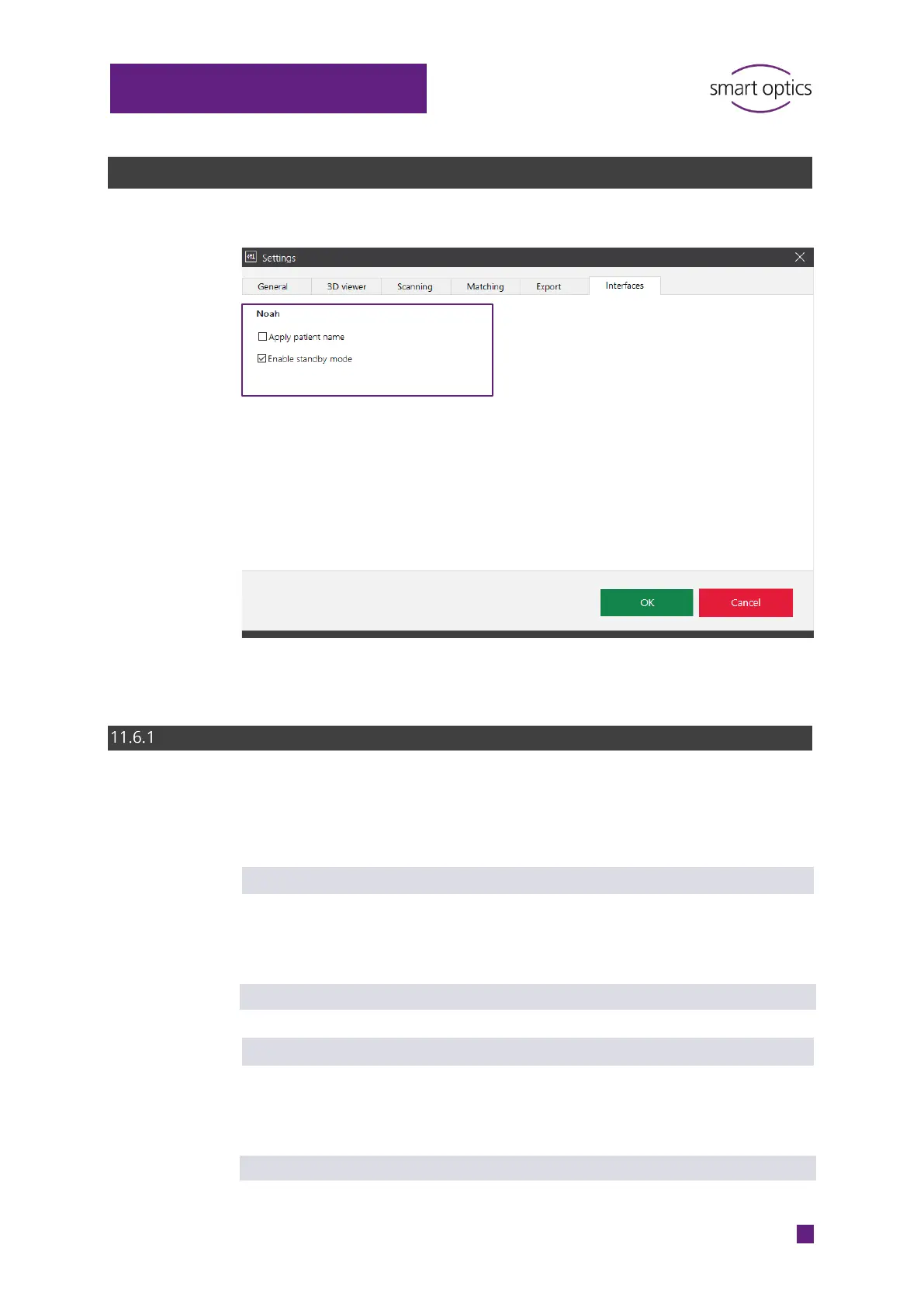
Noah
These settings only concern the operation of aural Scan with Noah (software
of the Hearing Instrument Manufacturers' Software Association (HIMSA)).
Apply patient name
Determines whether the patient names in Noah are included in the scan
names. The default name (time stamp) is appended. The patient name
represents an advantage, but it is not a condition for assignment to a person.
Default value: disabled
Enable standby mode
Determines whether aural Scan automatically switches to the standby mode
after the work is finished. If aural Scan remains open, you will need to activate
the standby mode manually to allow a new scan to be started from Noah.
Default value: enabled
⁉ for information



 To Next Page