Operating Manual Audiology Scanners
Document version: 3.3 04-2020 75
Rotation speed
Determines the speed of the object rotation. Applies to both manual and
automatic rotation.
Scale 0 – 10, 0 = Off
Steps of 1
Default value: 2 (slow)
Advanced
Show measurements at high quality
Determines the quality of the display in the 3D viewer during scanning.
Requires a greater graphics card performance and slows down the scanning
process. It has no influence on the 3D measurement itself.
Default value: disabled
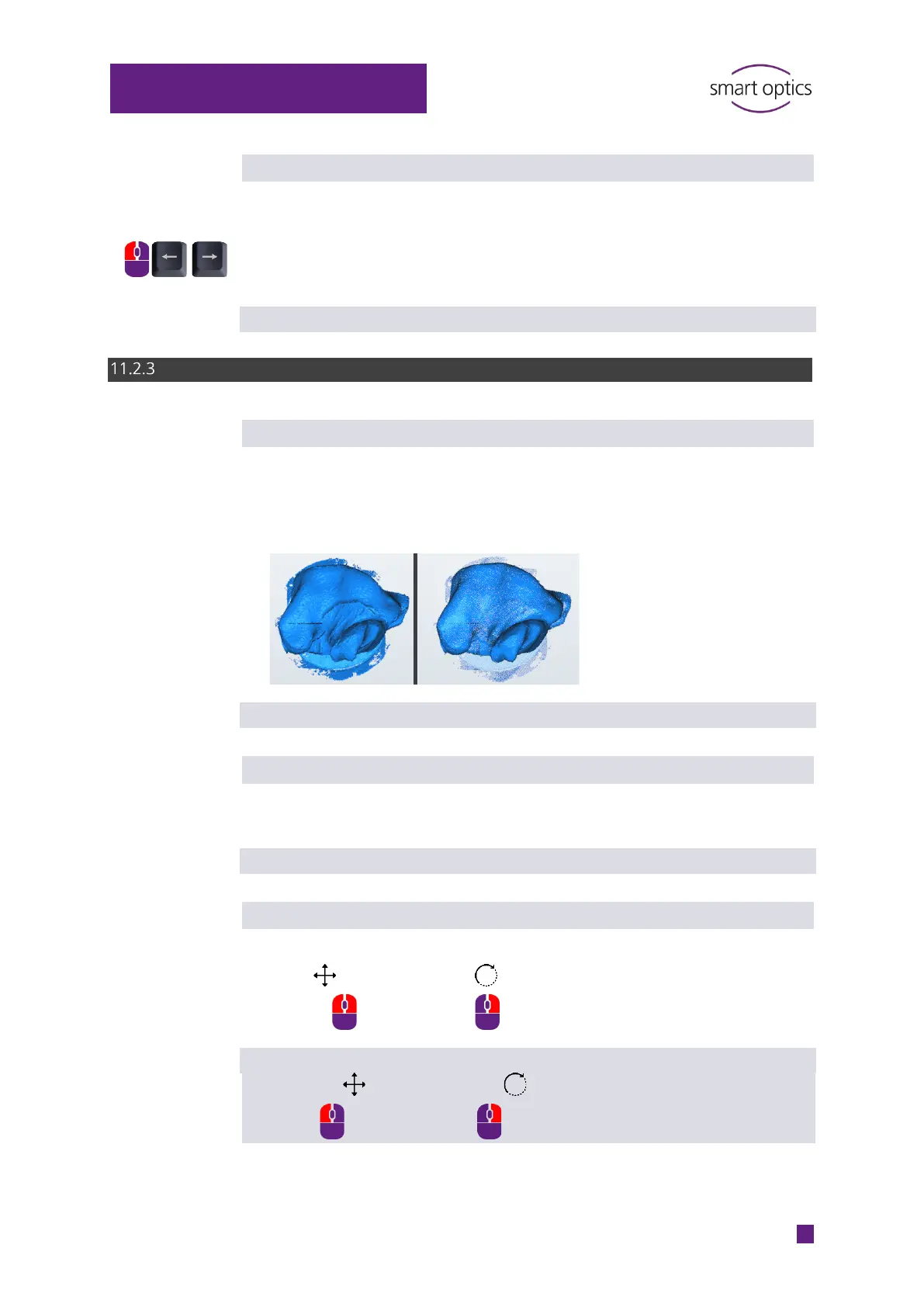
Display point cloud when moving scan data
Determines whether moved scans are visualized in the 3D viewer as a pixel
cloud. Accelerates the visualization.
Default value: disabled
Switch mouse function
Changes the assignment of the right and left mouse button for moving scans:
Rotate
Default value:
Move Rotate



 To Next Page