Operating Manual Audiology Scanners
Document version: 3.3 04-2020 80
11.5
Export
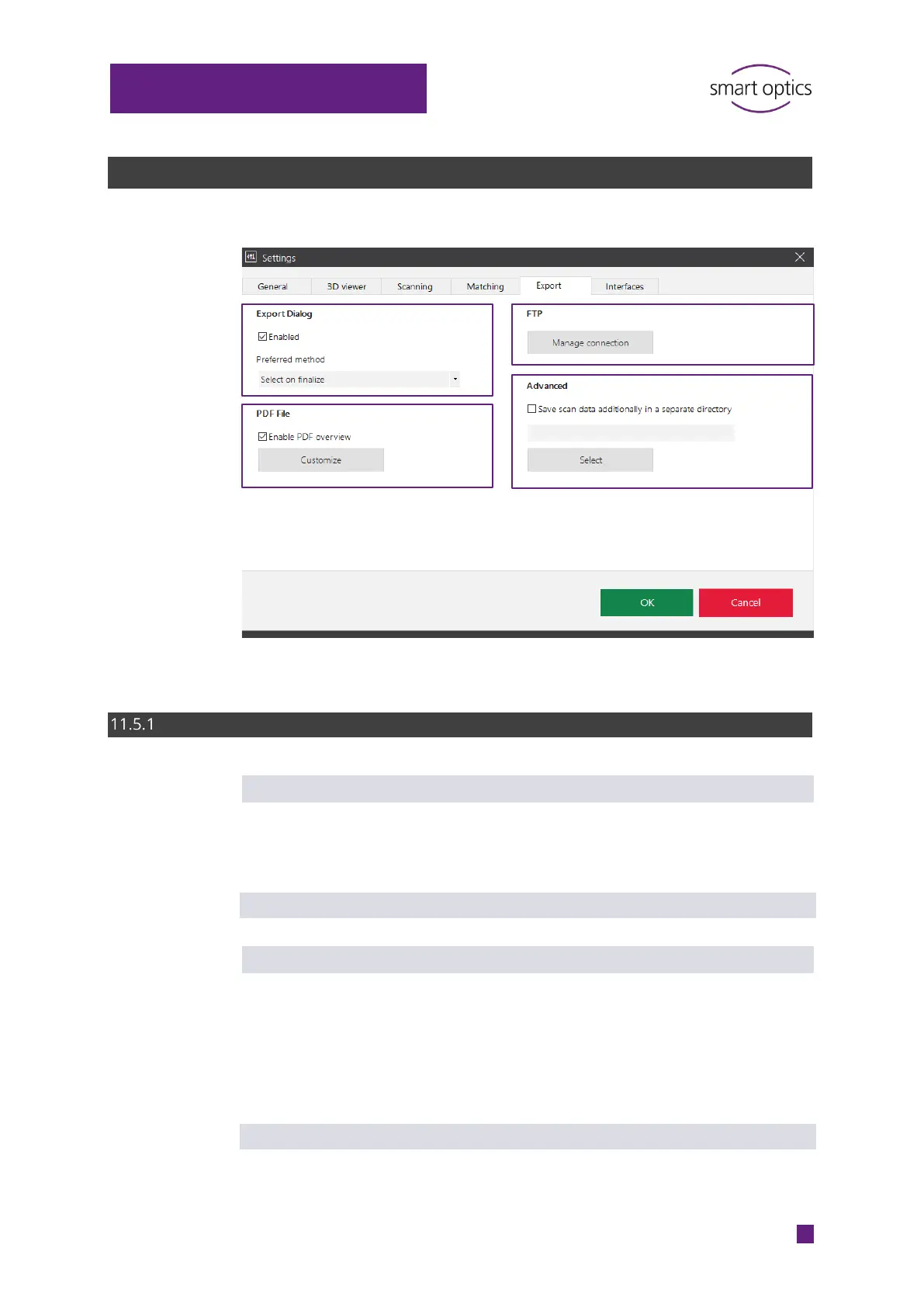
Export dialog
Enabled
Determines whether an export dialog is displayed when the work has been
finished (for details see Method). When it is disabled, projects are only saved
in the Work folder.
Default value: enabled
Preferred method
Determines which export dialog is displayed when the work is finished: ZIP
export, email export, FTP upload or an export dialog. An export dialog is only
displayed if the Enabled setting has not been checked (it is disabled).
At least one connection must be entered for FTP upload.
Files can be removed/added in the export dialog.
Default value: Select on finalize
⁉ for information
⁉
⁉



 To Next Page