Operating Manual Audiology Scanners
Document version: 3.3 04-2020 82
Default value: —
FTP
FTP connections are required for the FTP upload export method. Upon work
finishing, the export files are loaded onto the selected FTP server. The
recipient must provide the connection information to the FTP server and the
corresponding login information.
FTP connections can be edited both in the settings and upon work finishing.
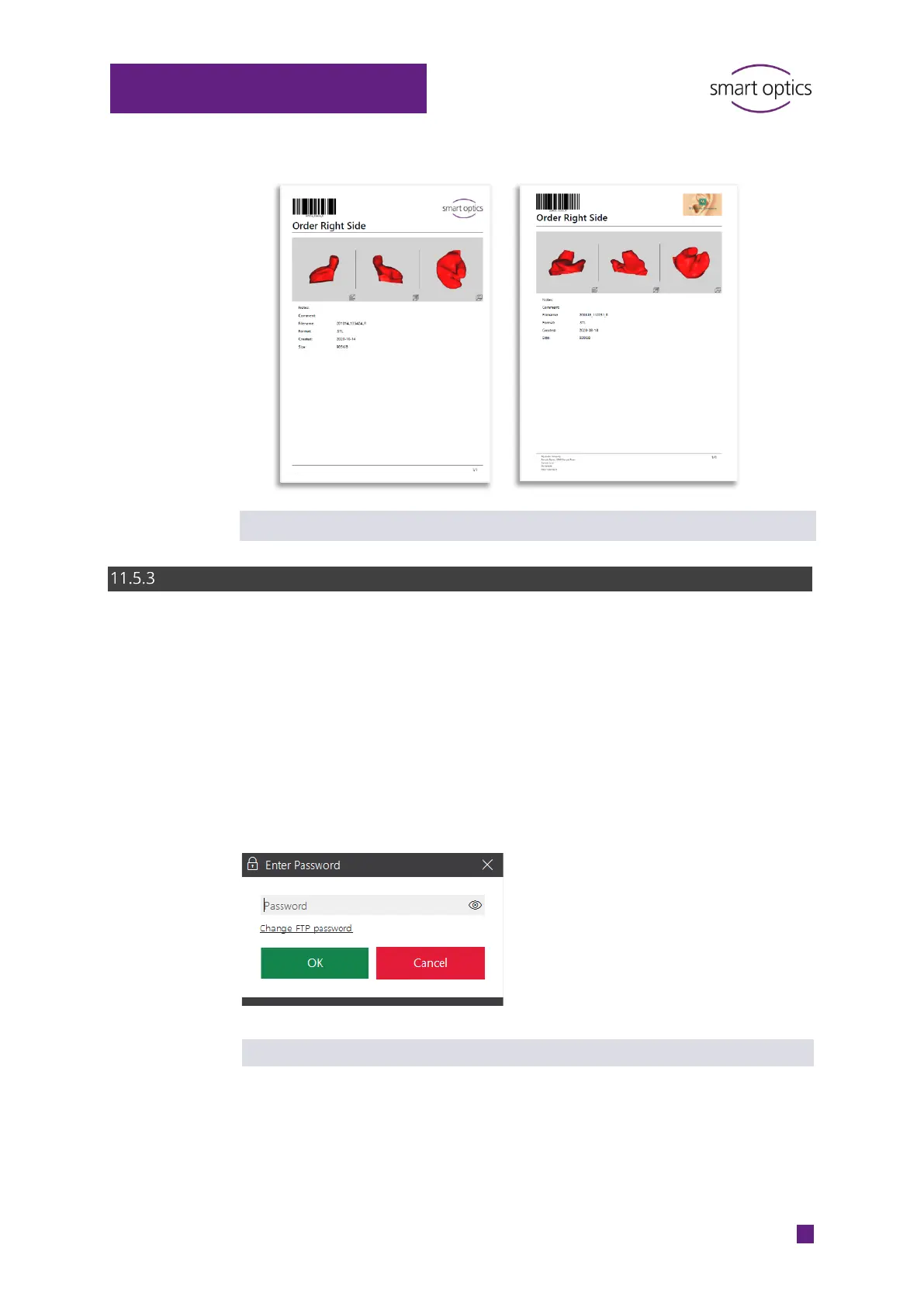
The FTP connection management dialog is password protected (by default:
smartoptics).
Manage connection
The link Change FTP password allows you to replace the default
password (smartoptics) with a new password.
Log in with the current password.



 To Next Page