Operating Manual Audiology Scanners
Document version: 3.3 04-2020 83
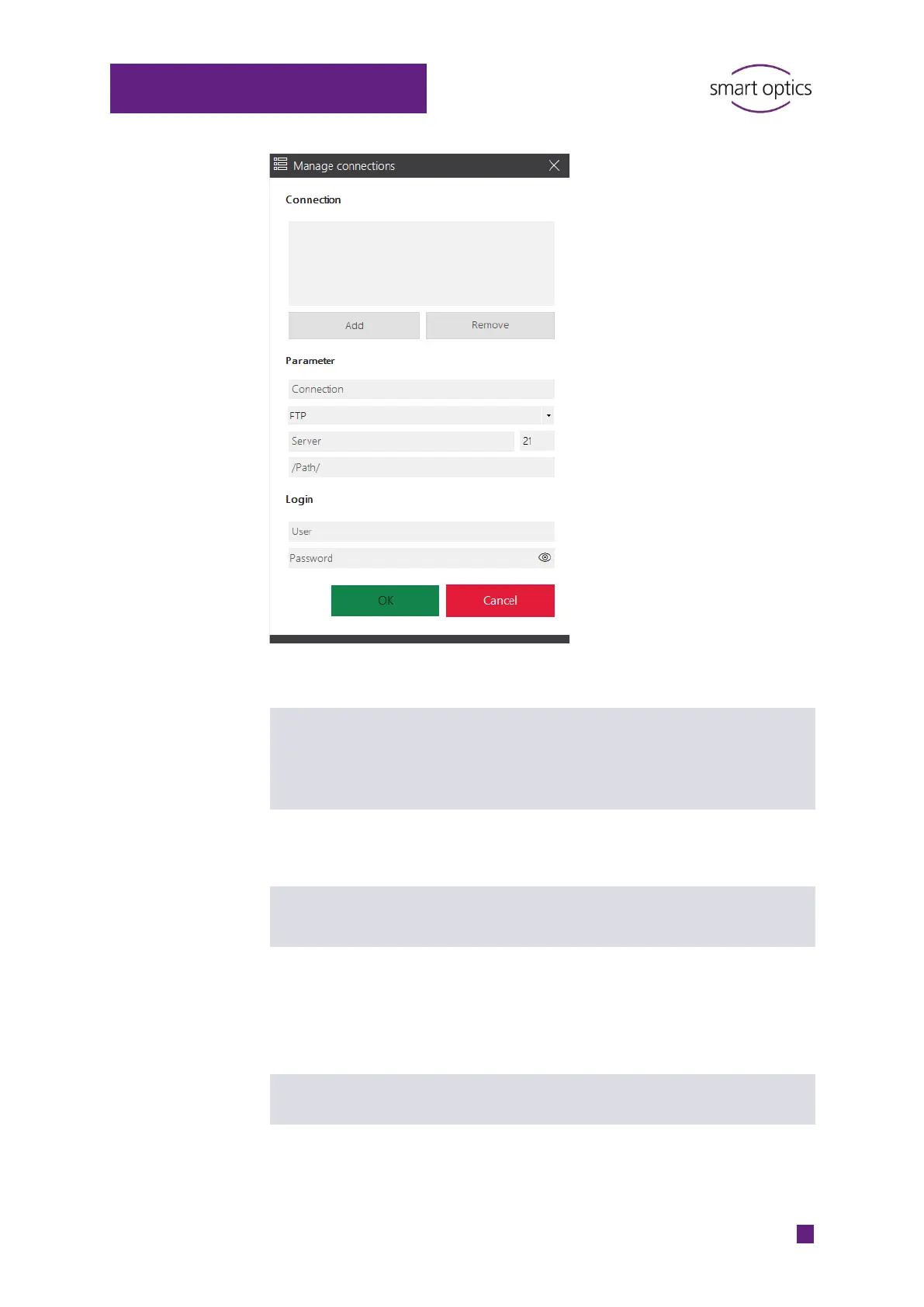
To add an FTP connection:
Enter the information under Parameter and Login.
Name of the FTP connection
For identification purposes
Freely selectable
Cannot be changed
Protocol for data transmission
FTP or FTPS (encryption with security function)
Can be changed
URL of the FTP-server, e.g. uploads.lab.com
Can be changed
Shared path on the server where the export files
are saved
A slash must be placed before and after folder
names
Can be changed
Name for logging into the FTP server
Can be changed
Password of the FTP user
Can be changed



 To Next Page