Operating Manual Audiology Scanners
Document version: 3.3 04-2020 68
11 Software settings
aural Scan usually achieves good results with the standard settings. However,
you can change these settings during operation, should it be necessary.
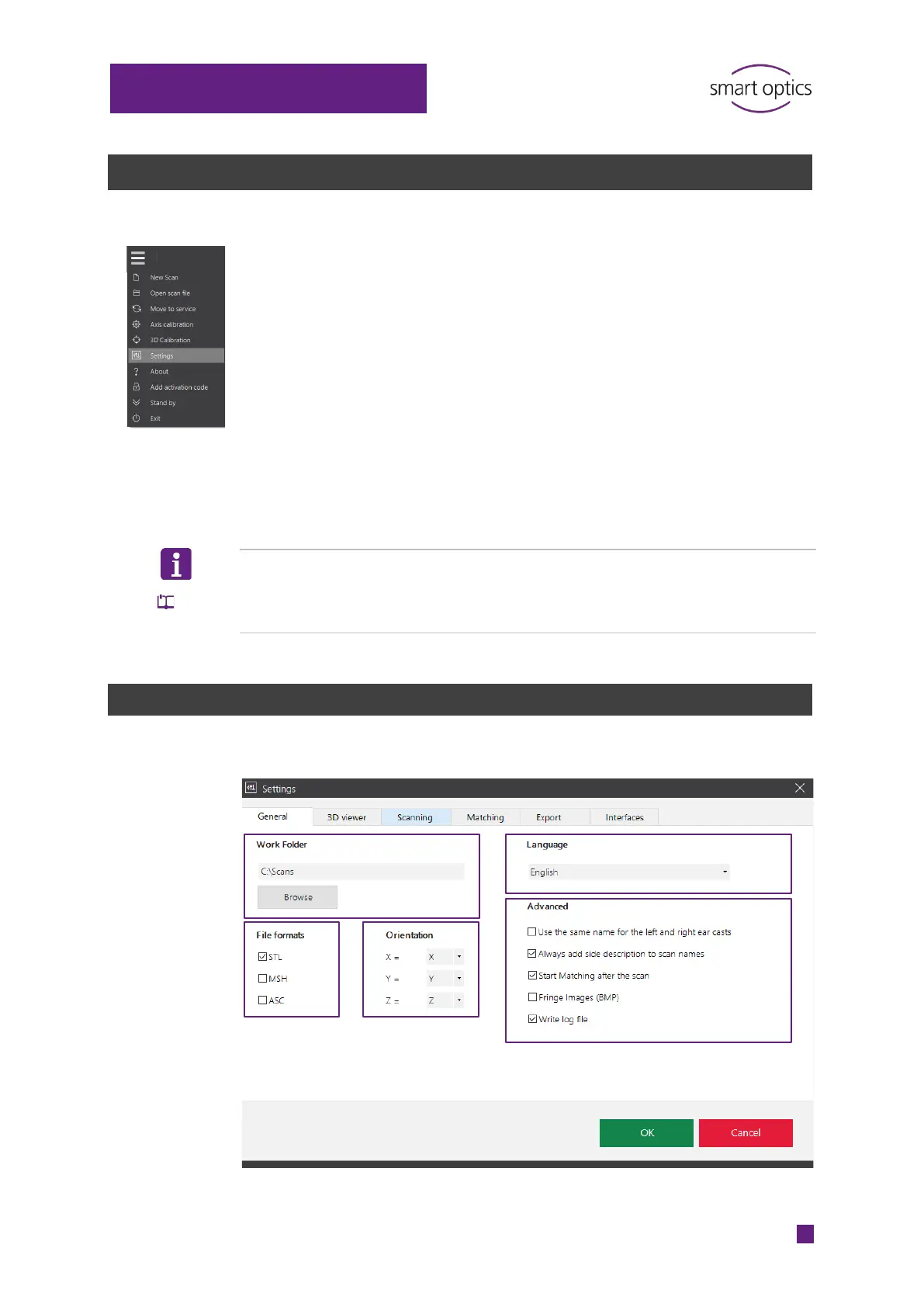
Check and change the settings after installation:
Work folder
File formats
Language
Object tone
Interfaces (for Noah)
In the menu, select Settings and then the desired tab.
Changes apply immediately.
TIP
Different usage profiles –different settings:
Save your custom settings file and replace it if necessary.
11.1
“General” settings
⁉ for information



 To Next Page