Operating Manual Audiology Scanners
Document version: 3.3 04-2020 102
15.5
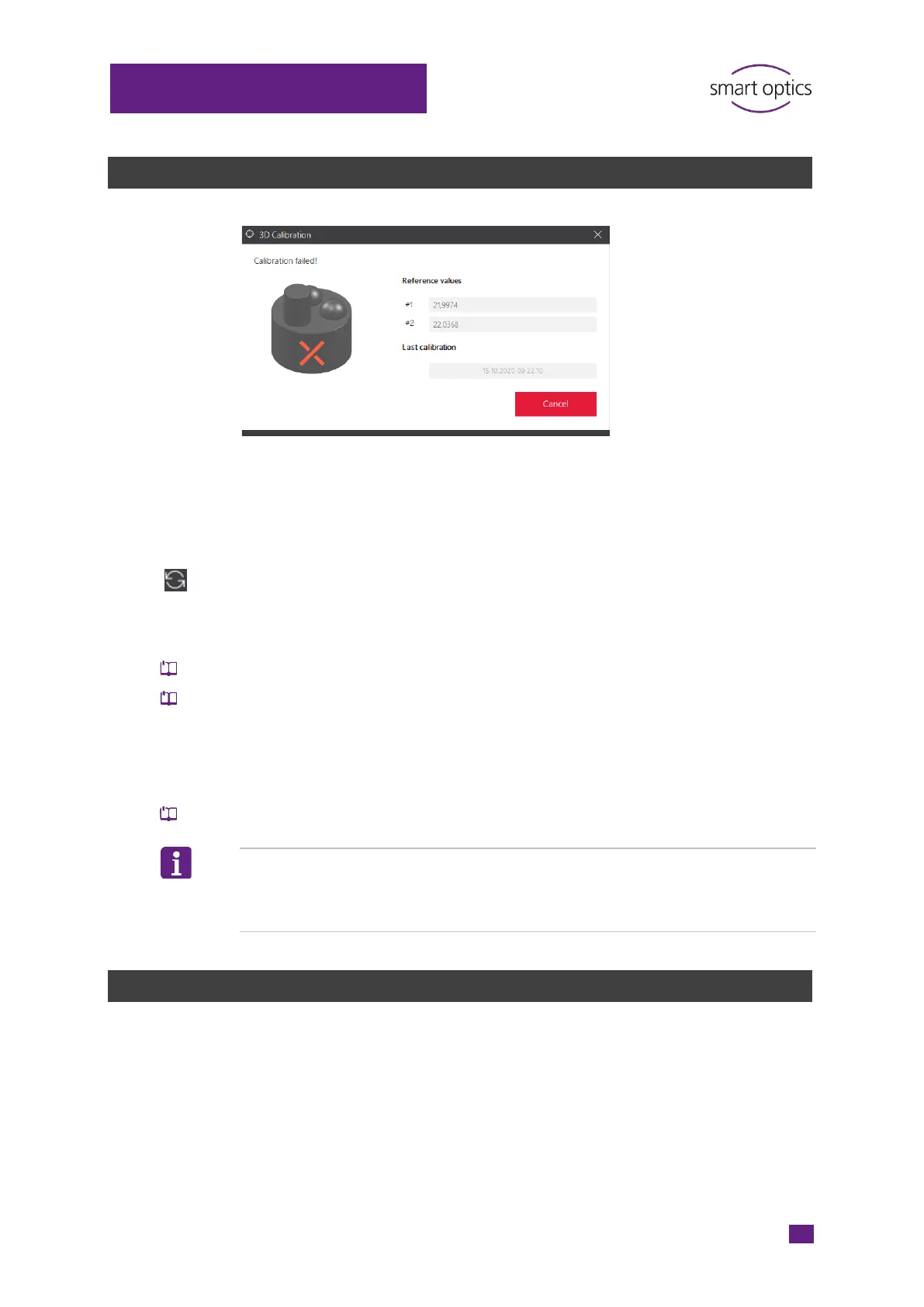
Failed 3D calibration
The measuring accuracy of the scanner will not be corrected If the 3D
calibration fails. Scanning is still possible however, but without correction
values.
After cancelling a scan, the axes remain in the last position.
Move the axes back to the home position with Move to service.
Fix the following possible cancellation causes:
Is the 3D calibration object positioned on the left?
Is the ear impression positioned on the right?
Are the ear impression and the 3D calibration object intact?
If not, a spare part is required.
Were the valuesentered correctly?
Restart aural Scan and the scanner.
Repeat the 3D calibration.
TIP
aural Scan recognizes values > 23,1 and < 21,3 as inadmissible. Values in
between are accepted but can still be wrong.
15.6
Failed FTP upload
Upload errors are caused by:
Errors when entering information
Internet disruptions
Changes to the FTP server (e.g. path name, password).
The recipient must provide you with the current connection and login
information.



 To Next Page