Operating Manual Audiology Scanners
Document version: 3.3 04-2020 78
Quality
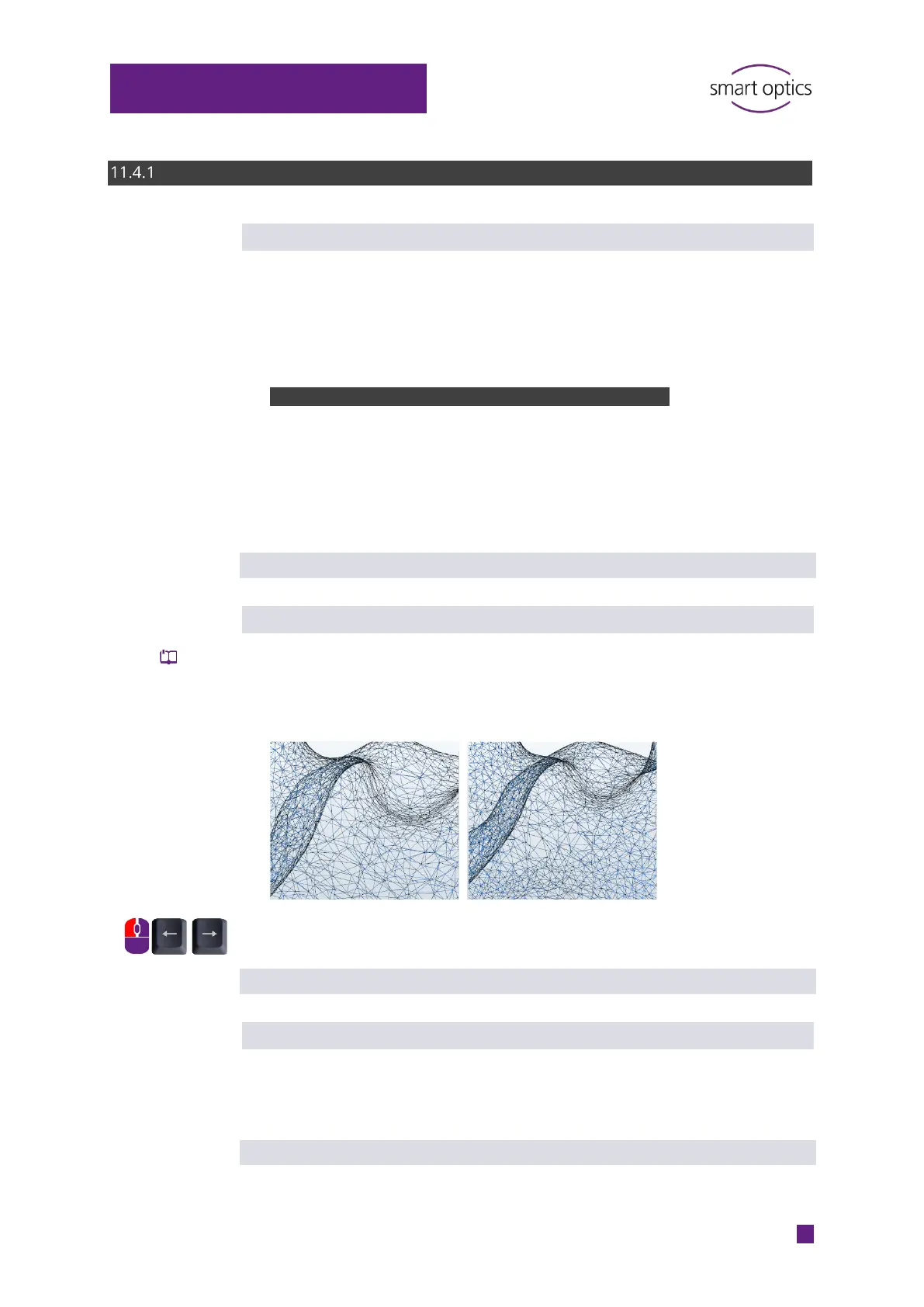
Thinning
Determines the STL accuracy, i.e. the distance between the pixels that are
linked to form a data set. The maximum accuracy is limited by the maximum
resolution of the sensor. The size of the data increases with a greater
accuracy. The setting is logged (project.log).
Value range (steps):
Accuracy
Default value: Strong
Smoothing
Determines the digital smoothing of the 3D data meshes. Bubbles, edges and
other defects on the surface of the impression are adjusted. The product
therefore needs less polishing. The setting is logged (project.log).
Scale 0 – 10
Steps of 1
Default value: 3 (low)
Fill great holes
Determines whether data that is missing on flat surfaces is automatically filled
during matching. This is an alternative function to rescanning, but less
accurate. The setting is logged (project.log).
Default value: disabled



 To Next Page