Operating Manual Audiology Scanners
Document version: 3.3 04-2020 73
Select a color from Windows' basic colors or define one with Define colors
(RGB values/hue + saturation + brightness).
A gradient is created from the background colors (top, bottom).
Scan and rescan colors depend on smoothing, reflection brightness and
reflectance. The view also influences the color gradient (e.g. Gouraud
shading).
Default values (RGB)
Scan left (sinister) 0 128 255
Separator 199 199 199
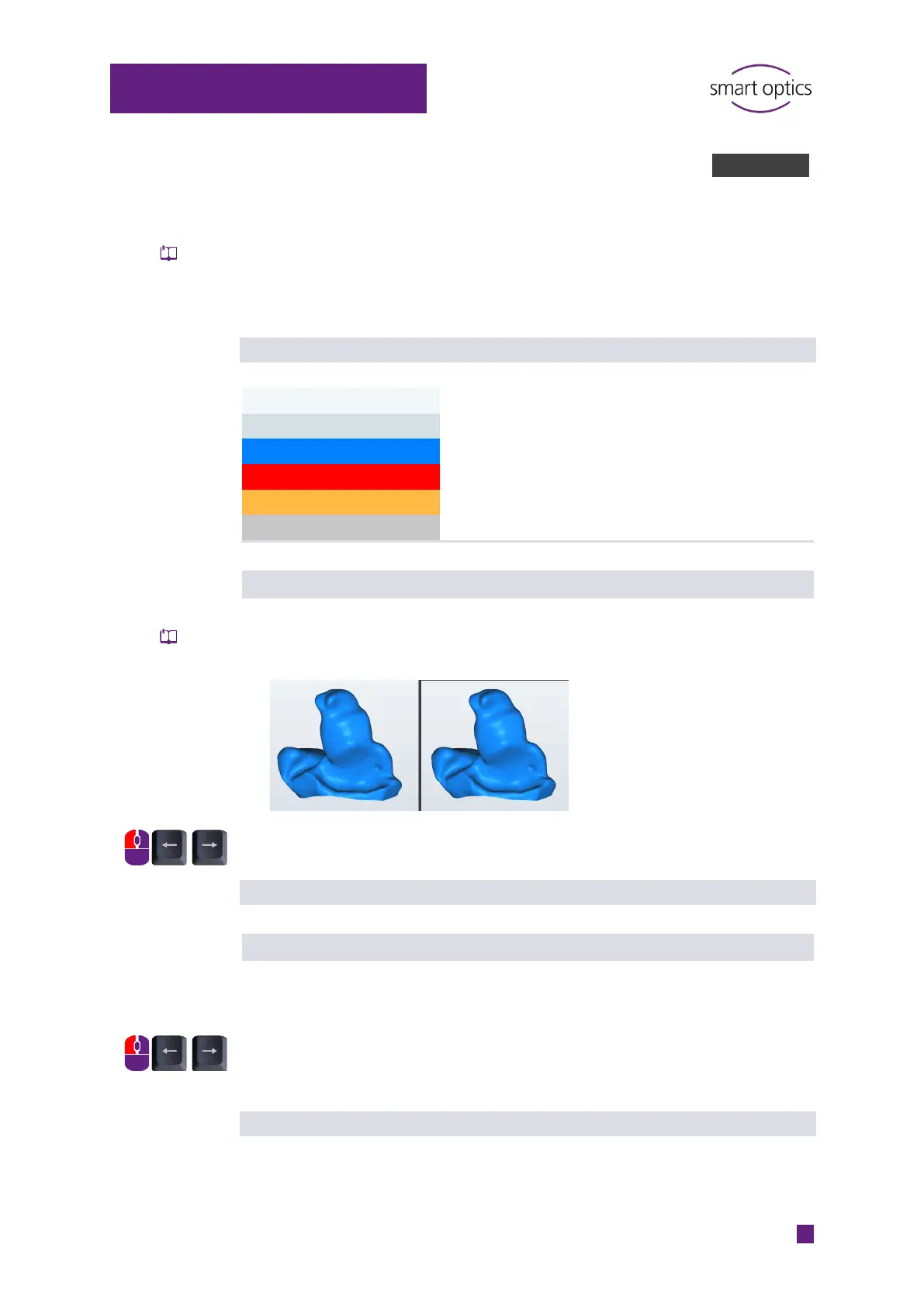
Smooth shading
Determines the optical smoothing of scans in the 3D viewer, it has no
influence on the 3D measurement.
Scale 0 – 10
Steps of 1
Default value: 0 (none)
Reflection brightness
Determines the brightness of the light reflection on the scans in the 3D
viewer.
Scale 0 – 100
Steps of 1
Steps of 10
Default value: 20
meshes



 To Next Page