Operating Manual Audiology Scanners
Document version: 3.3 04-2020 48
Rescanning
The rescanning correction function specifically measures holes (gaps), e.g. in
narrow places.
This function not available for mono Scan.
In the 3D viewer, click on:
The page to be rescanned
“Start rescanning”.
You can switch sides with a double click.
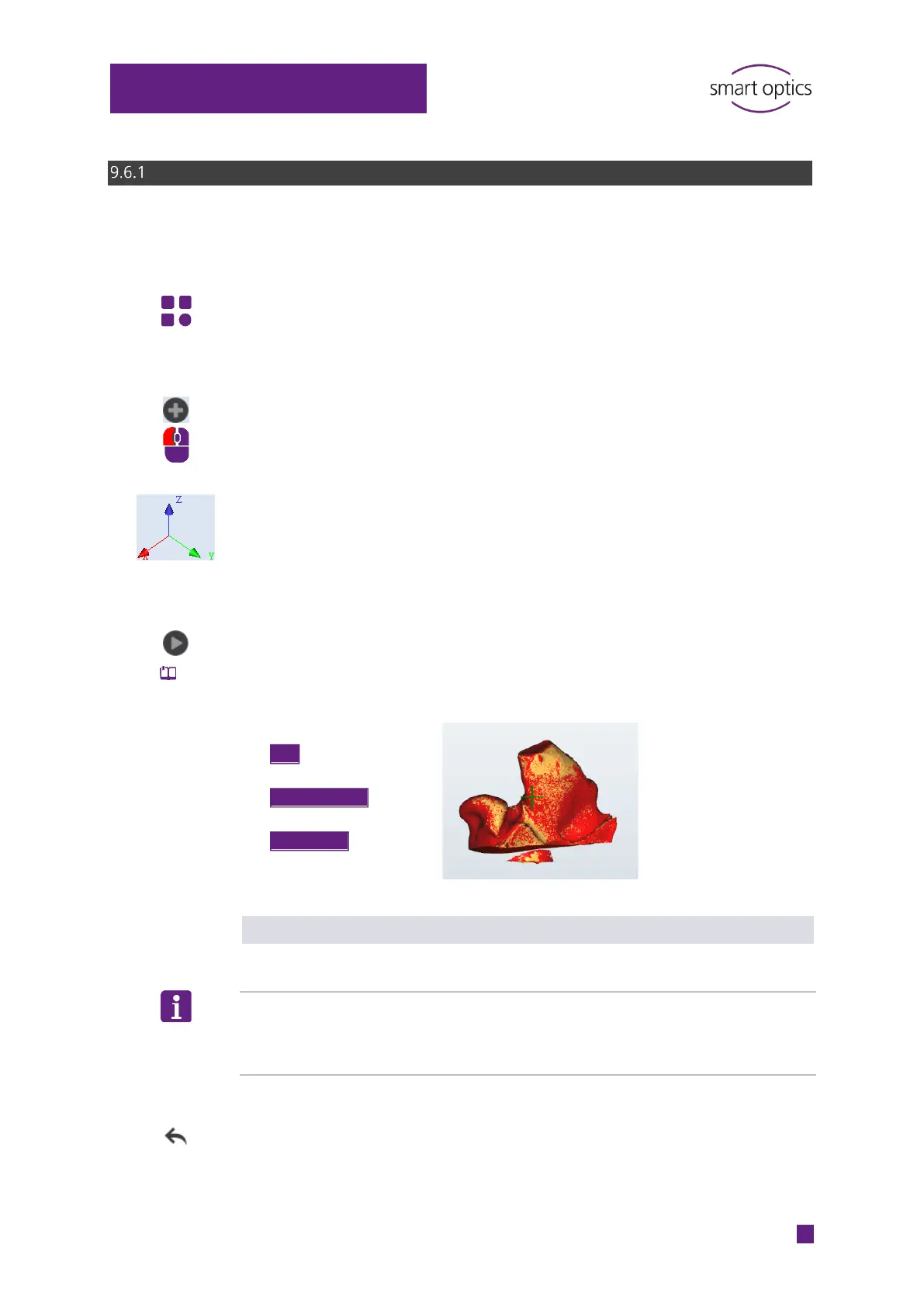
The following are displayed on the selected side:
The coordinates X, Y and Z (spatial orientation of the scan)
A crosshair cursor.
The crosshair cursor marks the starting position of the additional
measurement. It must be located on the scan, not beside it.
Click on “Measurement”.
The area surrounding the cross hair cursor will be rescanned. The rescan
area is displayed in the rescan object color :
Evaluating the result of the rescan
Start as many rescans as are necessary to fill all holes.
TIP
Unnecessary areas are also scanned, e.g. the base. These are removed again
during matching or by manual cutting
.
Check the result:
The last rescan is of bad quality.
Click on “Undo” (last action).
Scan
Right object color
Crosshair cursor
➕
Rescan areas
Rescan object color



 To Next Page