Operating Manual Audiology Scanners
Document version: 3.3 04-2020 79
Base cutting
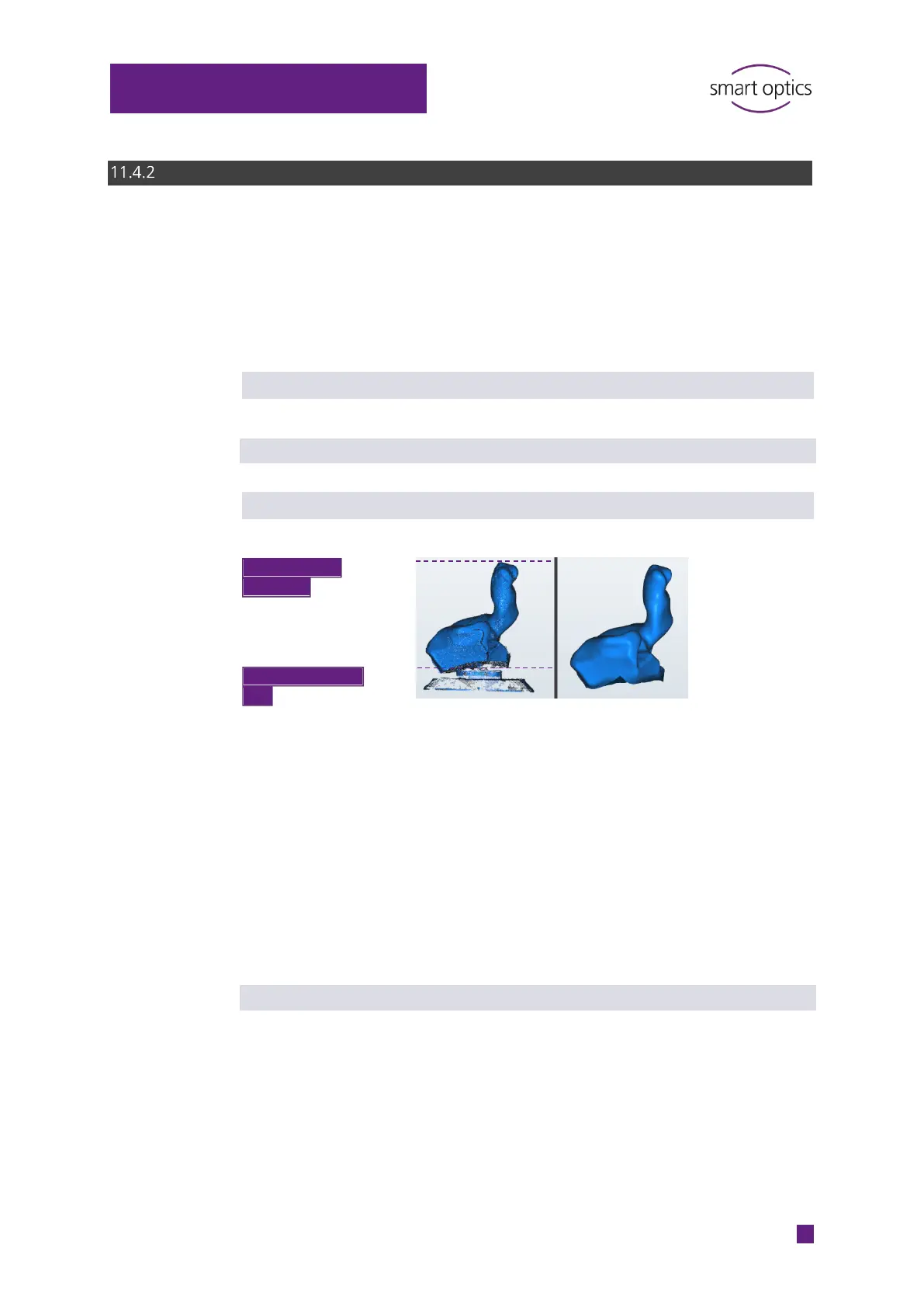
Cutting filters are used to:
Cut the top and bottom area of the scan in the STL data set
Make manual cutting unnecessary.
The settings must match the size of the ear impressions.
Enabled
Determines whether the cutting filters are applied.
Default value: enabled
Top cutting height | Bottom cutting height
The cutting filters are only applied if the Enabled setting has been checked.
Change the values if matched scans:
Include unnecessary areas, e.g. the base
Are cut excessively, e.g. in the auditory canal area.
Value range: 0 -100 mm
The settings must be plausible. For example, this is not the case in 0 + 0 or
100 + 100 (scans are not matched automatically). The setting is logged
(project.log).
Default value: Top = 60 mm, bottom = 5 mm
cutting filter
cutting filter



 To Next Page