Operating Manual Audiology Scanners
Document version: 3.3 04-2020 87
13 Icons, menu items and shortcuts
13.1
Icons
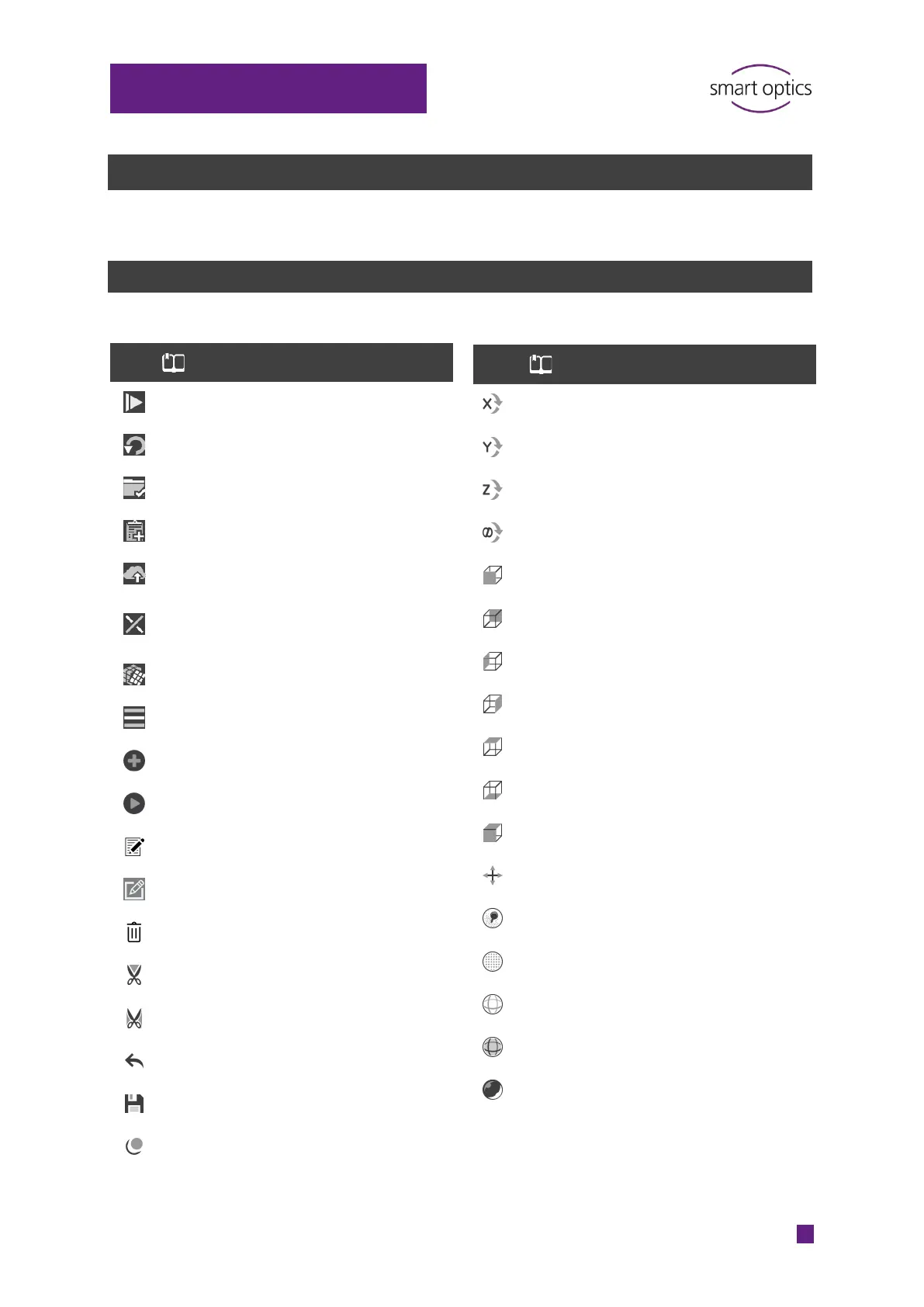
41 Start scanning
45 Repeating a scan
54 Work finished
47 Add a project note
102 Upload (export project files)
50
Cancel matching
49 Match a rescan
88 Open menu
48 Enable the rescan mode
48 Start the rescan
45 Annotate a scan
46 Open note field
46 Delete note
50 Cut inside a selection
50 Cut outside a selection
50 Undo the last step
50
50
38 Set the X axis as the rotation axis
38 Set the Y axis as the rotation axis
38 Set the Z axis as the rotation axis
38 Set all axes as the rotation axis
38
38
38
38
38
38
38
38
Center scans, reset the zoom
38
38
3D view, points (corners of triangles)
38
3D view, triangles (grid)
38
3D view, triangles flat shaded
38



 To Next Page