Operating Manual Audiology Scanners
Document version: 3.3 04-2020 46
Moving a marker
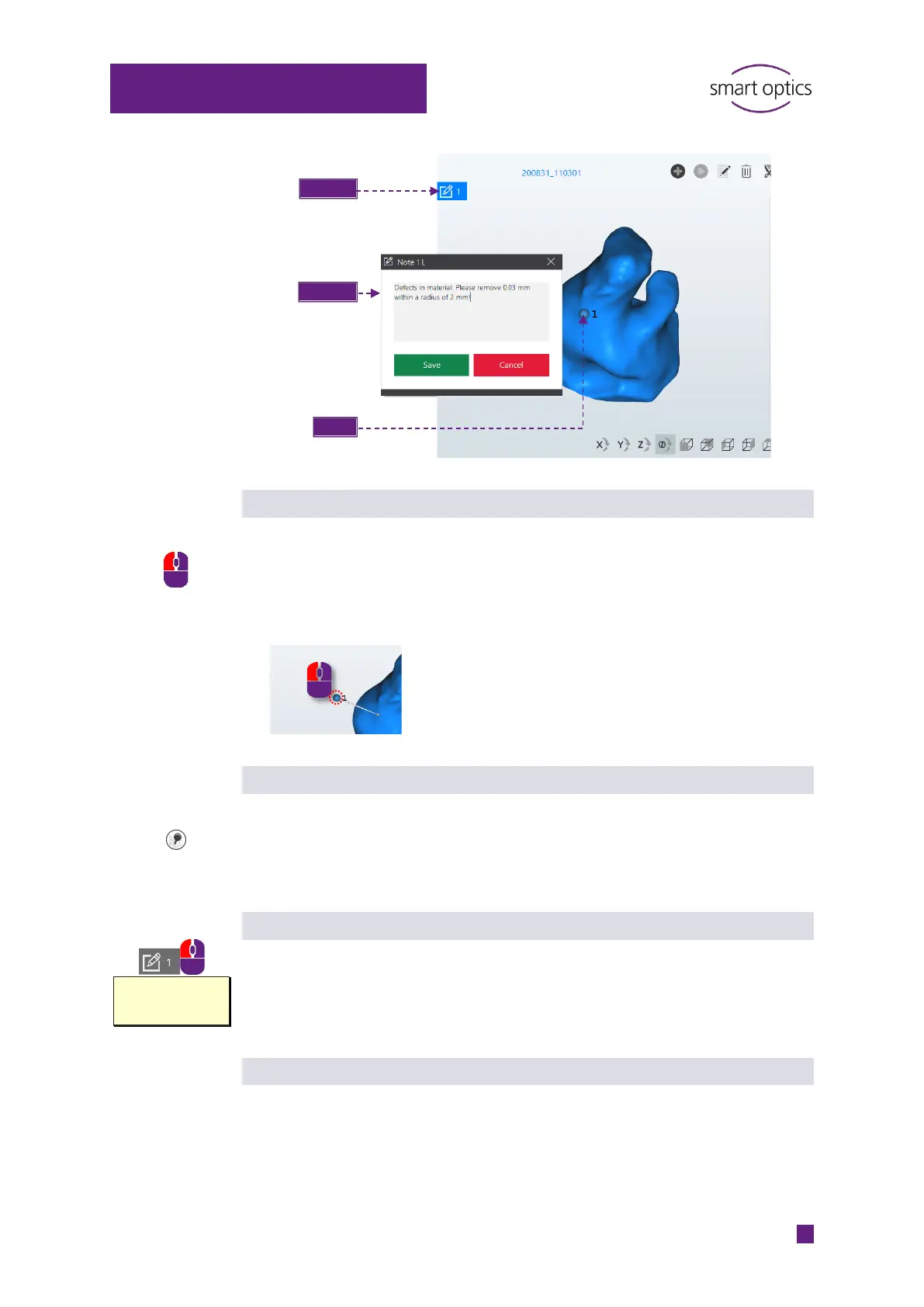
Markers (pins) are movable so that they can be arranged in a clear way.
Click and hold the marker with the left mouse button.
Move the mouse to the desired target position.
The target marker on the scan remains in its original position.
Hiding a marker
Markers (pins) can interfere with the display.
To hide the markers (pins), click on “Show markers”.
Click again to show the markers.
Reading and editing a note field
With the left mouse button on the note icon:
Show, to read the tooltip
Click, to open and edit the note field.
Delete note
Click with the left mouse button on the marker (pin) (it will turn blue).
Bubble in the
material. Please
smooth it!
Note icon
Note field
Marker



 To Next Page