Operating Manual Audiology Scanners
Document version: 3.3 04-2020 44
With the keyboard
Press TAB or SHIFT + TAB to place the cursor on the side you wish to edit.
Invalid special characters cannot be entered.
When entering/finishing work it is checked whether:
At least one character has been entered
The permitted length (Settings.xml) has been complied with.
9.3
Cancelling a scan
You can cancel a scanning process without waiting for the result, e.g. if an ear
canal impression is not correctly positioned.
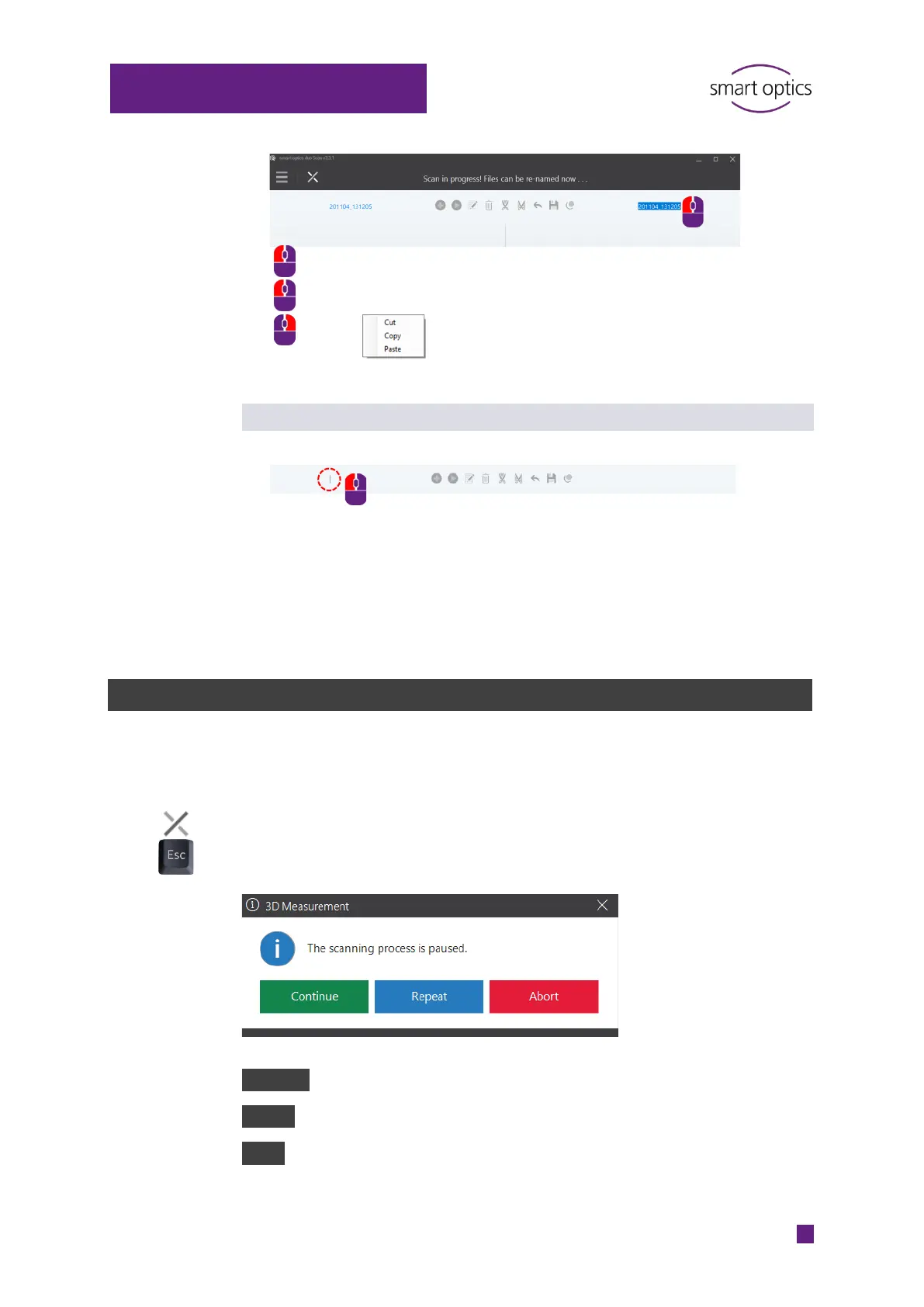
Click on “Cancel” or press ESC.
aural Scan will ask you what to wish to do.
Continue: The measurements made are kept and finished.
Repeat: The measurements made are discarded and calculated again.
Abort: The scan project is discarded.



 To Next Page