Operating Manual Audiology Scanners
Document version: 3.3 04-2020 67
Close the scan by:
Placing aural Scan in the standby mode (you have to confirm the
message “Discard the current scan?”)
Quit aural Scan.
The project files will be saved.
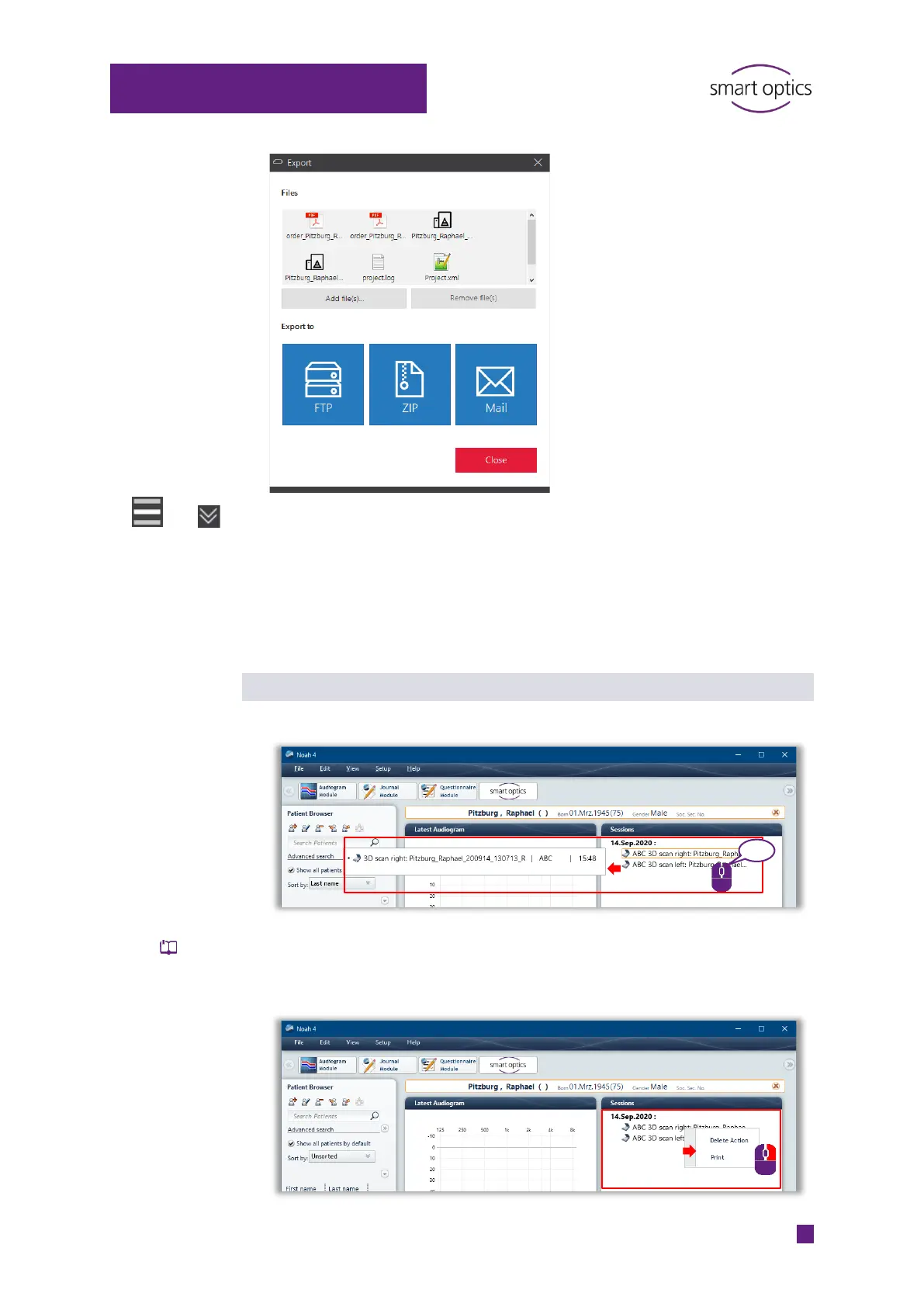
Noah actions
Tooltip: Information on the scan, the Noah server and saving time
Context menu:
Delete Action deletes the link to the scan file (not the file itself).
Print opens the order document “order.pdf”.



 To Next Page