Operating Manual Audiology Scanners
Document version: 3.3 04-2020 66
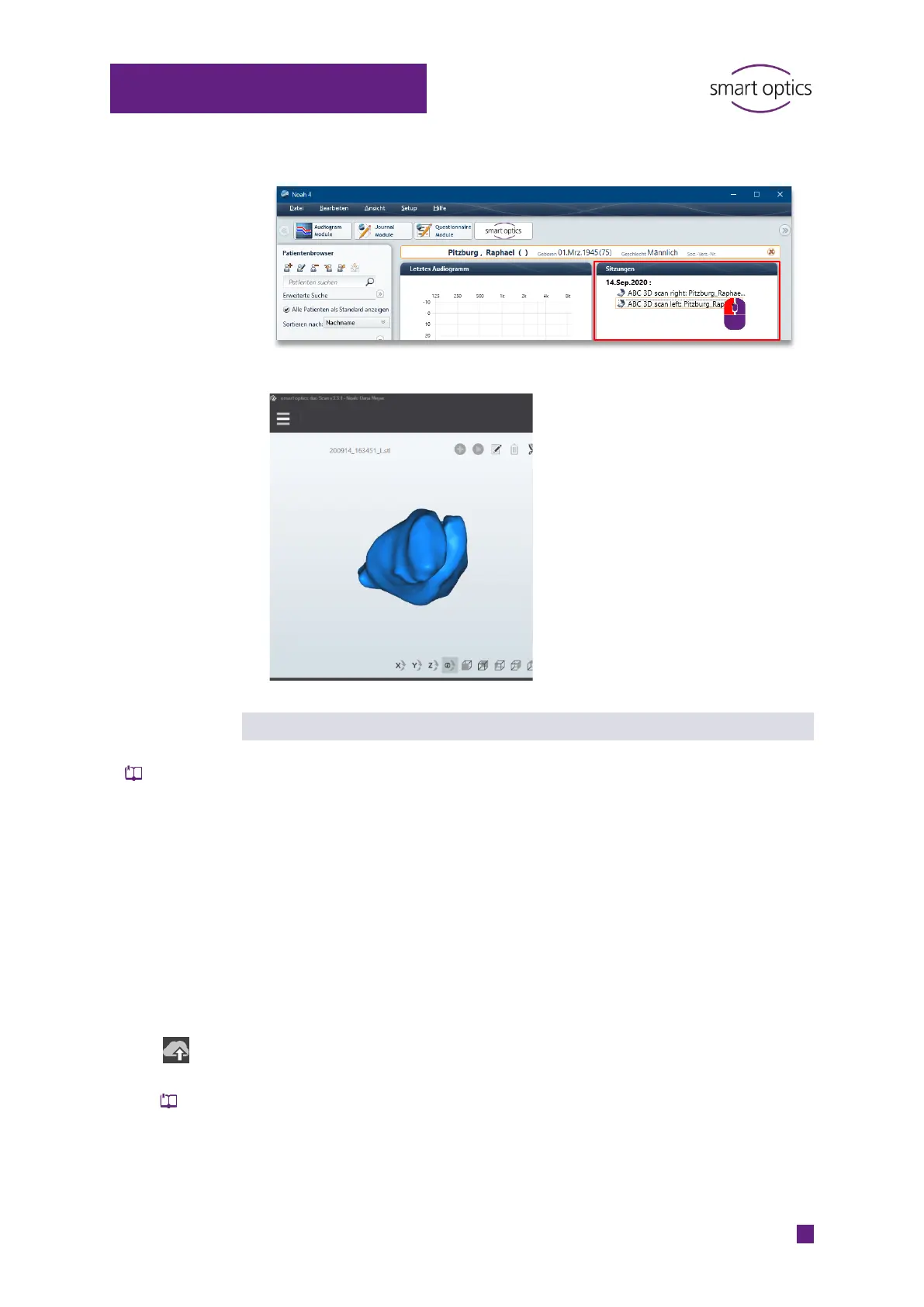
Click on scan right or scan left.
aural Scan loads the scan into the 3D viewer.
Editing and exporting scans
The following functions are available:
Rotate, zoom, display
Commenting a scan project
Hole filling
Cutting
Editing 3D viewer settings
The following are not available:
Renaming/naming with a barcode
Annotating a scan
Repeating a scan
Rescanning
Re-export the scan project if you have commented, filled holes or cut the
scan.
The export dialog is displayed (regardless of the export settings).
You can add/remove files to export. Then choose your export method.



 To Next Page