Operating Manual Audiology Scanners
Document version: 3.3 04-2020 89
Settings
Opens the aural Scan settings.
About
Information on the version, including licensing information on
program libraries.
Add activation code
Opens the dialog to enter an activation code to enable the activation
of a chargeable module.
Stand by
Switches aural Scan to the standby mode.
The current scan project is discarded (after confirmation).
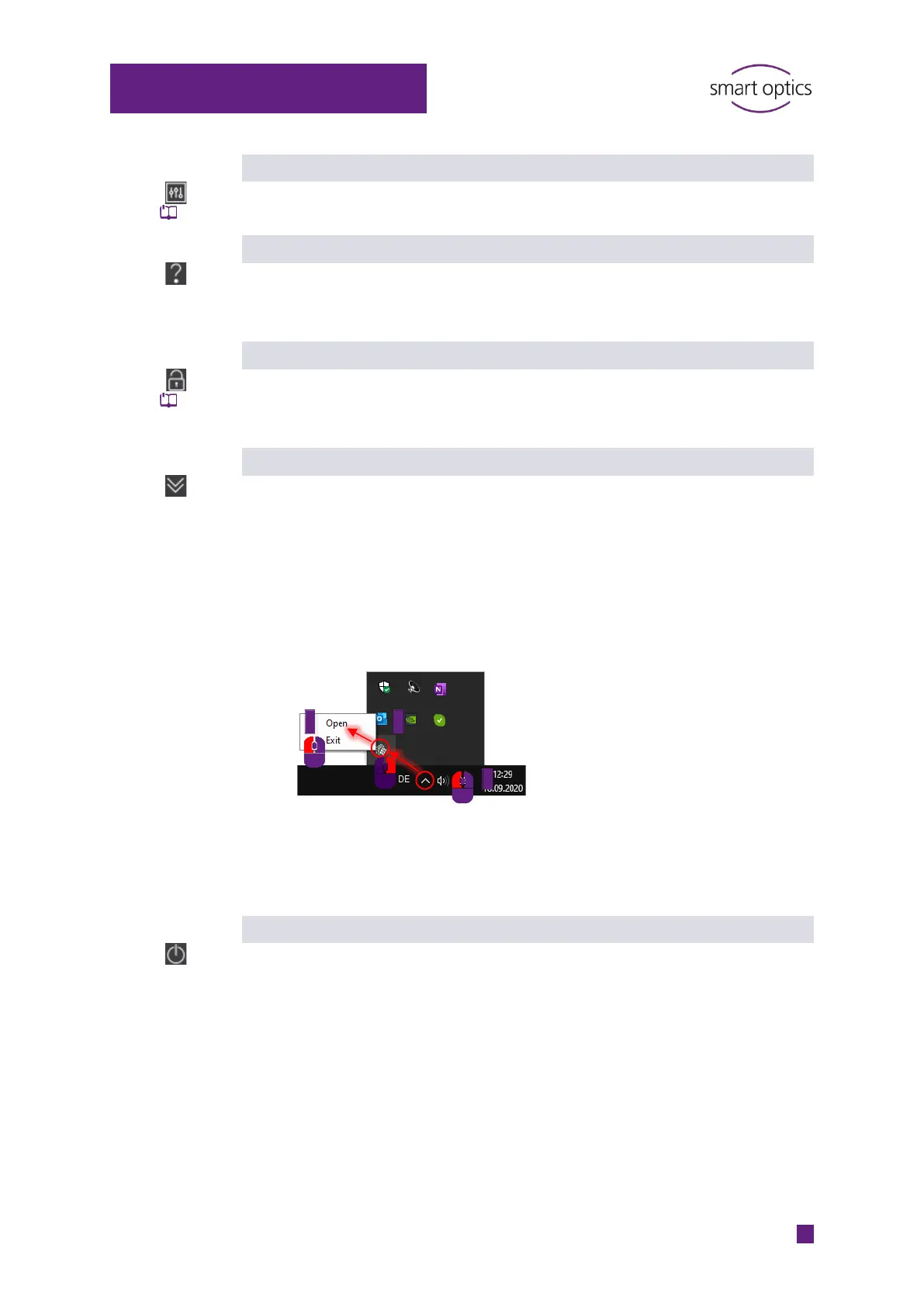
aural Scan minimizes into the “Hidden symbols” group of the task bar.
The power supply within the scanner is switched off.
You can return to the operating mode by double-clicking the
aural Scan desktop icon or the icon in the Hidden Icons.
The standby mode is activated by default if you use aural Scan with
Noah (the Hearing Instrument Manufacturers' Software Association
(HIMSA)’s system).
Exit
Exits aural Scan.
The current scan project is discarded (after confirmation).
3 2



 To Next Page