Operating Manual Audiology Scanners
Document version: 3.3 04-2020 51
Outside of the selection
Within the selection.
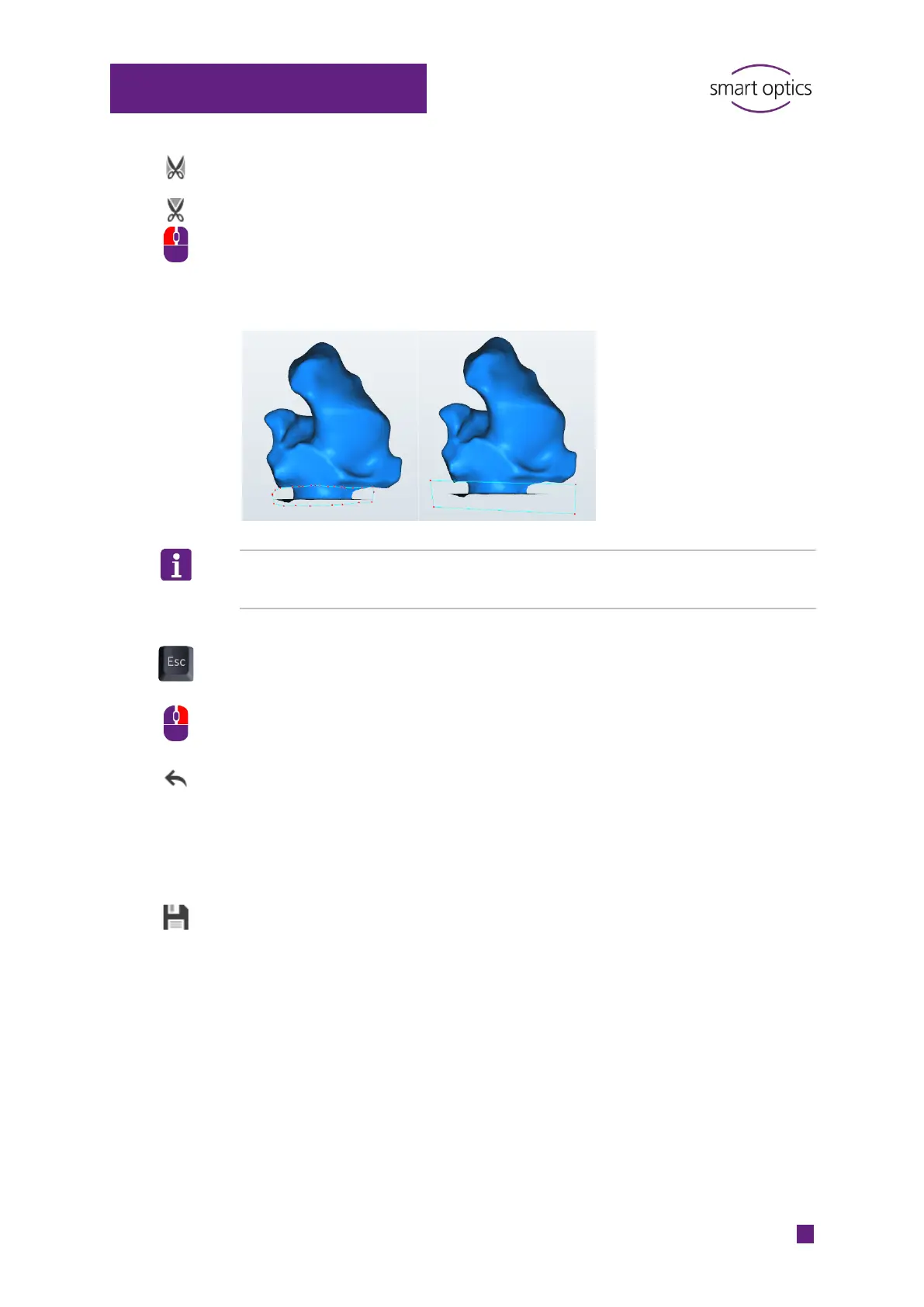
Make the selection by clicking around the area with the left mouse button
(many clicks = fine line, few clicks = rough line).
Example: Cutting the base
TIP
Zoom and rotate the view before making a selection.
The selection:
Includes all levels, not just the surface
Can be cancelled by pressing ESC.
Complete the selection with the right mouse button.
Check the result:
The last cut is of bad quality.
Click on “Undo” (last action).
All cuts are of bad quality.
Close the scan project without saving it , reload the scan files and
repeat the cutting procedure.
Click on “Save”.
The cut scan data will be saved.



 To Next Page