Operating Manual Audiology Scanners
Document version: 3.3 04-2020 94
Color-coded object holders and bases
Left = front, right = back
mono Scan Only one base (3D calibration object and ear impression
must be scanned one after the other)
Turn the 3D calibration object so that the label is facing forward.
Click on Start calibration.
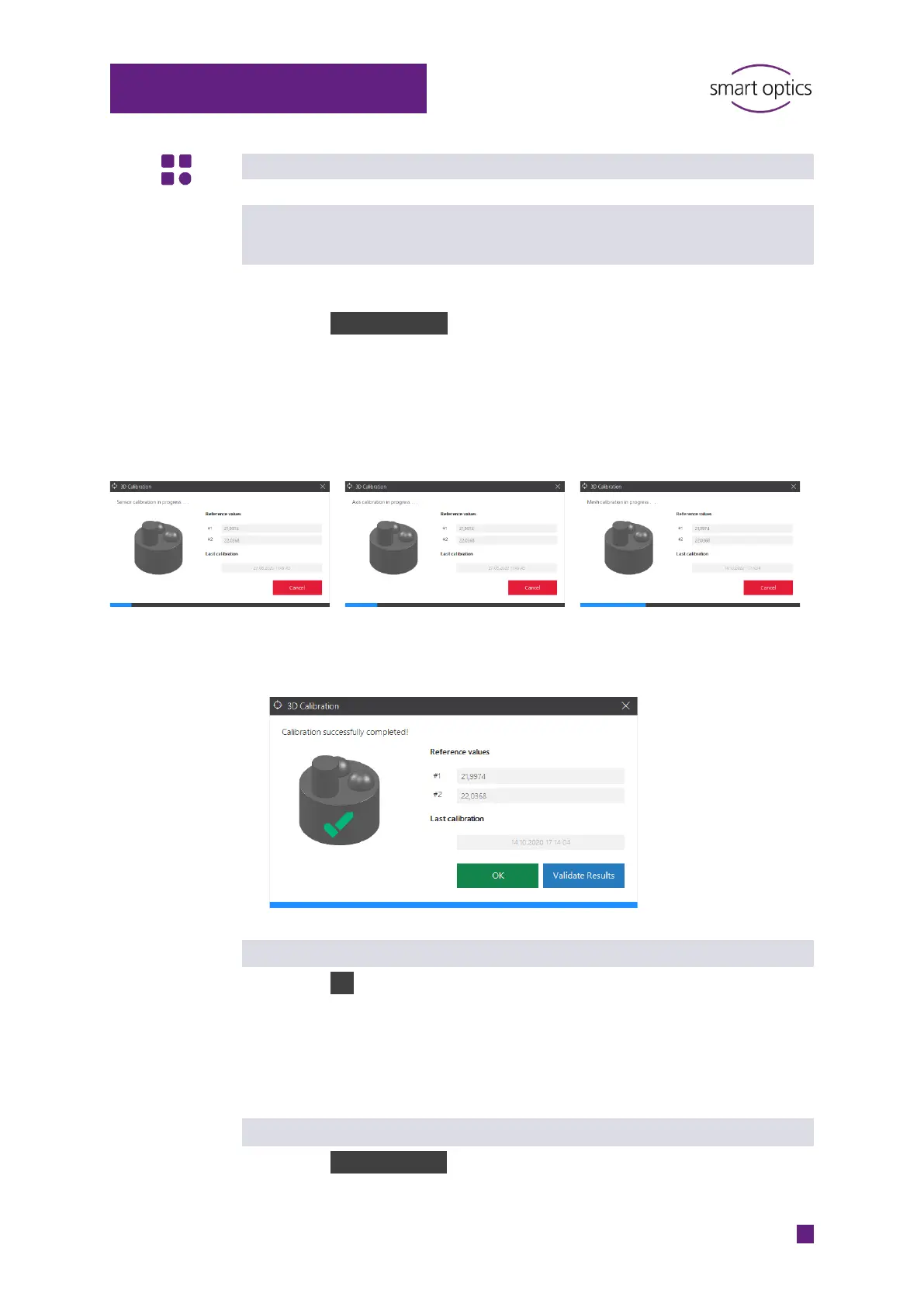
The 3D calibration includes:
Sensor calibration
Axis calibration
Mesh calibration
After these steps, aural Scan requires making a decision between simply
completing the procedure or validating the results.
Simple completion
Click on OK.
The 3D calibration will be completed without testing and without a log.
aural Scan will take into account the determined correction values for
subsequent measurements.
Completion with validation
Click on Validate Results.
A test measurement will be carried out.



 To Next Page