145
A. Place a new substrate onto the platen and lock the substrate into its build position by lifting
up on the substrate ejection handle.
B. Navigate to Tools > Calibration > Tip Calibration. Press the Start button for the Manual
Tip Calibration option (see Figure 6-3 for button location).
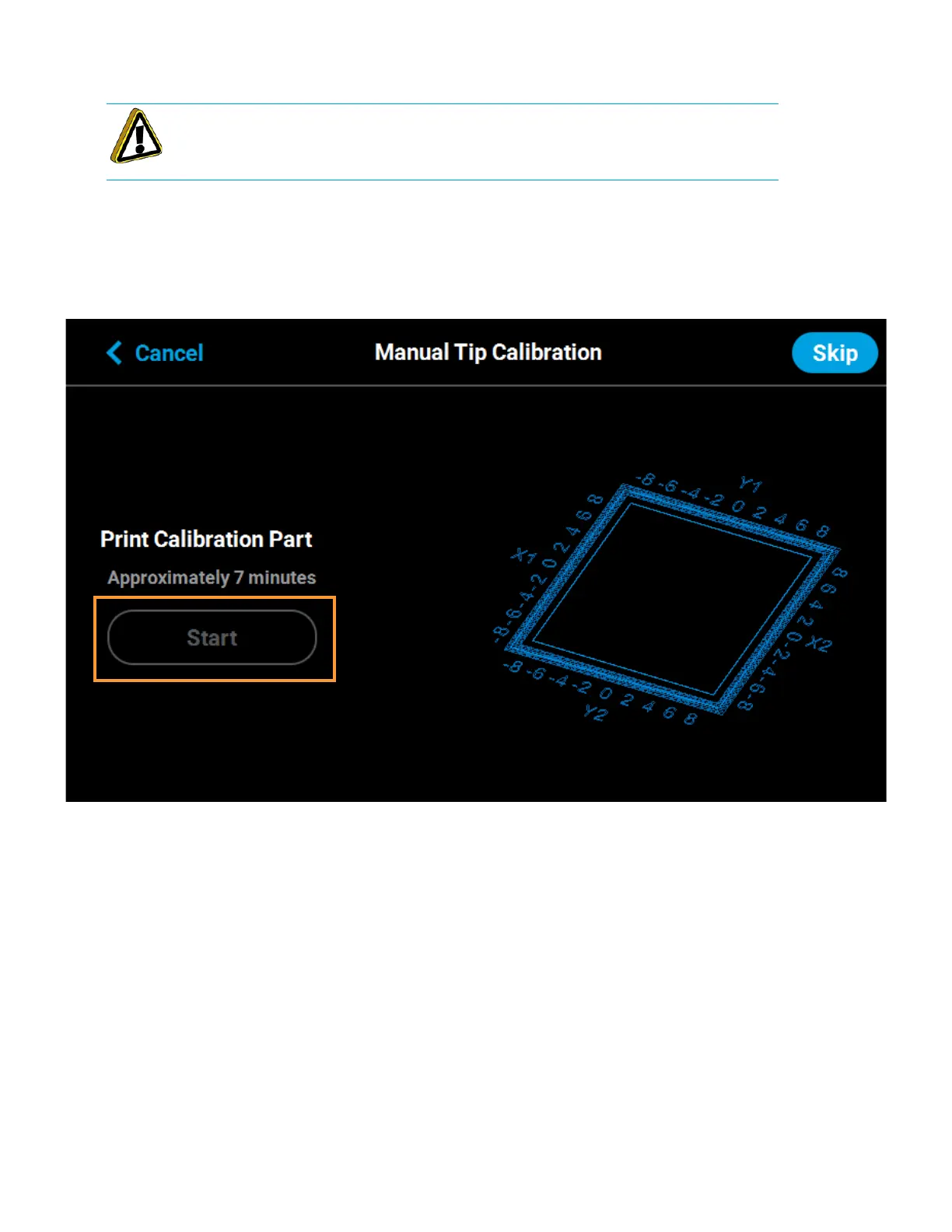
C. The Print Calibration Part page will be displayed (as shown in Figure 6-8) and the printer will
automatically select the calibration part. Press the Start button.
Figure 6-8: Print Calibration Part Page
Caution: Always wear gloves when installing the substrate. Hand oils on the
substrate surface will result in poor part adhesion.














 To Next Page