Chapter 1 Server Diagnostics 1-49
4. Start SunVTS software.
If you have installed SunVTS software in a location other than the default /opt
directory, alter the path, as in
EXAMPLE 1-15.
where display-system is the name of the machine through which you are remotely
logged in to the server.
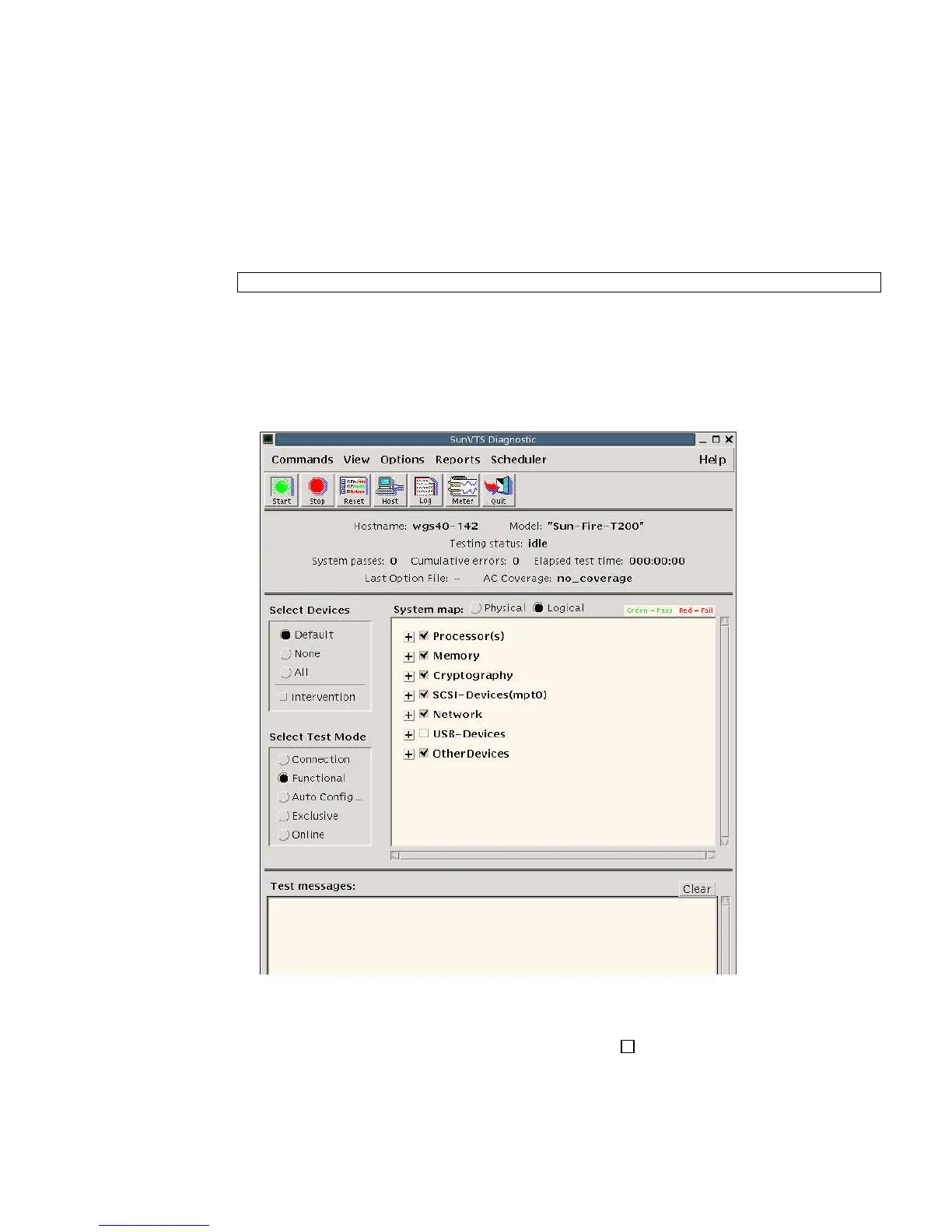
The SunVTS GUI is displayed (
FIGURE 1-9).
FIGURE 1-9 SunVTS GUI
5. Expand the test lists to see the individual tests.
The test selection area lists tests in categories, such as Network, as shown in
FIGURE 1-10. To expand a category, left-click the icon (expand category icon) to
the left of the category name.
EXAMPLE 1-15 Alternate Command for Starting SunVTS Software
# /opt/SUNWvts/bin/sunvts -display display-system:0
+













 To Next Page