1-50 Sun Netra T5220 Server Service Manual • January 2012
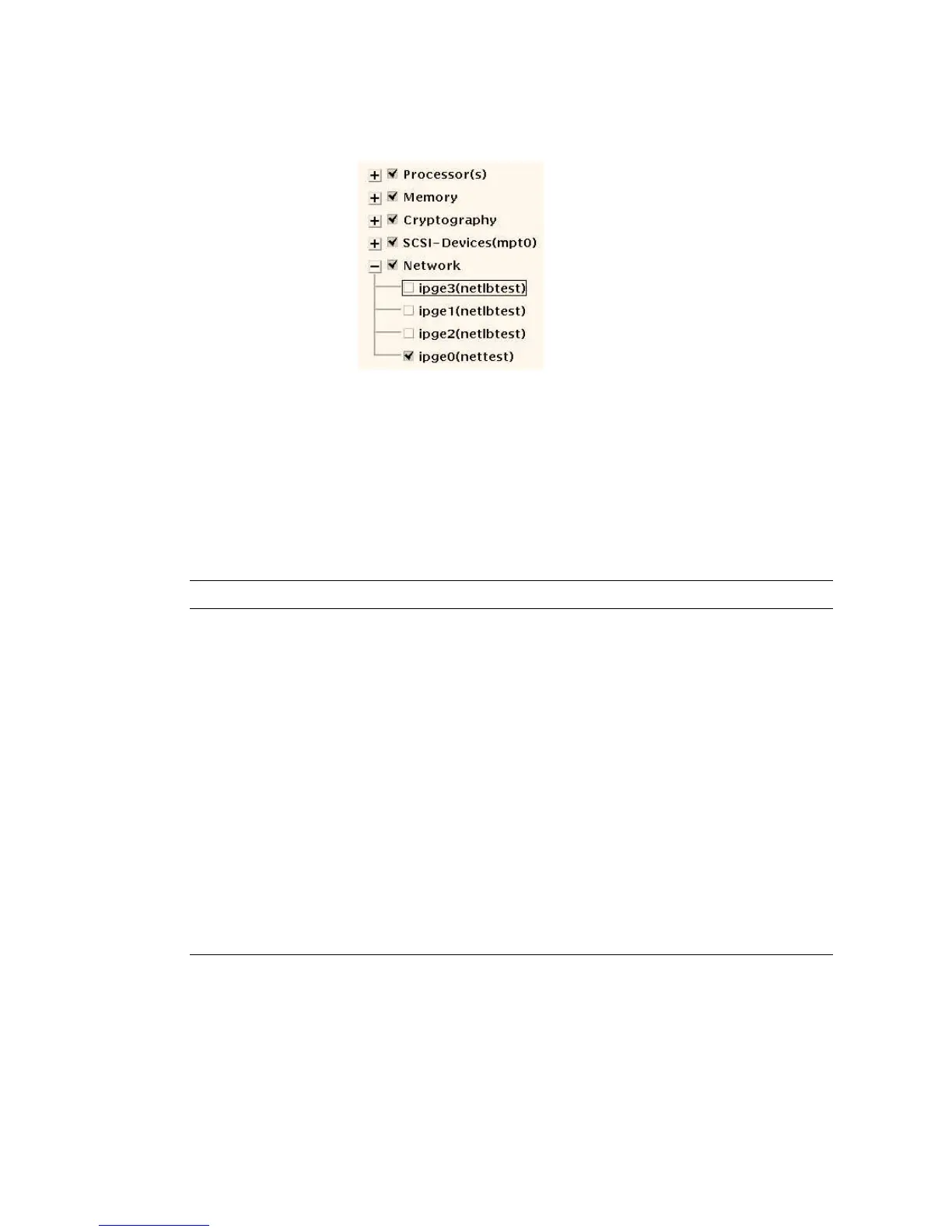
FIGURE 1-10 SunVTS Test Selection Panel
6. (Optional) Select the tests you want to run.
Certain tests are enabled by default, and you can choose to accept these.
Alternatively, you can enable and disable individual tests or blocks of tests by
clicking the checkbox next to the test name or test category name. Tests are
enabled when checked, and disabled when not checked.
TABLE 1-12 lists tests that are especially useful to run on this server.
7. (Optional) Customize individual tests.
You can customize individual tests by right-clicking on the name of the test. For
example, in FIGURE 1-10, right-clicking on the text string ce0(nettest) brings up
a menu that enables you to configure this Ethernet test.
TABLE 1-12 Useful SunVTS Tests to Run on This Server
SunVTS Tests FRUs Exercised by Tests
cmttest, cputest, fputest,
iutest, l1dcachetest, dtlbtest,
and l2sramtest – indirectly: mptest,
and systest
FB-DIMMS, CPU motherboard
disktest Disks, cables, disk backplane
cddvdtest CD/DVD device, cable, motherboard
nettest, netlbtest Network interface, network cable, CPU
motherboard
pmemtest, vmemtest, ramtest FB-DIMMs, motherboard
serialtest I/O (serial port interface)
usbkbtest, disktest USB devices, cable, CPU motherboard (USB
controller)
hsclbtest Motherboard, service processor
(Host to service processor interface)













 To Next Page