Servicing FRUs 107
b. Extend the server to the maintenance position.
See “Extend the Server to the Maintenance Position” on page 39.
c. Attach an antistatic wrist strap to your wrist, and then to a metal area on the
chassis.
See “Take Antistatic Measures” on page 42.
d. Remove the server top cover.
“Remove the Server Top Cover” on page 43.
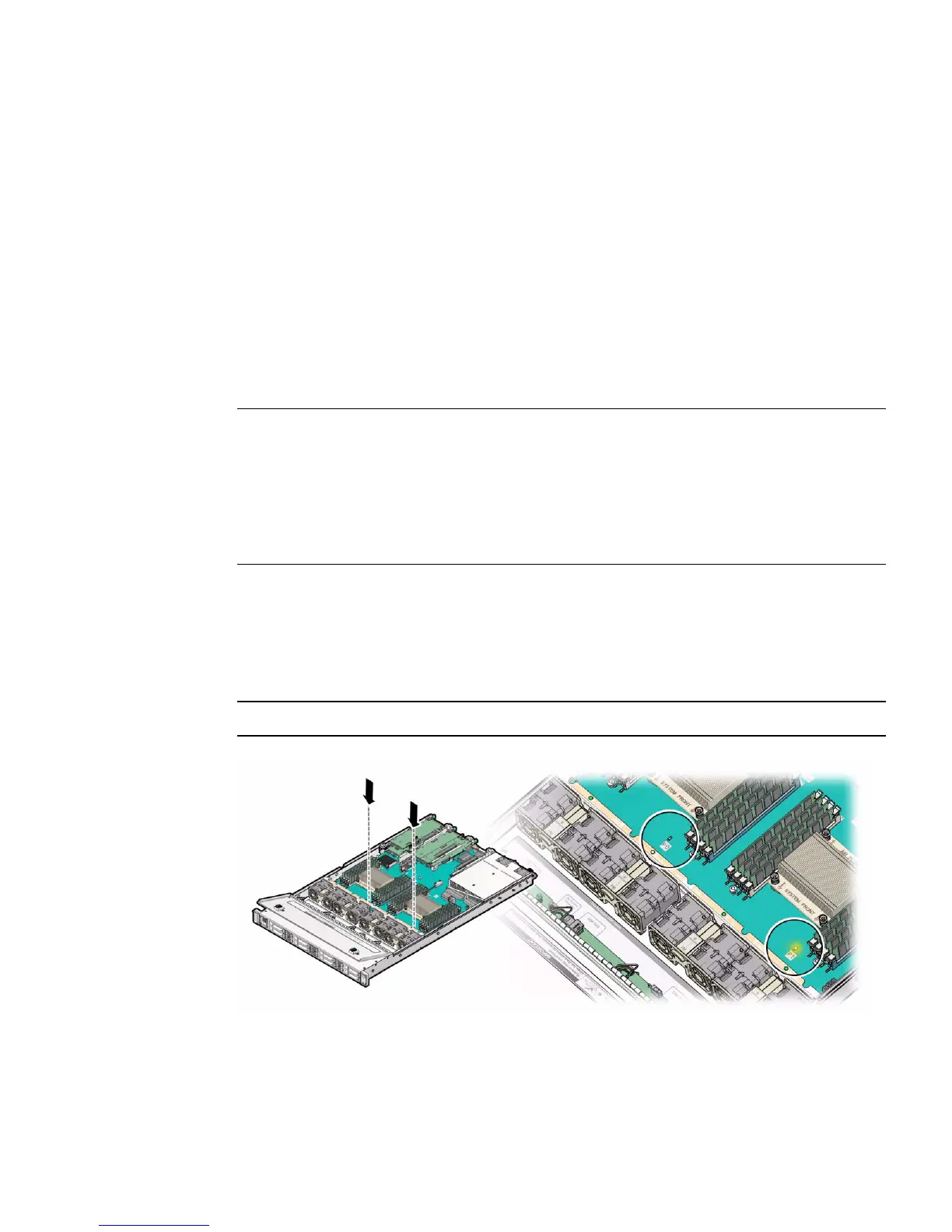
2. Identify the location of the faulty processor by pressing the Fault Remind
button on the motherboard.
Note – When the Fault Remind button is pressed, a LED located next to the Fault
Remind button lights green to indicate that there is sufficient voltage present in the
fault remind circuit to light any fault LEDs that were lit due to a failure. If this LED
fails to light when you press the Fault Remind button, it is likely that the capacitor
powering the fault remind circuit has lost its charge. This can happen if the Fault
Remind button is pressed for a long time with fault LEDs lit or if power has been
removed from the server for more than 15 minutes.
The processor fault LEDs are located next to the processor(s).
■ If the processor fault LED is off, then the processor is operating properly.
■ If the processor fault LED is on (amber), then the processor is faulty and should
be replaced.
Note – Processor 0 (P0) is on the left side when viewing the server from the front.



 To Next Page