Setting Up BIOS Configuration Parameters 181
7. Select the NIC port MAC address that corresponds to your chosen iSCSI boot
target, and then press Enter.
For example: Port 00-21-28-E7-71-06.
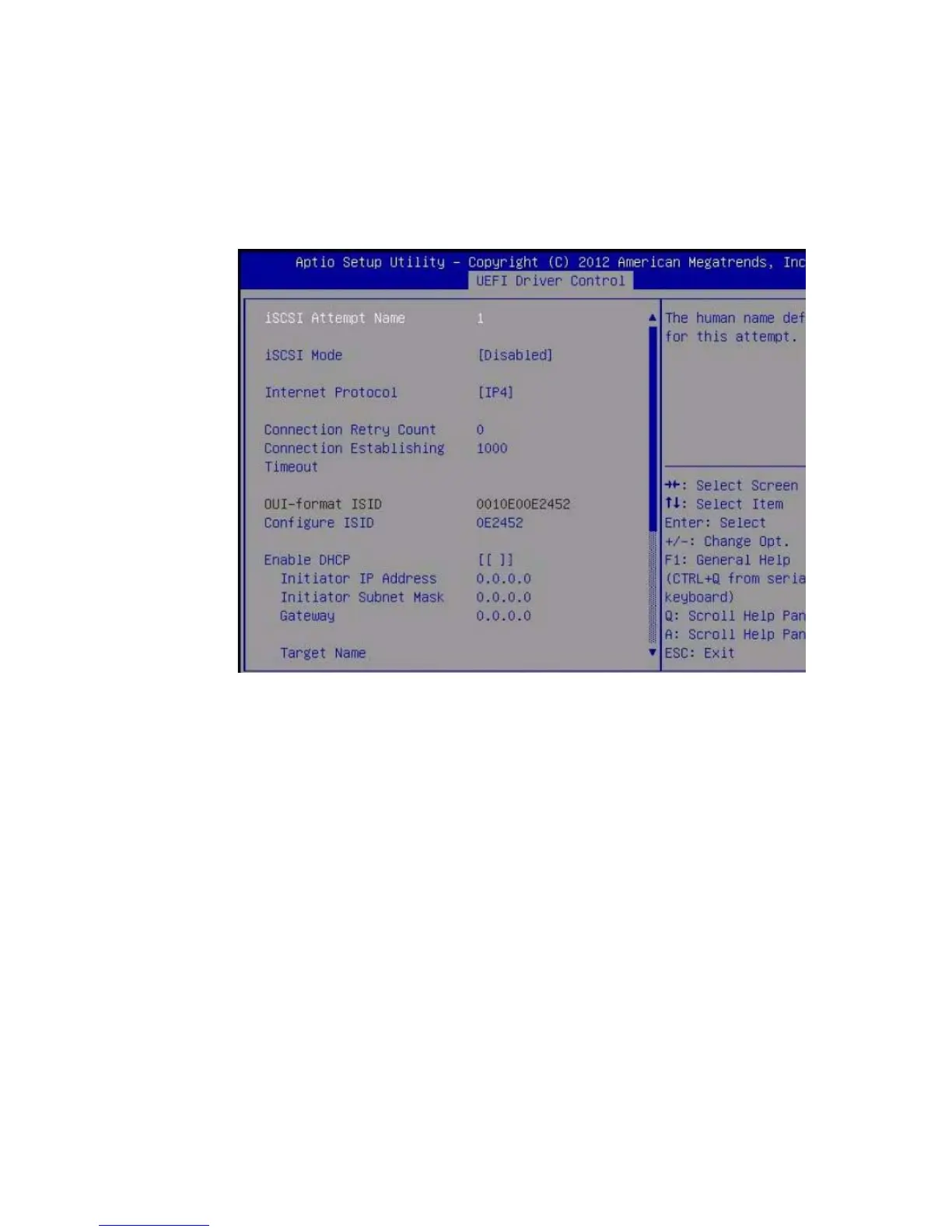
The Port Configuration screen appears. iSCSI is disabled by default.
8. Select iSCSI Mode, and then press the + or - key (plus or minus key) to toggle
iSCSI Mode to Enabled to enable the iSCSI port for iSCSI boot.
9. Determine whether you want to set DHCP to enabled or disabled.
DHCP is disabled by default.
■ If you keep DHCP disabled, continue to Step 10.
■ If you set DHCP to enabled, continue to Step 11.
10. If you elect to keep DHCP disabled, manually enter the following settings, and
then press Enter to save your changes.
a. Select Target Name, and then type the iqn target name.
For example: iqn.1988-12.oracle.com:X4-2-target
b. Select Target IP Address, and then type the target IP address of the iSCSI
server in dotted-decimal notation.
For example: 111.111.1.11



 To Next Page