52 Sun Server X4-2 Service Manual • May 2014
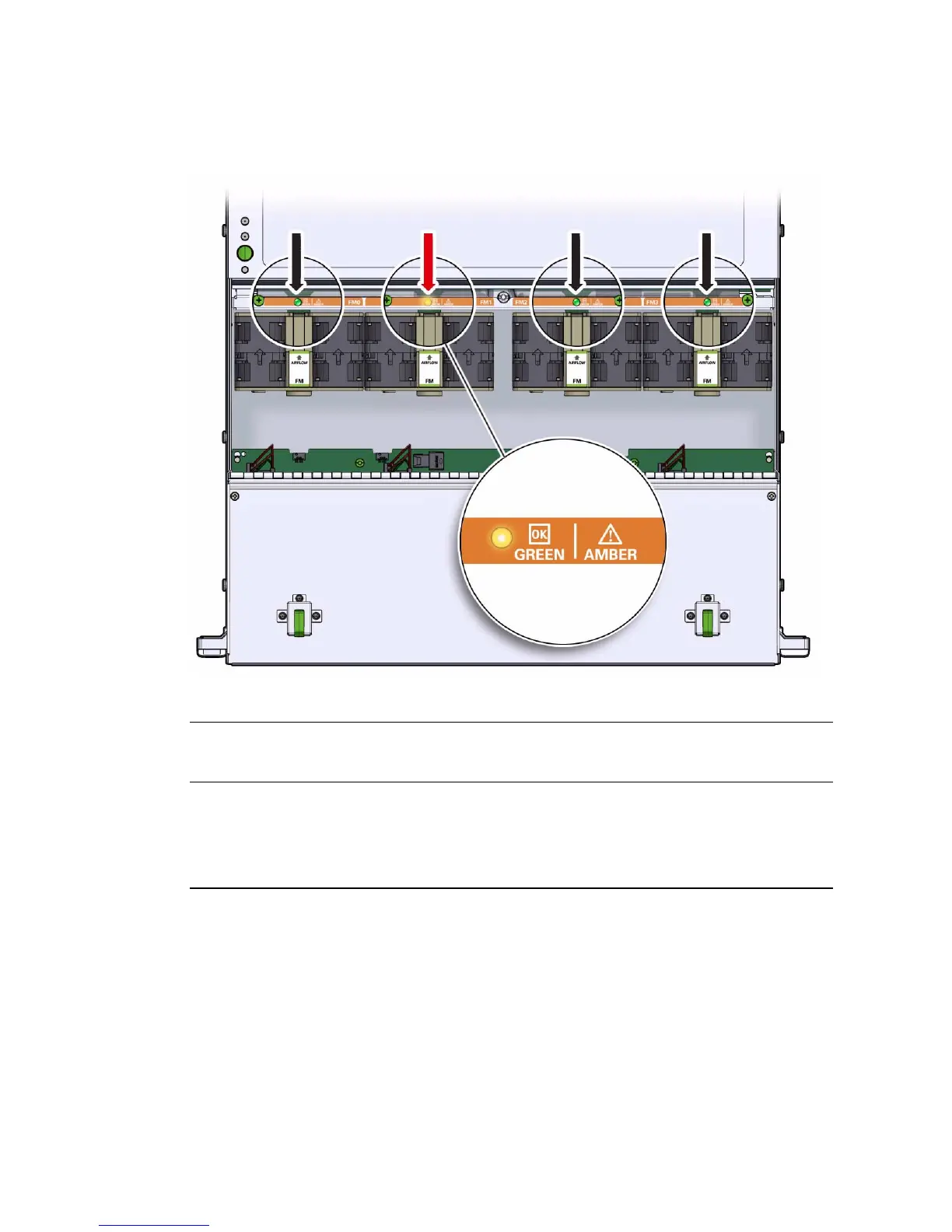
FIGURE: Server Fan Status Indicator
4. Remove the faulty fan module.
a. Using your thumb and forefinger, grasp the fan module in the finger recesses
located in the plastic between the fans.
b. Lift the fan module straight up and out of the chassis.
Status
Indicator
Name Color State Meaning
Fan Status Bicolored:
Amber/Green
• Amber – The fan module is faulty. The front TOP FAN
LED and the front and rear panel Service Required LEDs
are also lit if the system detects a fan module fault.
• Green – The fan module is correctly installed and
operating within specification.



 To Next Page