Servicing CRUs That Do Not Require Server Power-Off 53
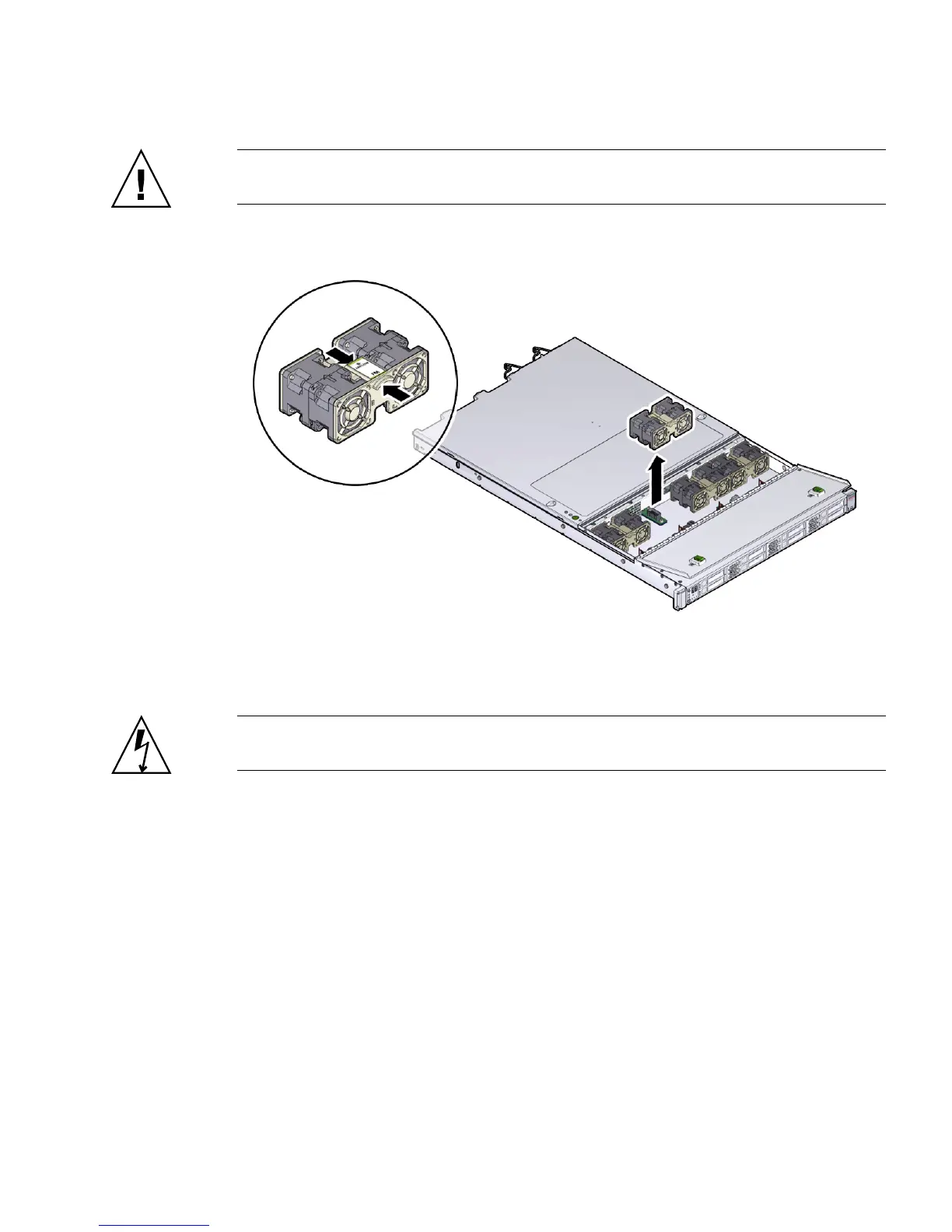
Caution – When removing a fan module, do not rock it back and forth. Rocking the
fans module can cause damage to the motherboard connectors.
FIGURE: Removing a Fan Module
5. Set the fan module aside.
Caution – Do not service any other components in the fan compartment unless the
system is shut down and the power cords are removed.
6. Consider your next step:
■ If you removed the fan assembly as part of another procedure, return to that
procedure.
■ Otherwise, continue to “Install a Fan Module” on page 54.
Related Information
■ “Install a Fan Module” on page 54



 To Next Page