V/D
S
ERIES
R
EGULAR TESTS AND MAINTENANCE
5-10 Revision: 2.1
Proceed as follows:
• Press the MENU button on the basic display to access the main menu.
MENU
Select Cycle
View Parameters
Change Parameters 1
Service 4
SET EXIT
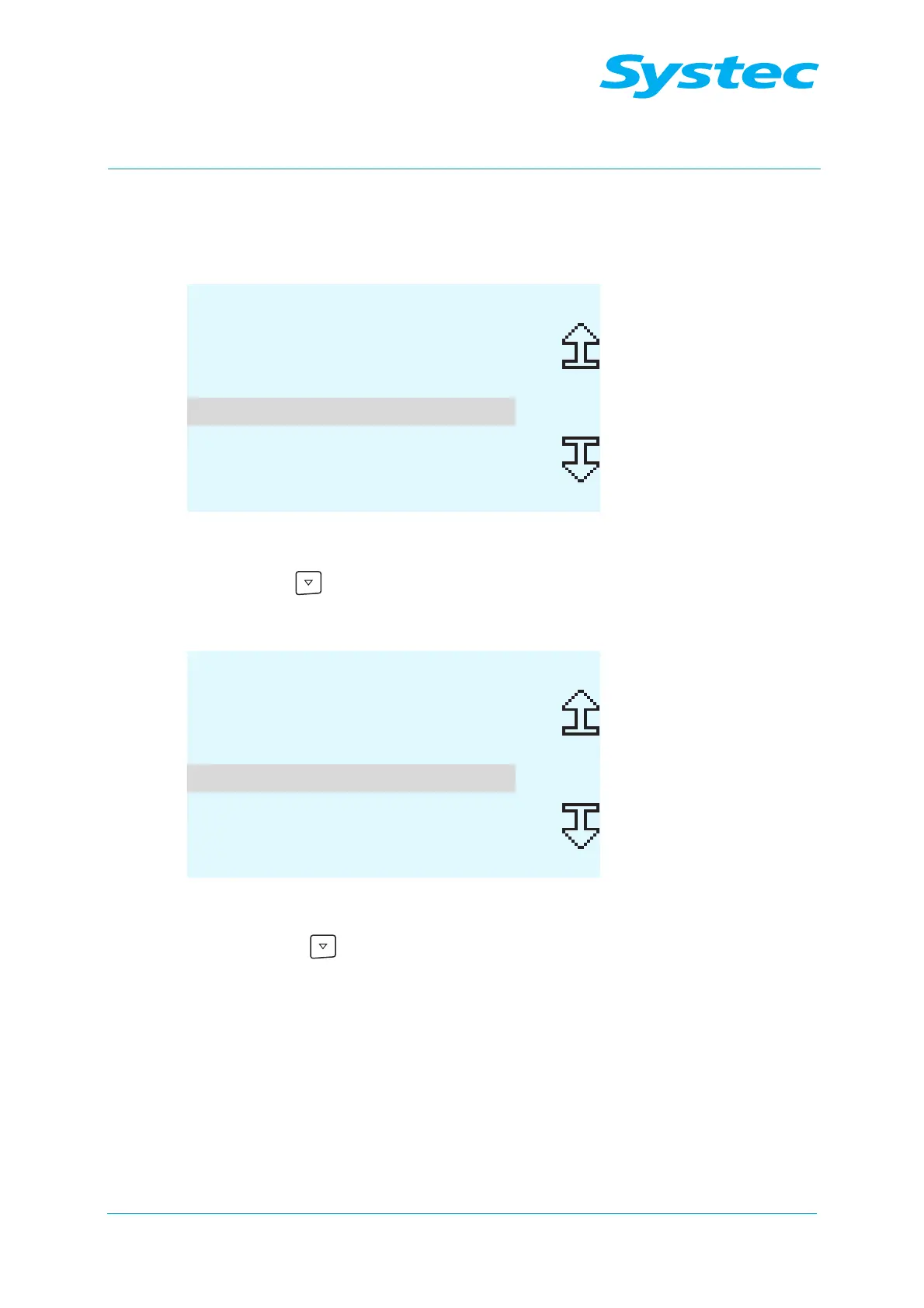
Fig. 1: Calibration: Navigating to the Service menu item
• Use the button to navigate to the Service menu item.
• Press the SET button.
MENU
Analog Inputs
Digital Inputs
Digital Outputs 4
Calibration 11
Clock
SET EXIT
Fig. 2: Calibration: Navigating to the Calibration menu item
• Press the button to navigate to the Calibration menu item.
• Press the SET button.



 To Next Page