V/D
S
ERIES
R
EGULAR TESTS AND MAINTENANCE
Revision: 2.1 5-11
ENTER CODE
0 1 9 8
SET EXIT
Fig. 3: Calibration: Entering the service code
• You are asked to enter the service code. Enter the code for access
level 4 (service technician).
• Press the SET button to confirm.
The Analog Inputs submenu appears.
The current values for the electrodes and analogue inputs are displayed.
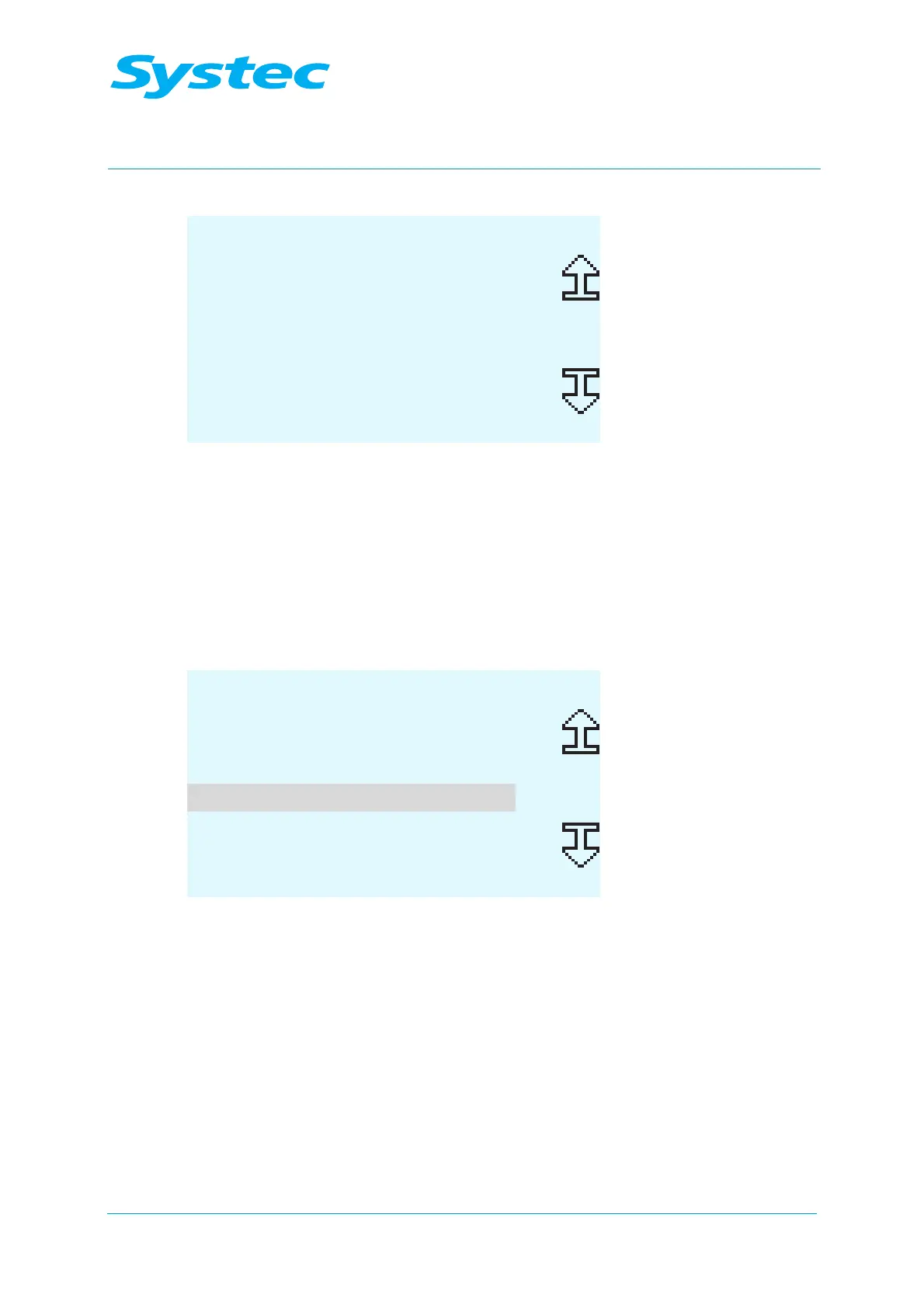
ANALOG INPUTS
Elect High
Elect Low
Elect Chamb
4
Chamb Press
15
Gen Press
Calib PRINT EXIT
Fig. 4: Calibration: Selecting a parameter
• Select the analogue input to be calibrated (for example: Chamb
Press).



 To Next Page