V/D
S
ERIES
R
EGULAR TESTS AND MAINTENANCE
5-12 Revision: 2.1
• Press the Calib button on the display to start calibration.
CALIBRATION
Change GainOffset
Calc. GainOffset
Restore Values
Chamb Press 124.4
SET EXIT
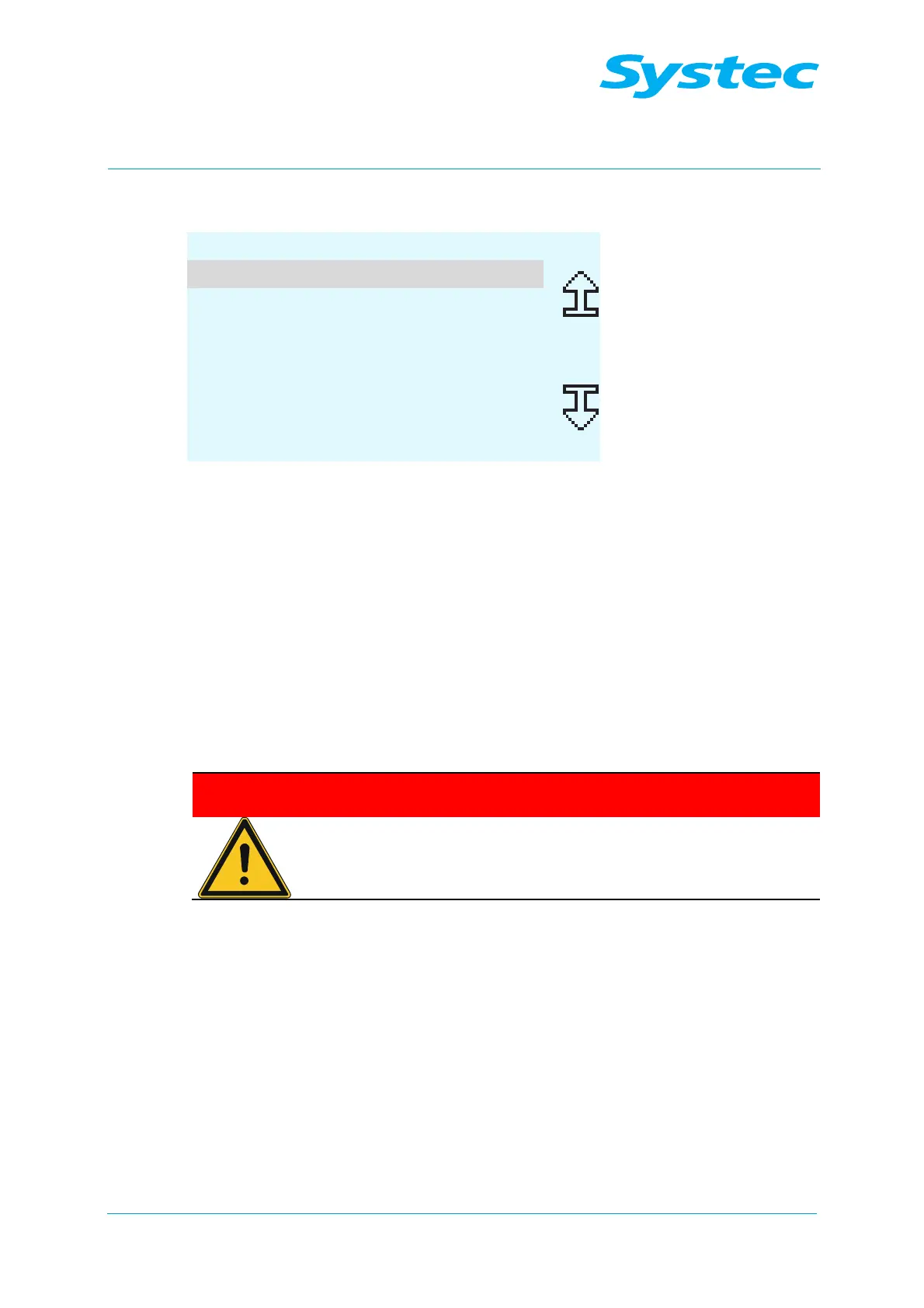
Fig. 5: Calibration: Selecting the calibration type for gain and offset values
You now have the following options:
1. Manual entry of the gain and offset values for the selected input
(Change GainOffset menu item).
2. Calculation of the gain and offset values for the selected input using a
reference measurement from external test equipment (Calc.
GainOffset).
3. Restoration of the last saved gain and offset values (Restore
Values menu item).
1. Manual entry of the gain and offset values
Only modify the gain and offset values manually
according to the specifications from Systec!
Manual modification of the gain and offset values has a direct
effect on the control of the autoclave. Incorrect values can
endanger users of the equipment.
• Navigate to the Change GainOffset menu item and press the SET
button to enter the gain and offset values manually.



 To Next Page