V/D
S
ERIES
M
ECHANICAL ASSEMBLIES
3-46 Revision: 2.1
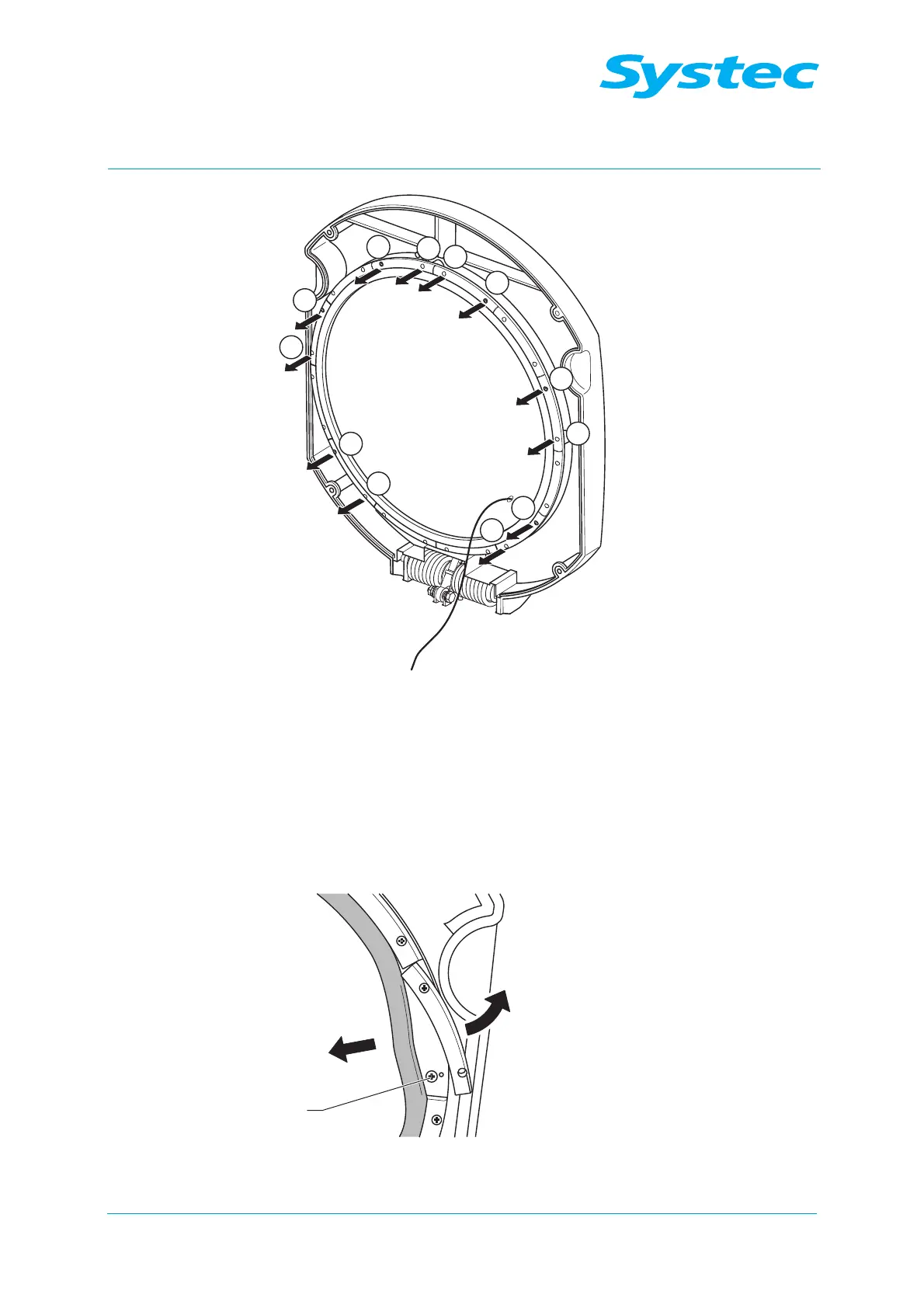
Fig. 23: Removing and loosening the screws
• Remove the 6 fastening screws (1) on the fixing plate, which are
positioned above the spacer sleeves.
• Loosen the fastening screws (2) on the opposite side of the same fixing
plate by two to three turns.
Fig. 24: Loosening the screws



 To Next Page