96 WEB Interface
CP560 DVB-T2 Gateway User’s Manual Rev. 2.2 (3686) ID: um_t2gateway
Show
The radio buttons Error count and Configured severity allows the user to configure what
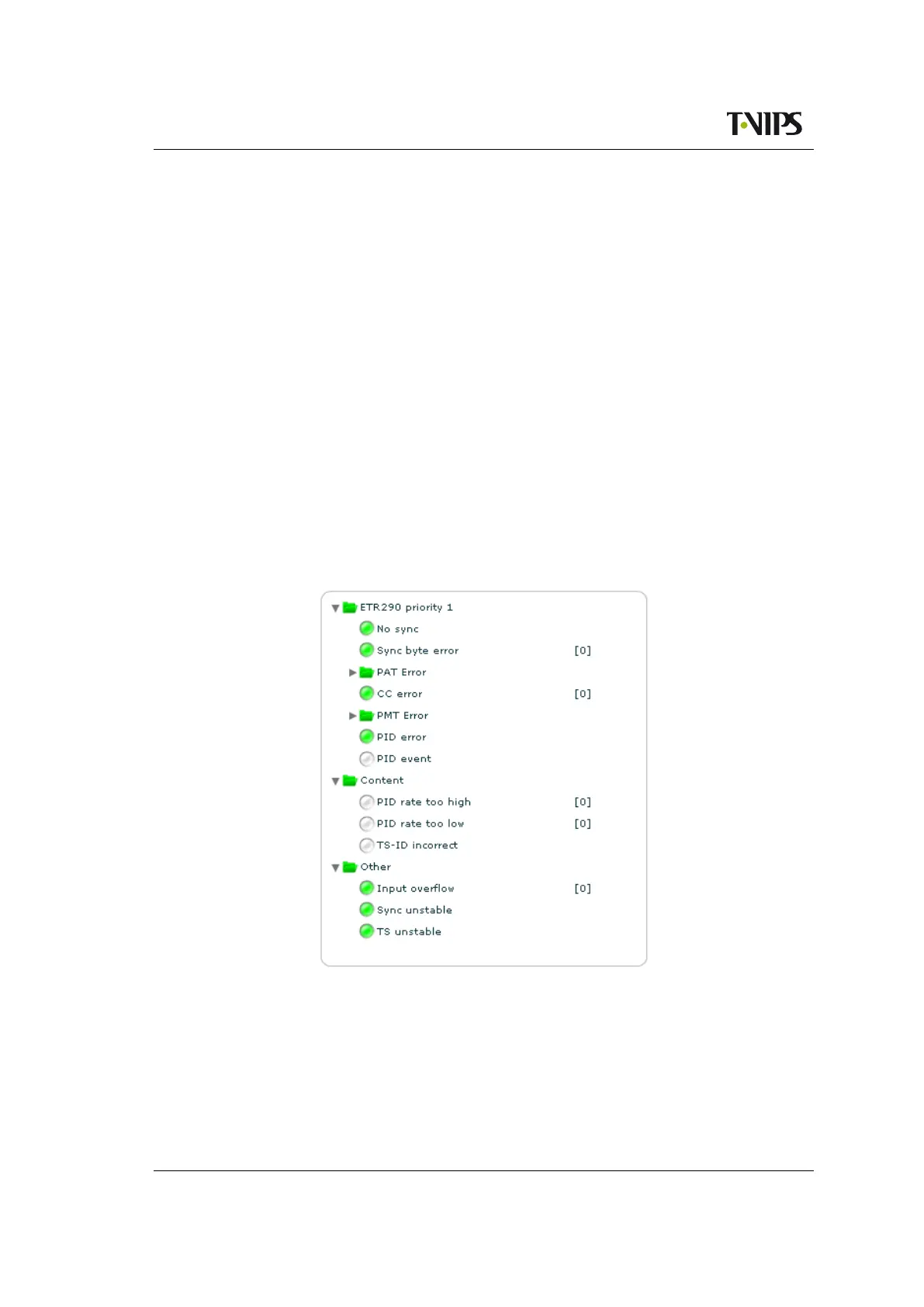
to be shown in the input alarm tree (see figure 8.49).
Error count
Display the accumulated number of errors since last alarm counter reset.
Configured severity
Display the configured alarm severity.
Reset Alarm Counters
Reset the alarm counters for all alarms belonging to the selected input.
Copy Settings from Input
This is a convenient way to copy alarm settings for a specific input to the current input. Use
the Input drop-down list to choose from which input to copy the settings. The settings are
copied by hitting the Copy Settings button. This includes all severity and limit overrides
both on alarm level and on PID level.
The input alarm tree is found in the main part of the page. It consists of a tree displaying all
alarms.
Figure 8.49 Input alarm tree
The input alarm tree is shown in figure 8.49. By clicking on the alarm nodes in the tree the
details for the selected alarm is shown in the Alarm details section (figure 8.50).
The alarm tree has two types of nodes:
Folder
Corresponds to a group of alarms. The colour of the folder shows the highest severity of



 To Next Page