WEB Interface 97
ID: um_t2gateway CP560 DVB-T2 Gateway User’s Manual Rev. 2.2 (3686)
all the alarms belonging to the group. The group is expanded or collapsed by clicking on
the arrow next to the group.
The alarm counters for a specific group are reset by left-clicking an alarm group in the
alarm tree and choosing the Reset Counters option. The counters for the individual alarms
are reset using the same procedure for an alarm node.
Alarm node
These have a coloured indicator showing the alarms current status. In addition, the alarms
configured severity or the current error count is shown in brackets to the right.
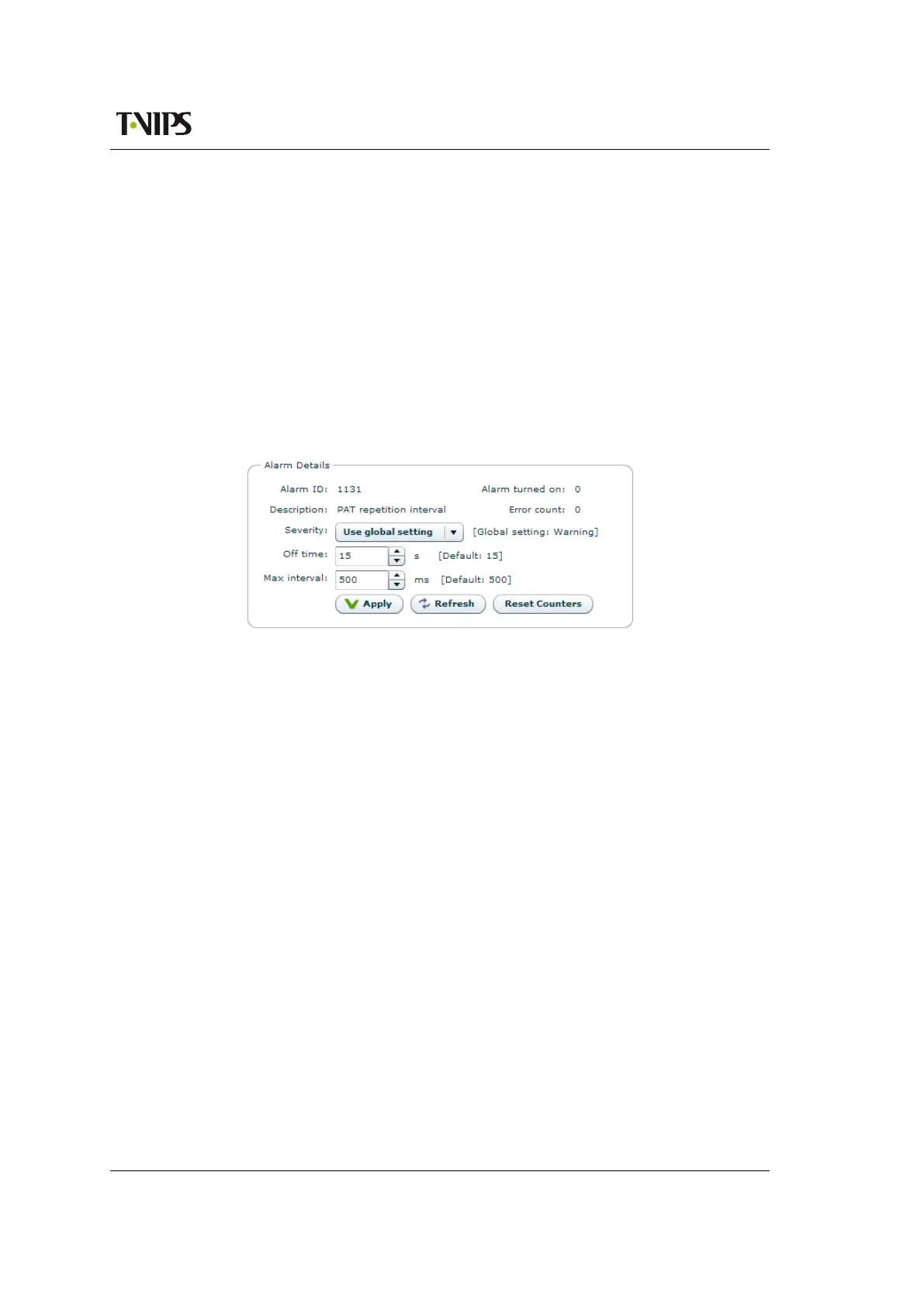
The right hand side of the page shows details about a single selected alarm (see figure 8.50).
The frame appears when a particular alarm is clicked. Its content may vary according to the
alarm selected.
Figure 8.50 Alarm details
The alarm details section includes the following information and buttons.
Alarm ID
The internal ID of the selected alarm. A complete list of alarms is found in Table G.3.
Description
A short description of the alarm.
Severity
Overrides the default severity for the given alarm. The default severity is in brackets to
the right of the drop down list. The factory default value for the severity is Use global
default. The globally configured alarm severity is then always used.
Max interval (alarm dependent label)
This field is shown for table repetition alarms. The number entered in the box determines
the maximum time (milliseconds) allowed between two occurrences of the same table. The
default value is shown to the right.
Max rate (alarm dependent label)
This field is shown for PID rate alarms. The number entered in the box determines the
maximum rate allowed for a given PID above which an alarm is raised. The default value
is shown to the right.
Min rate (alarm dependent label)
This field is shown for PID rate alarms. The number entered in the box determines the



 To Next Page