RUN MED: Service & Maintenance Manual - rev. 1.0
9. MACHINE CONFIGURATION
9.1. USER MENU CONFIGURATION
The machine configuration procedure is invoked by simultaneously pressing the keys 369 when the
machine is in standby mode. The following prompt appears on the LED display:
ENTER PASSWORD:
To access the procedure, type in the password 2406 and press ENTER to confirm. At this point the
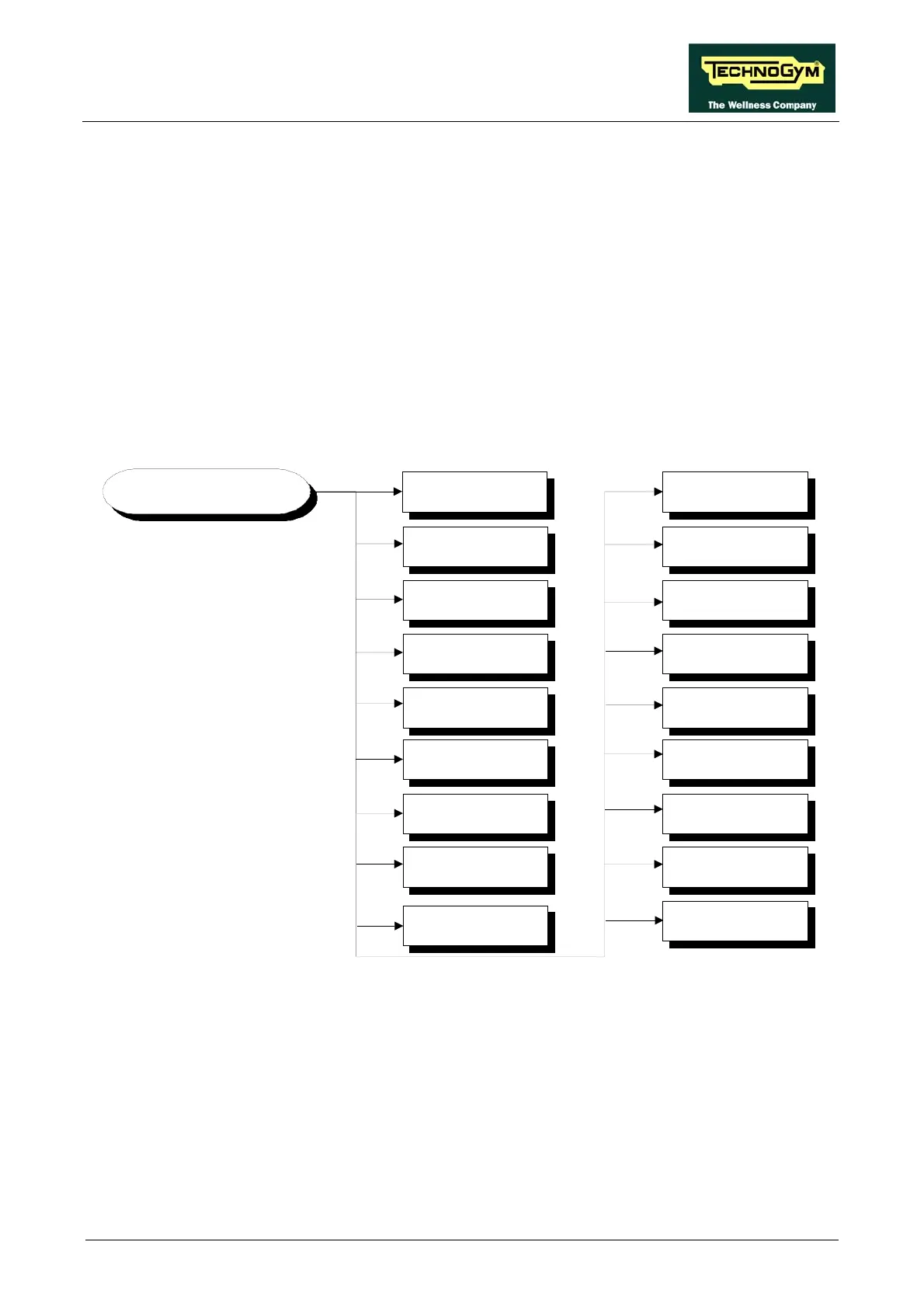
machine display begins showing the current configuration, structured as in the diagram below:
USER CONFIG Language
MAX time
Priority
Distance
Pause time
TGS
Keys
Edit Messages
Default config.
Up/Down
Change Mess.Lang.
Formatta P&P
User detect
SN
Language
HR
EXT.
Custom Mess.
9.1.1. LANGUAGE
After selecting a language from the list of those available, all messages subsequently displayed by
the machine will be in the chosen language. To change the selection, when the LED matrix shows
the current setting:
LANGUAGE : xxx
Press the +/- GOAL keys to select the desired language from the options available. Press ENTER
to confirm the choice, use the + or – speed keys to move to the next or previous parameter.
Page 9.1












 To Next Page