RUN MED: Service & Maintenance Manual - rev. 1.0
9.2.1. TIME AND DATE
This function sets the internal clock of the lower assembly. To access this menu, when the LED
display shows:
TIME AND DATE
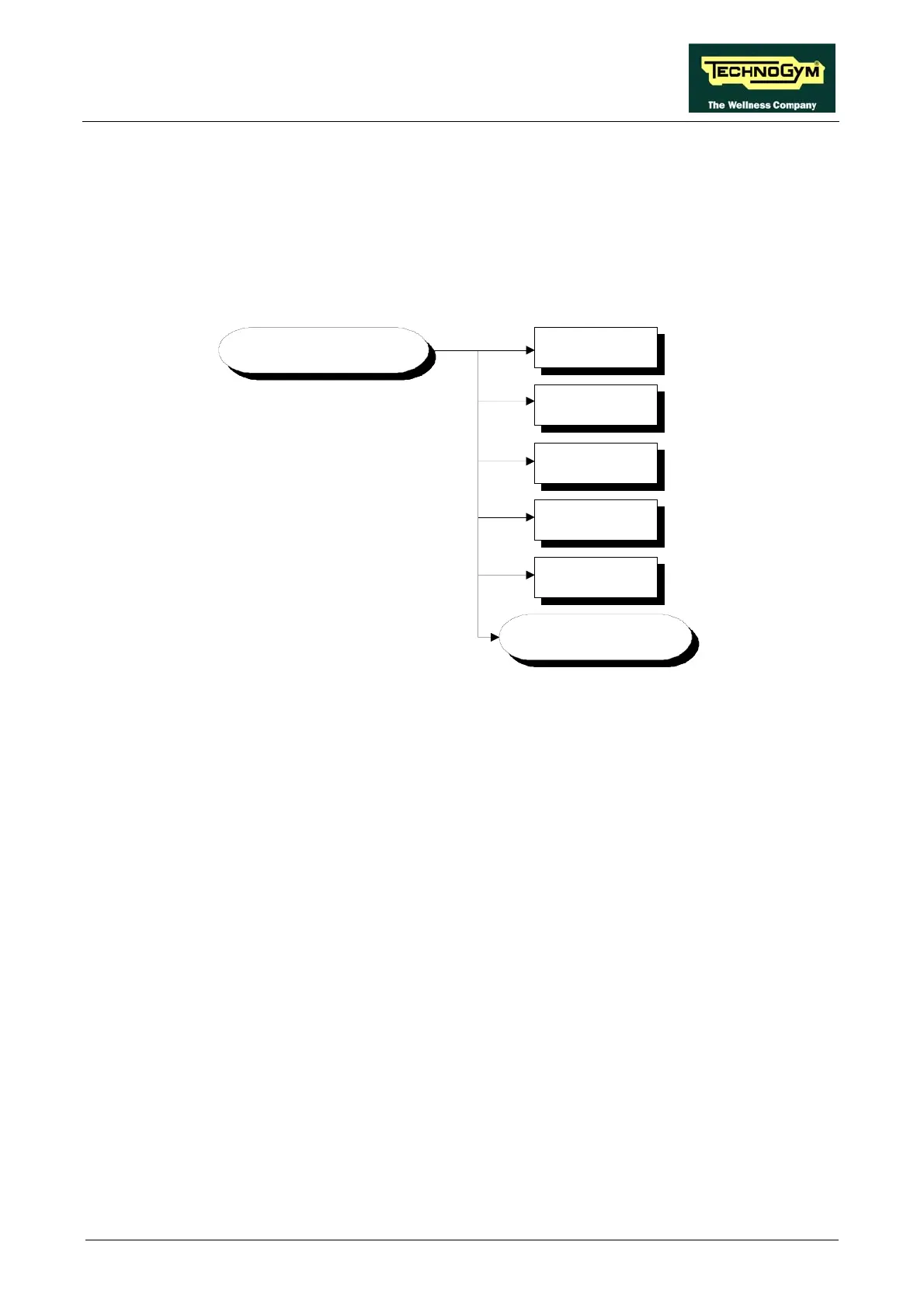
press ENTER. This function is structured as follows:
TIMES AND DATE
Day (DD)
Minutes (MM)
SET CLOCK ?
Month (MM)
Year (YYYY)
Hours (HH)
9.2.1.1. Hour
This parameter sets the hour of the internal clock.
.2.1.2. Minutes 9
This parameter sets the minutes of the inter
This parameter sets the date of the internal clock.
Year
eter sets the year of the inter
his item is used for programming the chip of the internal clock with the previously configured
values. To do this, when the LED matrix shows:
SET CLOCK
press the ENTER key.
nal clock.
9.2.1.3. Day
9.2.1.4. Month
This parameter sets the month of the internal clock.
.2.1.5. 9
This param nal clock.
9.2.1.6. Set Clock
T
Page 9.9












 To Next Page