Chapter 10: Differential Equation Graphing
149
10DIFFEQ.DOC TI-86, Chap 10, US English Bob Fedorisko Revised: 02/13/01 2:28 PM Printed: 02/13/01 3:02 PM Page 149 of 2010DIFFEQ.DOC TI-86, Chap 10, US English Bob Fedorisko Revised: 02/13/01 2:28 PM Printed: 02/13/01 3:02 PM Page 149 of 2010DIFFEQ.DOC TI-86, Chap 10, US English Bob Fedorisko Revised: 02/13/01 2:28 PM Printed: 02/13/01 3:02 PM Page 149 of 20
Select
EXPLR
from the
GRAPH
menu.
Move the free-moving cursor to the initial
condition for which you want to solve.
/ *
" # ! $
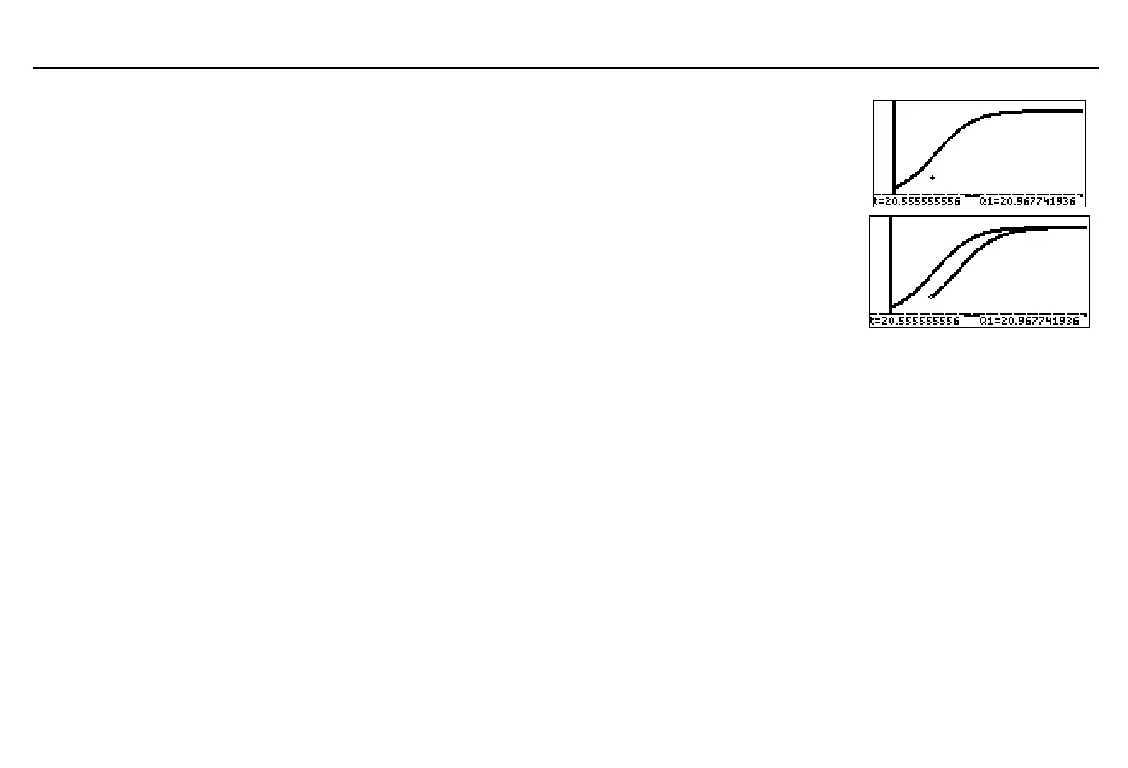
Draw the solution to
Q1
, using the cursor
coordinates (x,y) as initial condition
(
t
,
Q'1(t)
).
b
To continue drawing more solutions, move the free-moving cursor and then press
b
.
To stop using
EXPLR
, press
.
.
If
SlpFld
or
DirFld
is set, the axes are set to specific solutions automatically.
♦
For
SlpFld
,
x=t
and
y=Q1
are set.
♦
For
DirFld
,
x=Q1
and
y=Q2
are set.
If the axes are set to a specific solution
t
,
Q
n
, or
Q'
n
, that solution is drawn.
If the axes are not set to a specific solution and
t
is one variable and
Q
is the other,
Q1
is drawn.
If both axes are set to a
Q
variable, executing
EXPLR
results in an error.



 To Next Page