62
Chapter 4: Constants, Conversions, Bases, and Complex Numbers
04CCCB.DOC TI-86, Chap 4, US English Bob Fedorisko Revised: 02/13/01 2:20 PM Printed: 02/13/01 3:01 PM Page 62 of 1604CCCB.DOC TI-86, Chap 4, US English Bob Fedorisko Revised: 02/13/01 2:20 PM Printed: 02/13/01 3:01 PM Page 62 of 1604CCCB.DOC TI-86, Chap 4, US English Bob Fedorisko Revised: 02/13/01 2:20 PM Printed: 02/13/01 3:01 PM Page 62 of 16
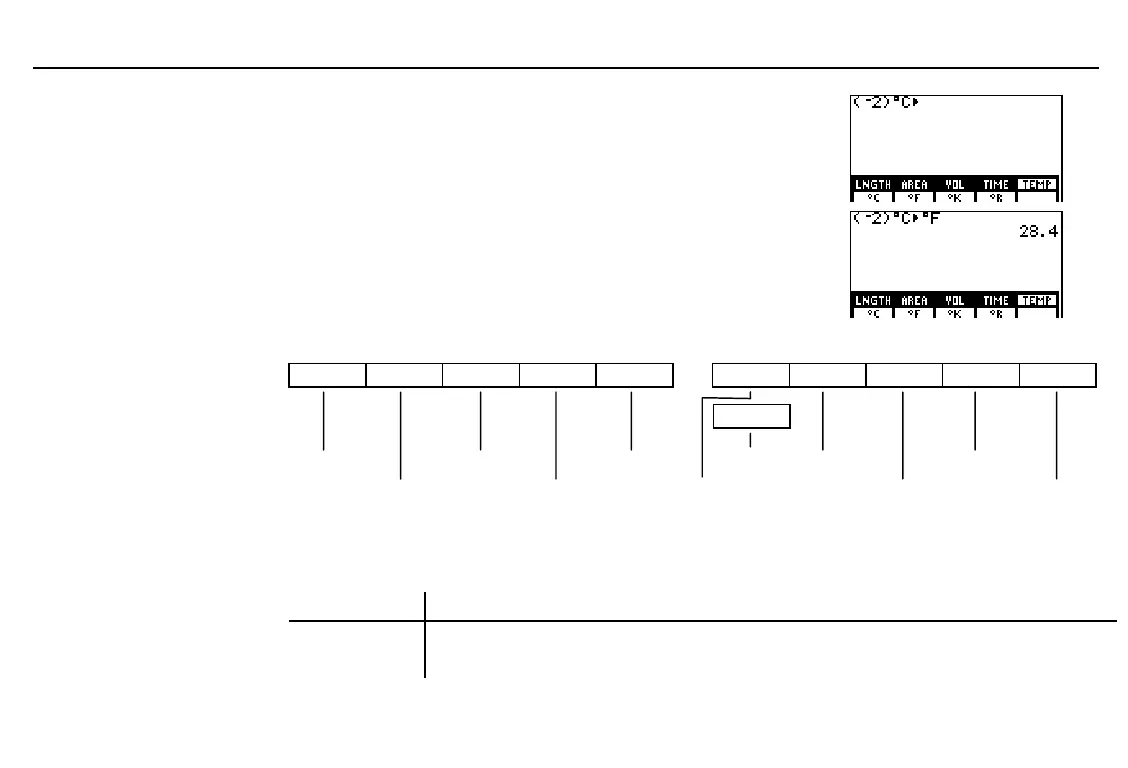
Select the current unit of measure (
¡
C
) from the
conversion group menu. The unit abbreviation
and conversion symbol (
4
) are pasted to the
cursor location.
&
Select the new unit of measure (
¡
F
) from the
conversion group menu. The unit abbreviation is
pasted to the cursor location.
Convert the measurement.
'
b
The CONV (Conversions) Menu
-
’
LNGTH AREA VOL TIME TEMP
4
MASS FORCE PRESS ENRGY POWER
4
SPEED
length volume temperature speed force energy
menu menu menu menu menu menu
area menu time menu mass menu pressure menu power menu
Important:
When you convert a negative value, you must enclose in parentheses the value
and its negation sign, as in
(
L
4)
. Otherwise, the TI
-
86 order of evaluation will perform the
conversion first, and then apply the negation to the converted value.
If you enter... ...The TI
-
86 converts it to...
(
L
4)
¡
C
4¡
F
24.8
degrees Fahrenheit (
L
4
¡
Celsius converted to degrees Fahrenheit)
L
4
¡
C
4¡
F
L
39.2
degrees Fahrenheit (4
¡
Celsius converted to degrees Fahrenheit, then negated)



 To Next Page