Chapter 13: Matrices
179
13MATRX.DOC TI-86, Chap 13, US English Bob Fedorisko Revised: 02/13/01 2:32 PM Printed: 02/13/01 3:03 PM Page 179 of 1013MATRX.DOC TI-86, Chap 13, US English Bob Fedorisko Revised: 02/13/01 2:32 PM Printed: 02/13/01 3:03 PM Page 179 of 10
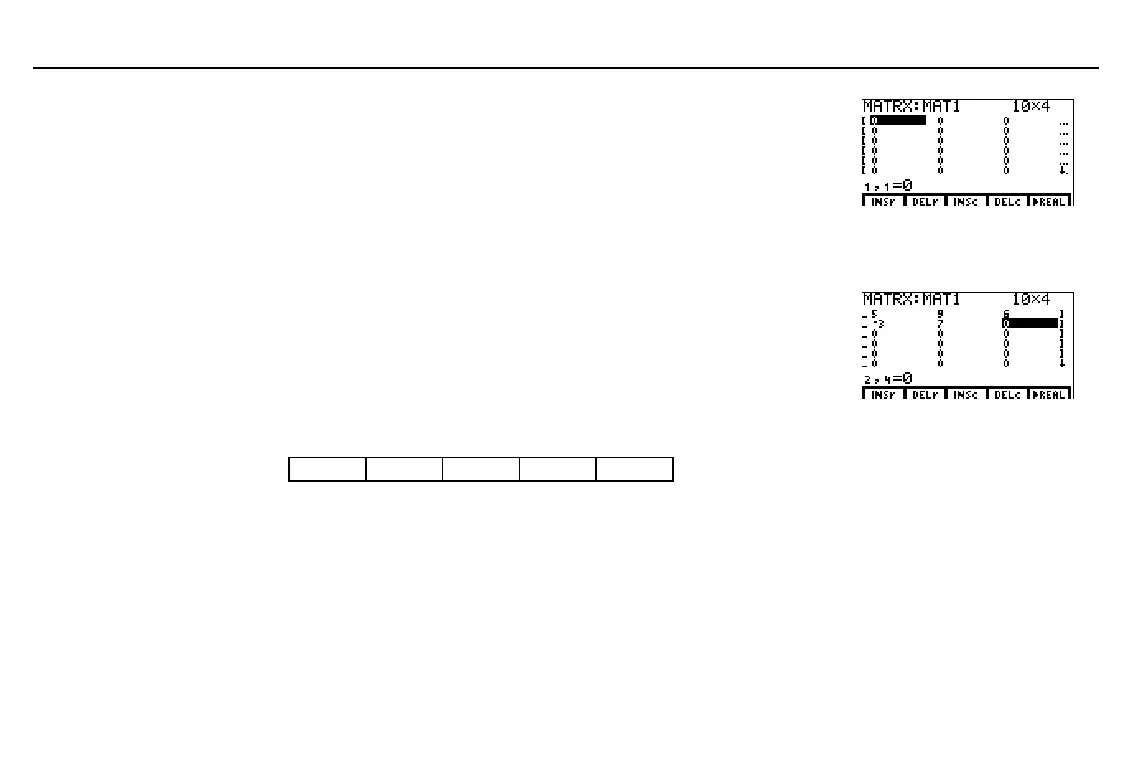
Display the matrix editor and the matrix
editor menu.
Accept or change the matrix dimensions
(
row
×
column
) in the top-right corner of
the screen, (1
row
255 and
1
column
255); maximum combination is
subject to memory availability. The matrix
is displayed; all elements are
0
.
b
10
b
4
b
Enter each matrix element value at the
element prompt (
1,1
=
for row 1, column 1).
You can enter expressions. To move to the
next element, press b. To move to the
next row, press #.
a
4
b
5
b
9
b
6
b
1
b
a
3
b
7
b and so on
The Matrix Editor Menu
-
‰
'
matrixName
b
INSr DELr INSc DELc
4
REAL
INSr
Inserts a row at the cursor location; shifts subsequent rows down
DELr
Deletes row at the cursor location; shifts subsequent rows up
INSc
Inserts a column at the cursor location; shifts subsequent columns to the right
DELc
Deletes the column at the cursor location; shifts subsequent columns to the left
4
REAL
Converts the displayed complex number matrix to a real number matrix
An ellipsis (…) at either end
of matrix rows indicates
additional columns.
$
or
#
in the last column
indicates additional rows.



 To Next Page