232
Chapter 17: Memory Management
17MEMORY.DOC TI-86, Chap17, US English Bob Fedorisko Revised: 02/13/01 2:37 PM Printed: 02/13/01 3:05 PM Page 232 of 417MEMORY.DOC TI-86, Chap17, US English Bob Fedorisko Revised: 02/13/01 2:37 PM Printed: 02/13/01 3:05 PM Page 232 of 417MEMORY.DOC TI-86, Chap17, US English Bob Fedorisko Revised: 02/13/01 2:37 PM Printed: 02/13/01 3:05 PM Page 232 of 4
Resetting the TI-86
The MEM RESET (Reset) Menu
-
™
(
RAM DELET RESET TOL ClrEnt
ALL MEM DFLTS
ALL
When confirmed, all data is cleared and memory is reset; both messages are displayed
MEM
When confirmed, clears all stored data from memory;
Mem Cleared
is displayed
DFLTS
When confirmed, resets all defaults;
Defaults Set
is displayed
When you select
ALL
,
MEM
, or
DFLTS
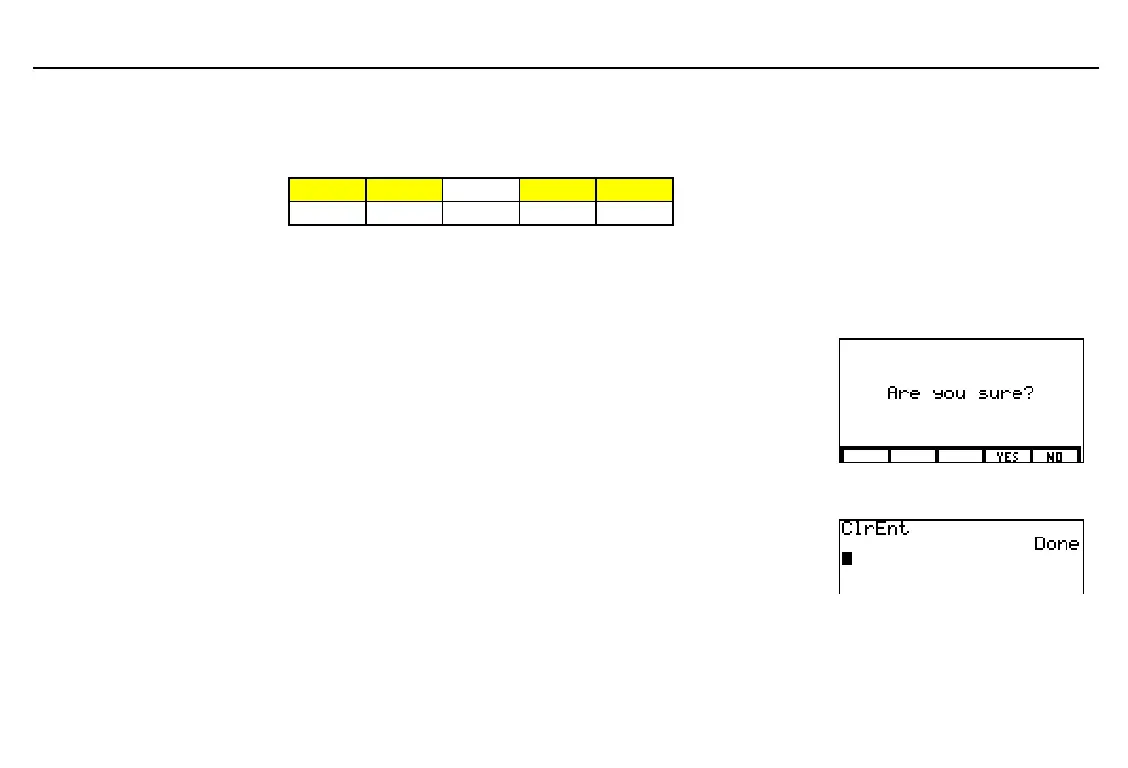
, a confirmation menu
is displayed.
♦
To confirm the selected reset, select
YES
(press
)
).
♦
To cancel the selected reset, select
NO
(press
*
).
ClrEnt (Clear Entry)
-
™
*
The TI
-
86 retains as many previous entries as possible in
ENTRY
, up to a capacity of 128 bytes.
To clear the
ENTRY
storage area of all entries, execute
ClrEnt
on a blank line on the home screen (
-
™
*
b
).
Before resetting all memory,
consider deleting selected
information to increase
memory capacity (page 231).
When you select and confirm
ALL
or
DFLTS
, the default
contrast is reset; to adjust it,
use
-
$
or
-
#
(Chapter 1).



 To Next Page