260
Chapter 19: Applications
19APPS.DOC TI-86, Chap 19, US English Bob Fedorisko Revised: 02/13/01 2:41 PM Printed: 02/13/01 3:05 PM Page 260 of 1819APPS.DOC TI-86, Chap 19, US English Bob Fedorisko Revised: 02/13/01 2:41 PM Printed: 02/13/01 3:05 PM Page 260 of 18
Program: Sierpinski Triangle
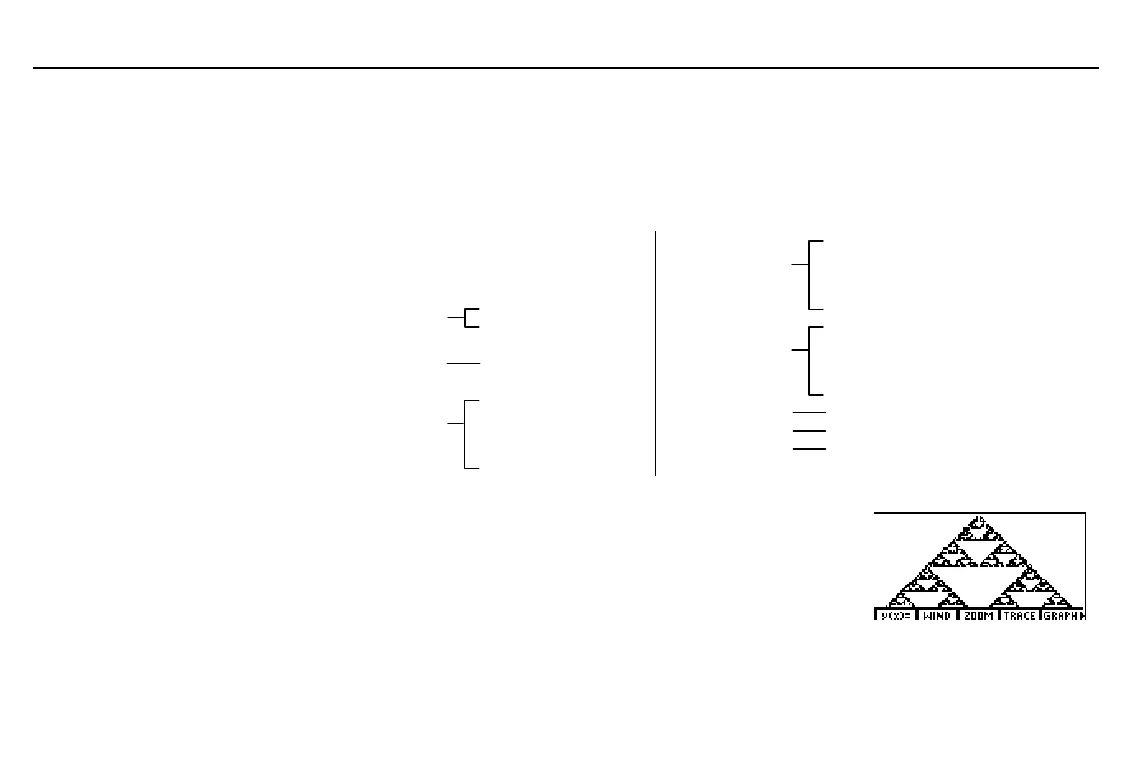
This program creates a drawing of a widely known fractal, the Sierpinski Triangle, and
stores the drawing to the picture variable
TRI
.
Select
EDIT
from the
PRGM
menu, enter
SIERP
at the
Name=
prompt, and then enter this program.
PROGRAM:SIERP
:FnOff :ClDrw
:PlOff
:AxesOff
Sets viewing
window
:0

xMin:1

xMax
:0

yMin:1

yMax
:rand

X:rand

Y
Begins
For
group
:For(K,1,3000)
:rand

N
If
à
Then
group
:If N
(1
à
3)
:Then
:.5X

X
:.5Y

Y
:End
If
à
Then
group
:If N>(1
à
3) and N
(2
à
3)
:Then
:.5(.5+X)

X
:.5(1+Y)

Y
:End
If
à
Then
group
:If N>(2
à
3)
:Then
:.5(1+X)

X
:.5Y

Y
:End
Draws point
:PtOn(X,Y)
End of
For
:End
Stores picture
:StPic TRI
On the home screen, select
SIERP
from the
PRGM
NAMES
menu
and press
b
to run the program, which may run for several
minutes before completion.
After you run the program, you can recall and display the picture
by executing
RcPic TRI
.



 To Next Page