Chapter 19: Applications
245
19APPS.DOC TI-86, Chap 19, US English Bob Fedorisko Revised: 02/13/01 2:41 PM Printed: 02/13/01 3:05 PM Page 245 of 1819APPS.DOC TI-86, Chap 19, US English Bob Fedorisko Revised: 02/13/01 2:41 PM Printed: 02/13/01 3:05 PM Page 245 of 18
Finding the Area between Curves
Find the area of the region bounded by: f(x)=300 x
à
(x
2
+625)
g(x)=3 cos (.1 x)
x=75
In
Func
graphing mode, select
y(x)=
from the
GRAPH
menu to display the equation editor and
enter the equations as shown.
y1=300 x
à
(x
2
+625) y2=3 cos (.1 x)
Select
WIND
from the
GRAPH
menu and set the window variables as shown.
xMin=0 xMax=100 xScl=10 yMin=
L
5 yMax=10 yScl=1 xRes=1
Select
GRAPH
from the
GRAPH
menu to display the graph screen.
Select
ISECT
from the
GRAPH MATH
menu. Move the trace cursor to the intersection of the
functions. Press
b
to select
y1
. The cursor moves to
y2
. Press
b
. Then press
b
again to set the current cursor location as the initial guess. The solution uses the solver. The
value of
x
at the intersection, which is the lower limit of the integral, is stored to
Ans
and
x
.
The area to integrate is between
y1
and
y2
, from
x=5.5689088189
to
x=75
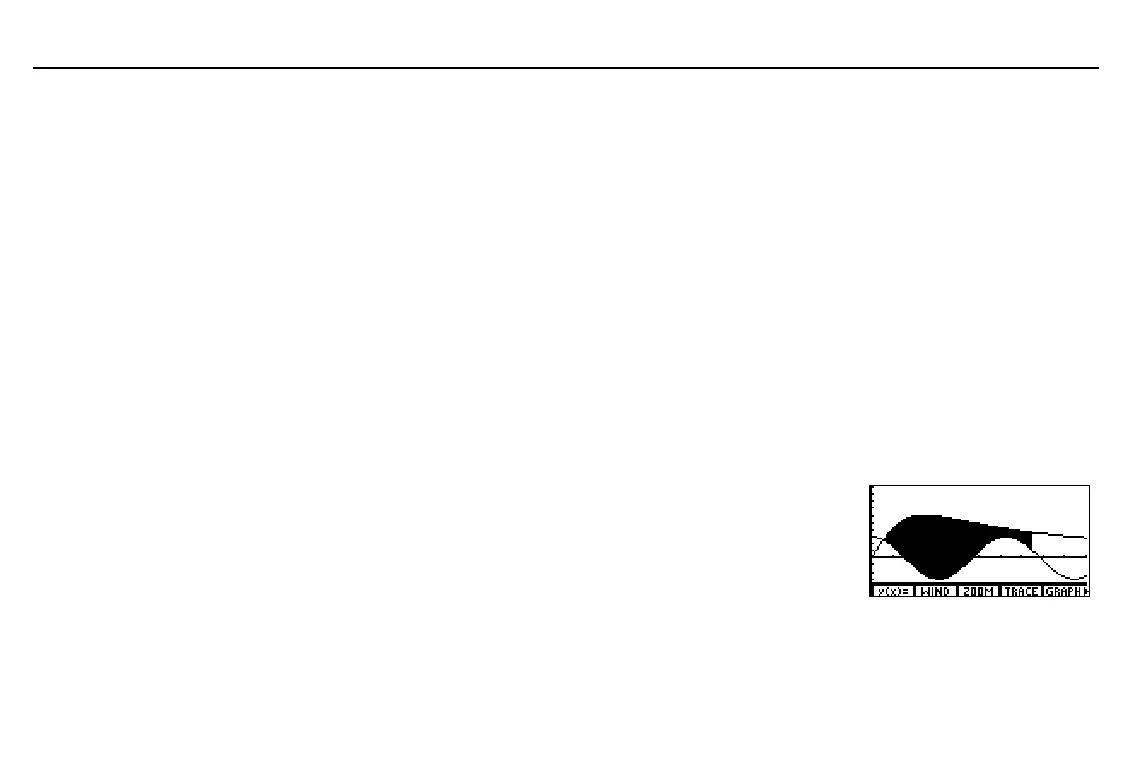
. To see the area on a graph, return to the home screen,
select
Shade
from the
GRAPH
DRAW
menu, and execute this
expression:
Shade(y2,y1,Ans,75)
Select
TOL
from the
MEM
menu and set
tol=1
E
L
5
.
On the home screen, compute the integral with
fnInt
(
CALC
menu). The area is 325.839961998.
fnInt(y1
N
y2,x,Ans,75)
If necessary, select
ALL-
from the equation editor
menu to deselect all
functions. Also, turn off all
stat plots.



 To Next Page