272
Chapter 20: A to Z Function and Instruction Reference
20ATOZ.DOC TI-86, Chap 20, US English Bob Fedorisko Revised: 02/13/01 2:42 PM Printed: 02/13/01 3:05 PM Page 272 of 118
Bin
† mode screen
Bin
Sets binary number base mode. Results are displayed
with the
Ü
suffix. In any number base mode, you can
designate an appropriate value as binary, decimal,
hexadecimal, or octal by using the
Ü
,
Þ
,
ß
, or
Ý
designator, respectively, from the
BASE TYPE
menu.
In
Bin
number base mode:
10+
Úß
+10
Ý
+10
Þ
b
100011
Ü
4
Bin
BASE CONV menu
number
4
Bin
list
4
Bin
matrix
4
Bin
vector
4
Bin
Returns the binary equivalent of the real or complex
argument.
In
Dec
number base mode:
2
¹
8
b
16
Ans
4
Bin
b
10000
Ü
{1,2,3,4}
4
Bin
b
{1
Ü
10
Ü
11
Ü
100
Ü
}
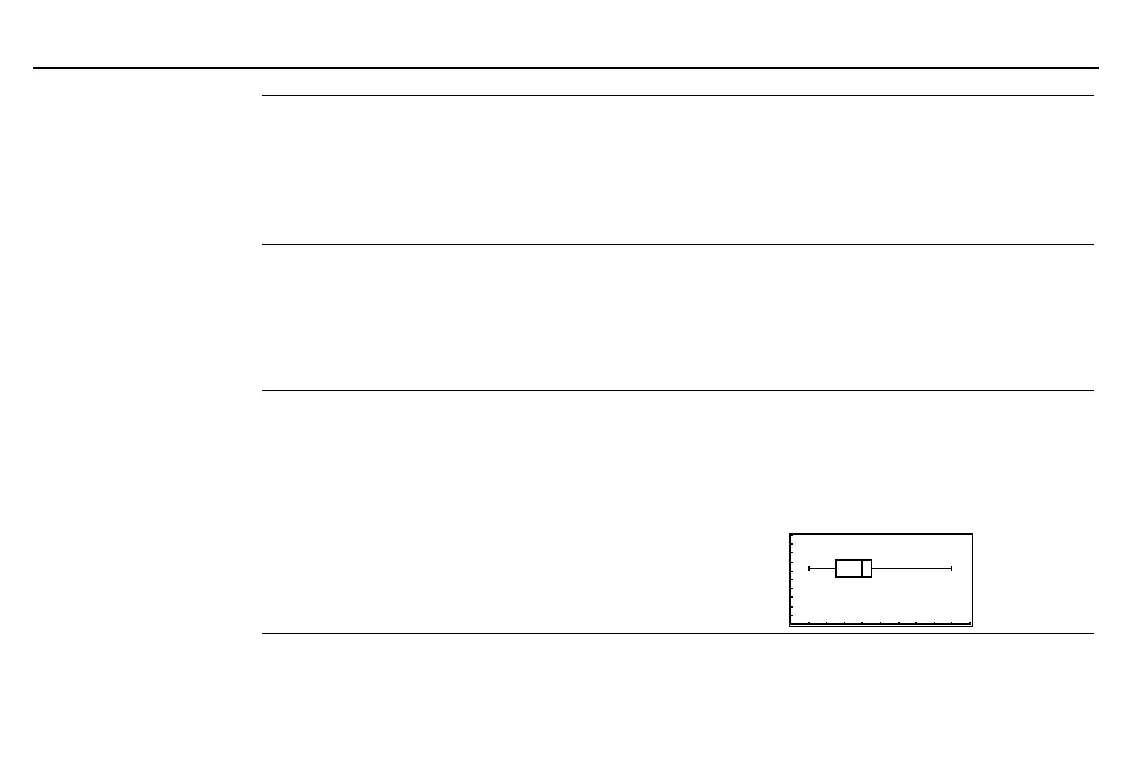
Box
† STAT DRAW menu
Box
xList
,
frequencyList
Draws a box plot on the current graph, using the real
data in
xList
and the frequencies in
frequencyList
.
Box
xList
Uses frequencies of 1.
Box
Uses the data in built-in variables
xStat
and
fStat
. These
variables must contain valid data of the same
dimension; otherwise, an error occurs.
Starting with a
ZStd
graph screen:
{1,2,3,4,5,9}
¶
XL
b
{1 2 3 4 5 9}
{1,1,1,4,1,1}
¶
FL
b
{1 1 1 4 1 1}
0
¶
xMin:0
¶
yMin
b
0
Box XL,FL
b



 To Next Page