4-38 TM-500 User’s Guide
Setup Vision Test (Optional) D292144.7.fm
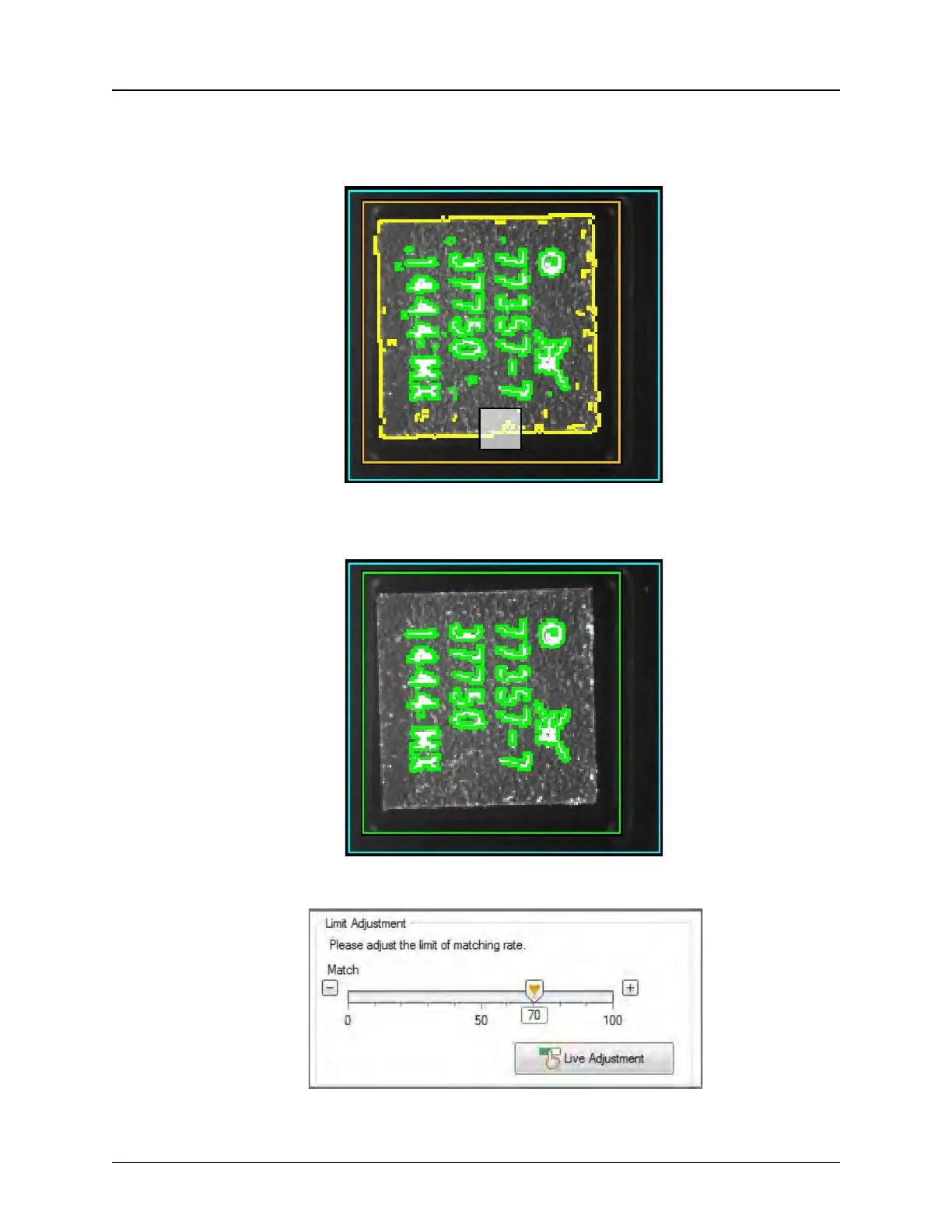
The Eraser appears as a white square on the image. Adjust eraser size as needed,
then click and drag it over any unwanted data that is outlined in green on the
image.
Reduce Eraser size to remove any smaller green spots of unnecessary data. Click
OK to finalize edit.
Click Live Adjustment and the sensor will continuously take measurements.


 To Next Page