6-24 TM-500 User’s Guide
Testing Seal Strength D292144.9.fm
Testing Seal Strength
Perform a Test Seal
1. Run the tape through the taping module by pressing the
Continuous Advance button in the HMI Taper Setup Tab.
2. As the seal is occurring, watch the alignment of the cover tape with the carrier tape. The
cover tape should run exactly in the groove of the cover tape guide and the seal should
appear as a solid, consistent line.
3. Adjust the seal positions as described in the sealer setup sections above, if necessary.
Perform a Peel Force Test
For most taping applications, a peel force test is needed to determine the seal characteristics.
Perform as many peel force tests as needed while adjusting the sealer controls to obtain the
required seal strength.
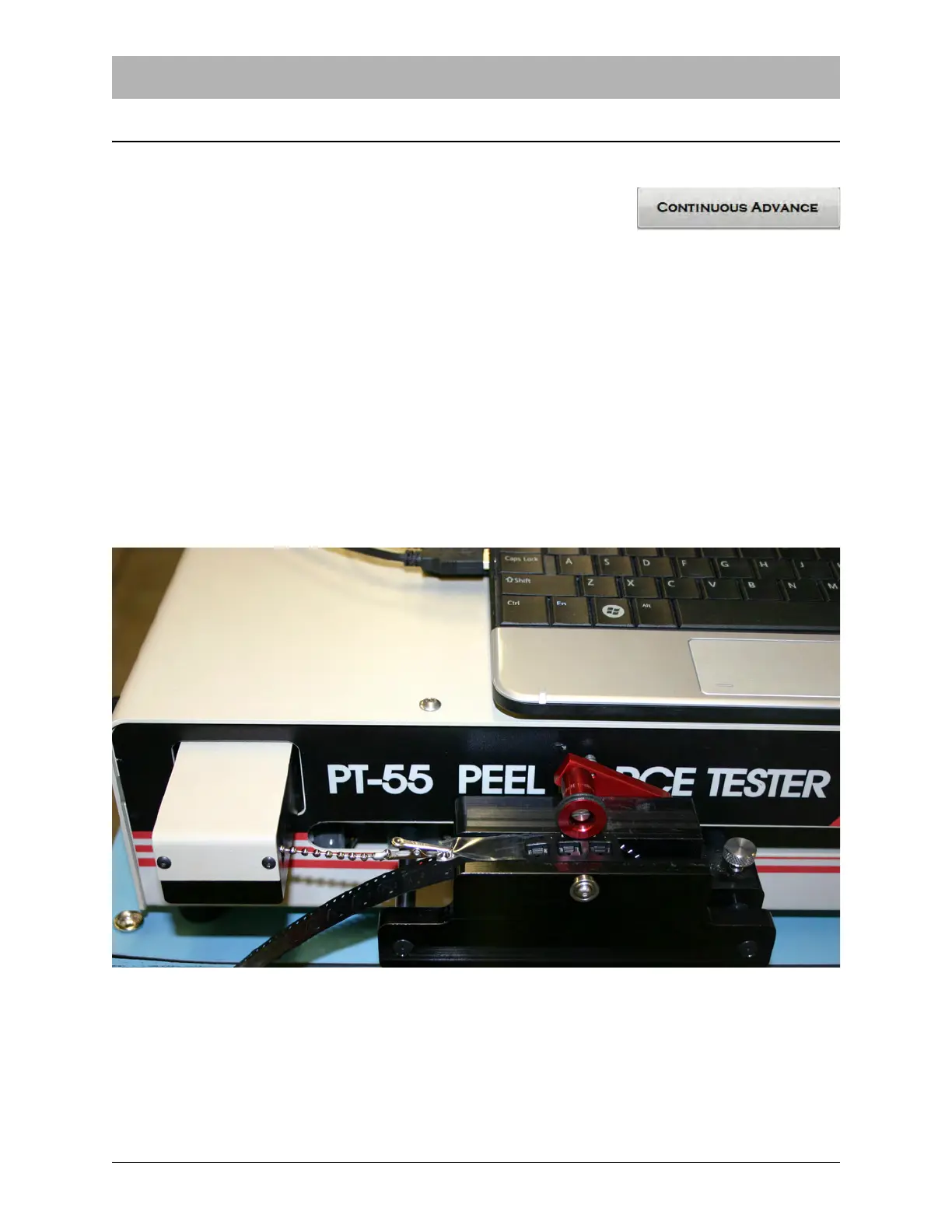
Instructions for peel force test vary from one manufacturer to another. Follow the manufacturer’s
instructions for the peel force tester selected to perform the test. A V-TEK PT-55 Peel Force Tes-
ter is pictured below.



 To Next Page