D292144.6.fm The Setup Screens
Chapter 3: Human Machine Interface 3-35
Job Setup Tab
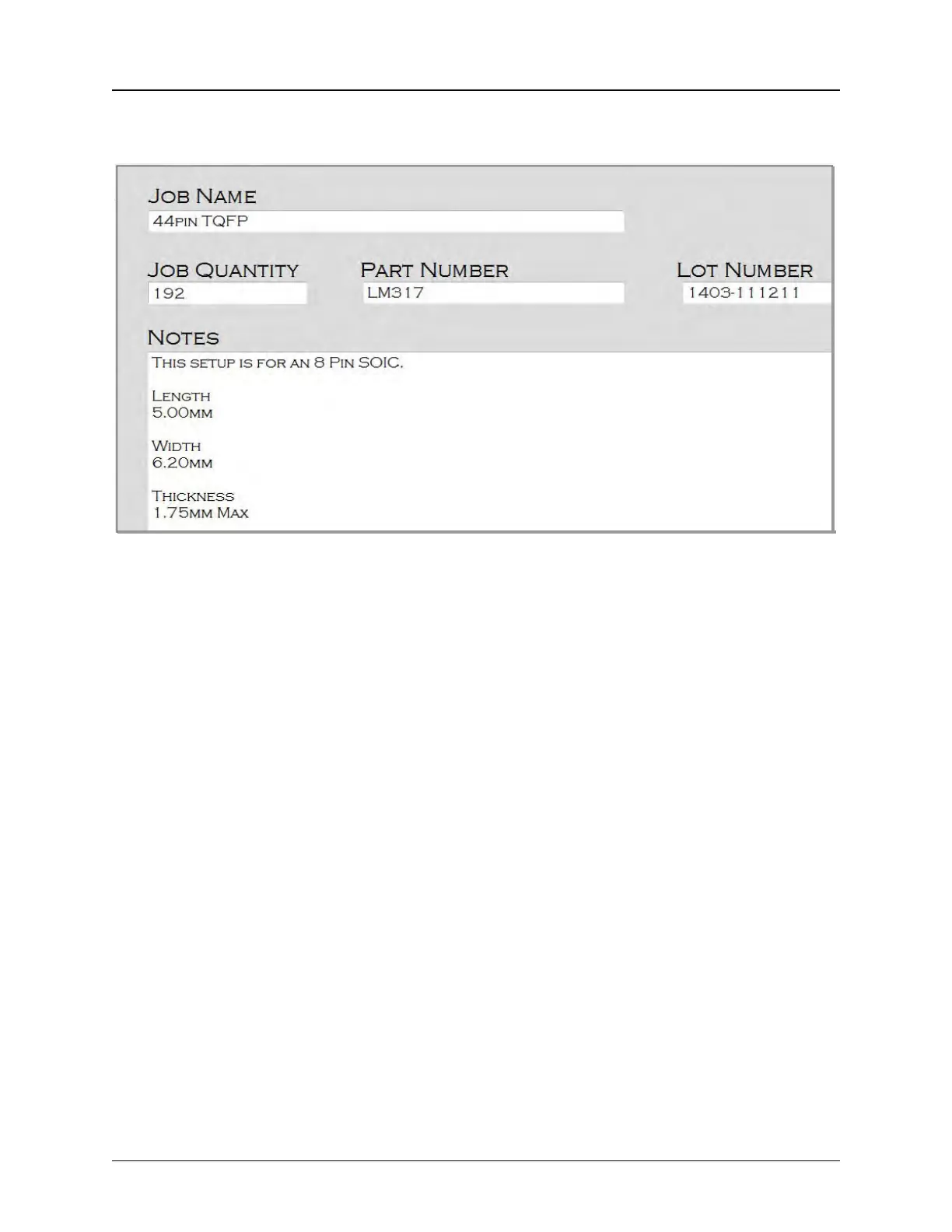
Job Information
Job Name refers to the job name that was assigned when the job was saved.
Job Quantity refers to the number of parts to be run in the job.
Part Number refers to the part number of the device that is being processed.
Lot Number refers to the unique lot number assigned to this job.
Note: Both the Job Name, Quantity and Part Number fields will default to the previous job
that was run.
The Notes field is an open text field for capturing job related notes.



 To Next Page