D292144.6.fm Menus
Chapter 3: Human Machine Interface 3-11
• If Automatic is selected, the Job Statistics
Report is automatically saved as a text file at
the end of each job. The user selects a file
name from the Save File Name drop-down
menu.
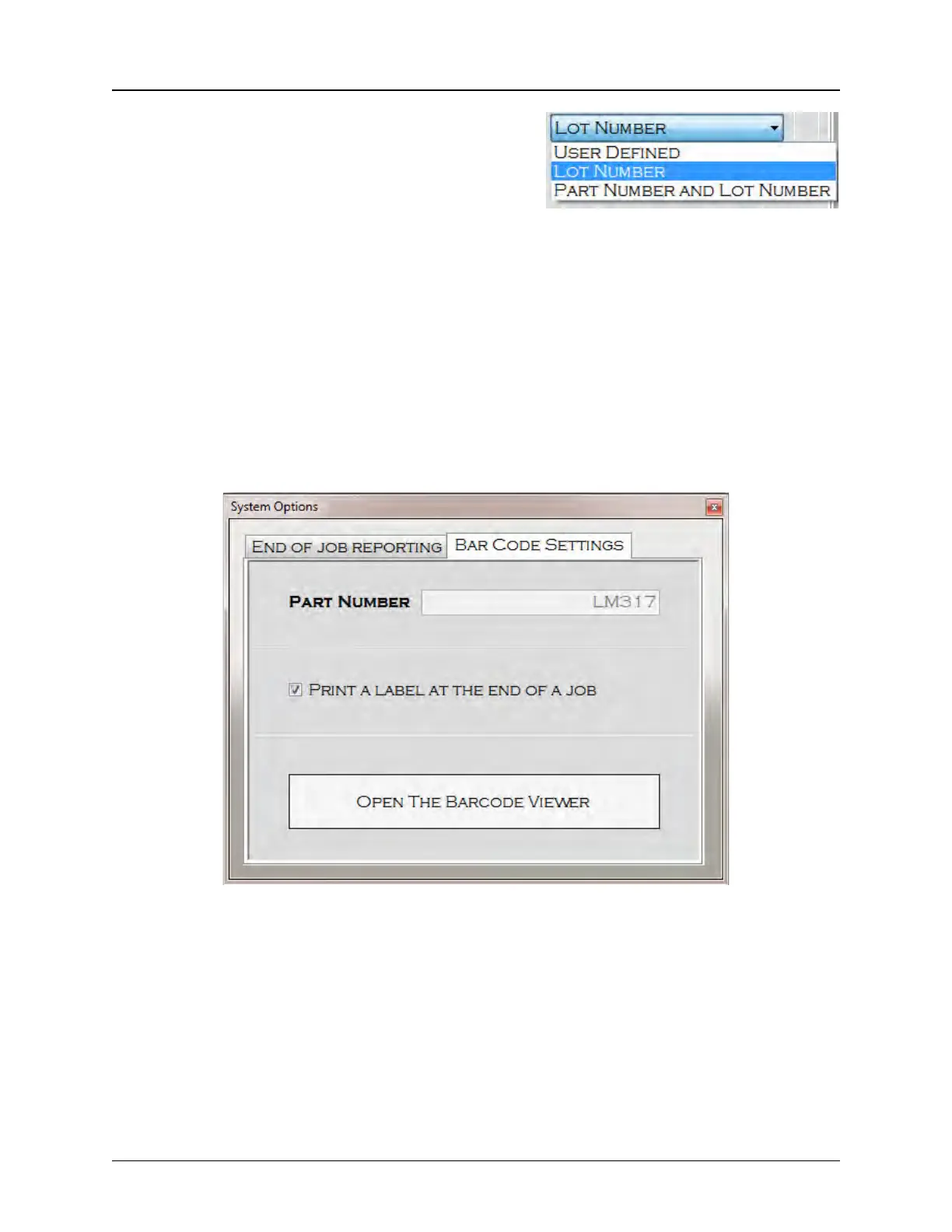
• A User Defined name is whatever text is entered in the Filename box. A Lot Number
name uses the unique lot number from the job. A Part Number and Lot Number name
uses both numbers to create a file name.
Note: To prevent overwriting saved reports, the system will automatically append a (#) to
the report name. (e.g. MyDocument (1).rtf, My Document(2).rtf)
Bar Code Settings
The Bar Code Settings Tab allows the user to print a Bar Code Label at the end of a job. Bar
Code Labels are 4” x 2” labels which can be printed on a standard printer or on a Bar Code Label
printer.
BAR CODE VIEWER



 To Next Page