D292144.6.fm Menus
Chapter 3: Human Machine Interface 3-13
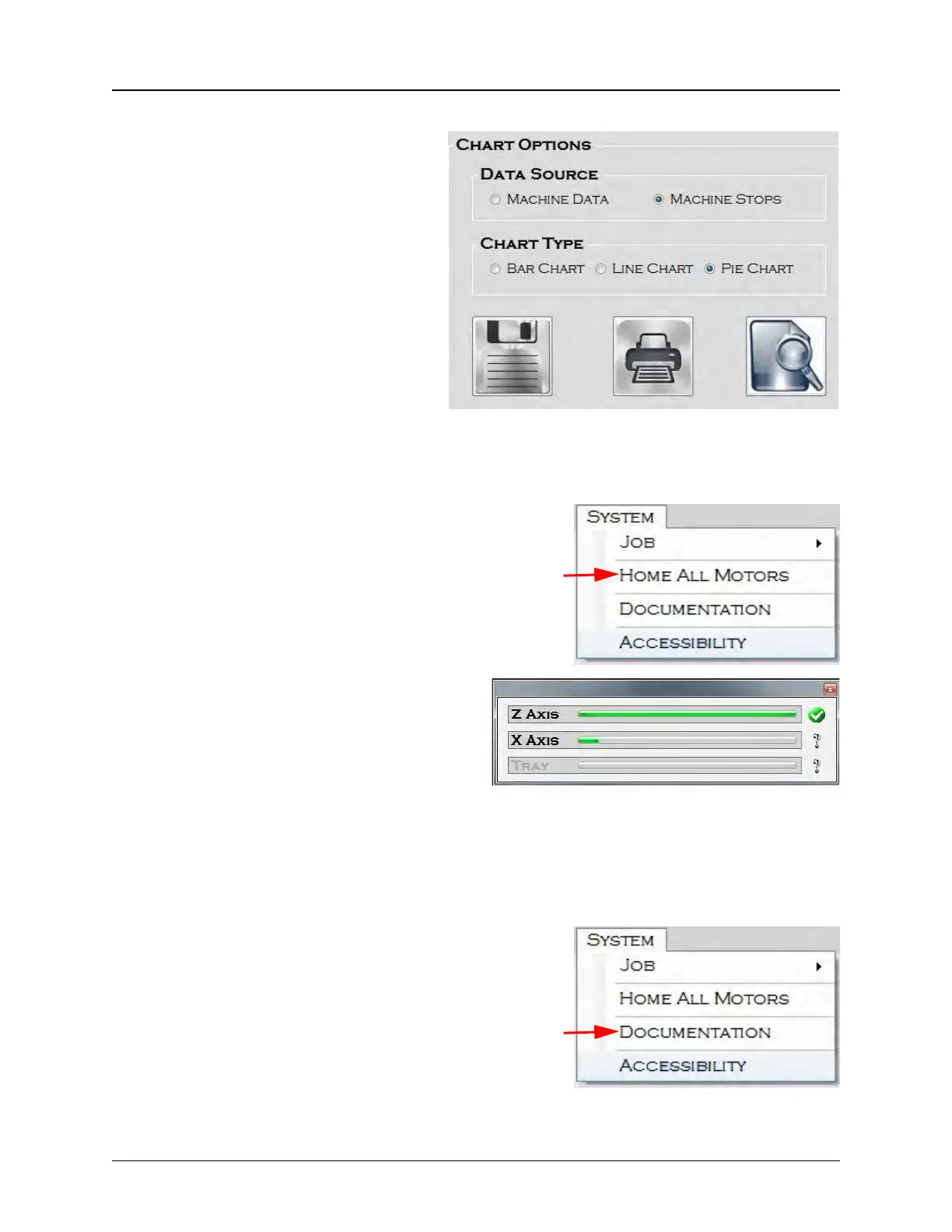
CHART OPTIONS
Data Source determines what information
is reflected in the chart. The options are
Machine Data or Machine Stops.
Note: Only the selected data in the
Job Statistics screen (with boxes
checked) will be tracked in the chart.
Chart Type determines how the chart will
be formatted. The options are Bar, Line
or Pie Charts. To Save, Print or Preview
the Chart, press the related icon in the
Chart Options section.
Home All Motors
System > Home All Motors allows the user to
home the motors. Homing motors should be
done once following every system power up.
When Home All Motors is selected, the Hom-
ing Status window will appear. In the example
below, Z Axis homing is complete and X Axis
homing is in progress.
Note: Tray homing only occurs if the
Tray Input Module has been installed.
If a different input module i installed,
the Tray Homing indicator will appear
greyed out.
Documentation
Like the System Documentation button on
the Main Screen, selecting Documentation
from the System Menu opens a directory with
PDF versions of the TM-500 User’s Guide and
other supporting materials.



 To Next Page