3-8 TM-500 User’s Guide
Menus D292144.6.fm
System Menu
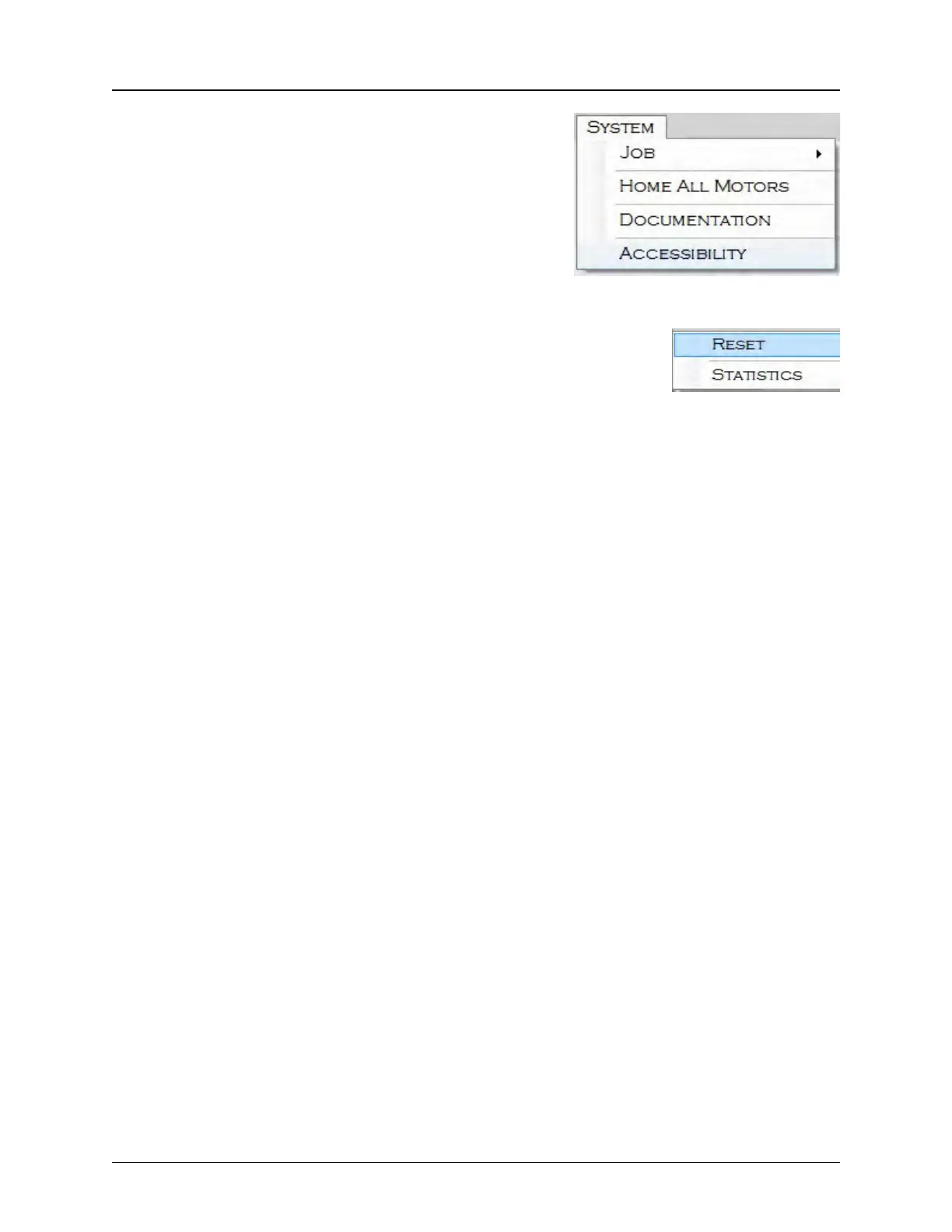
The System Menu provides access to Job Statistics,
Homing Motors and Documentation. If the operator is
logged in at the Super User level, they can also customize
Accessibility for the User and Admin levels.
Note: The System Menu will not appear if System
Menu access has been disabled by the Super
User for User Mode or Admin Mode.
Selecting Job from the System Menu allows the user to reset the current
job, view Job Statistics and configure end of job options.
Job > Reset resets all statistics to zero so the current job can be run
again. This is useful when creating multiple reels of the same job.
Job > Statistics generates a report of all system and sensor alarms triggered during a job. It
also includes completed job statistics such as the number of parts placed, parts per hour and run
time.
Job Statistics



 To Next Page