D292144.6.fm Menus
Chapter 3: Human Machine Interface 3-7
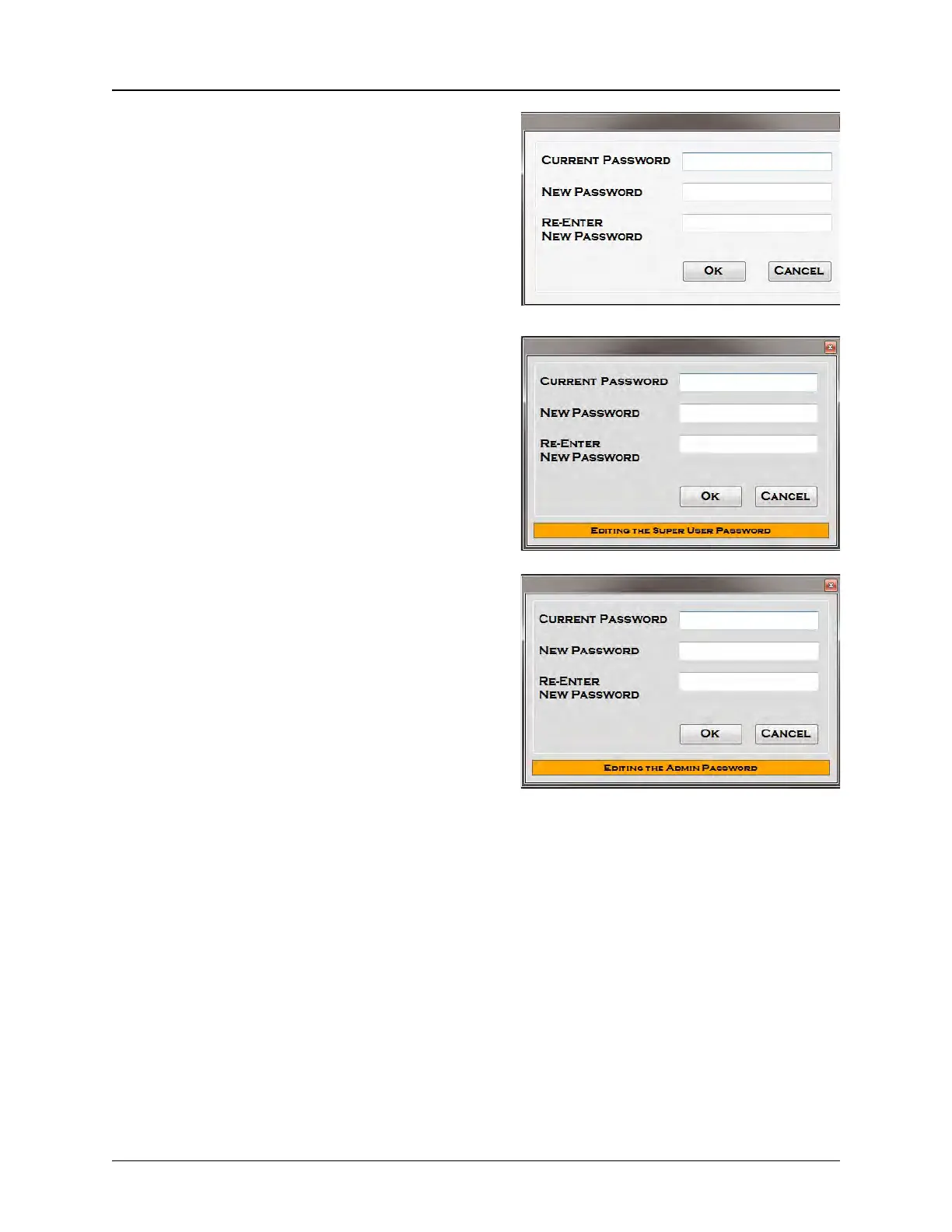
Change Password: Is used to change/update the
current user password for the Admin and Super
User access levels. The screen on the right is used
to change the Admin Password only. It can be
accessed in User and Admin Modes and .
The Super User is able to change passwords for
both the Admin level user and the Super User
level. The default Password Change Screen is the
Super User level, which is shown on the right.
To change from the Super User Password Change
Screen to the Admin Password Change Screen,
press Control + Alt + A. To change back from the
Admin Password Change Screen to the Super
User Password Change Screen, press Control +
Alt + S..
When changing passwords in the Super User
level, a message at the bottom of the Password
Change Screen indicates which level is currently
selected.
Note: Default passwords are provided on the previous page. It is the user’s responsibility
to change the defaults to a more unique, secure password at setup.



 To Next Page