3-6 TM-500 User’s Guide
Menus D292144.6.fm
Menus
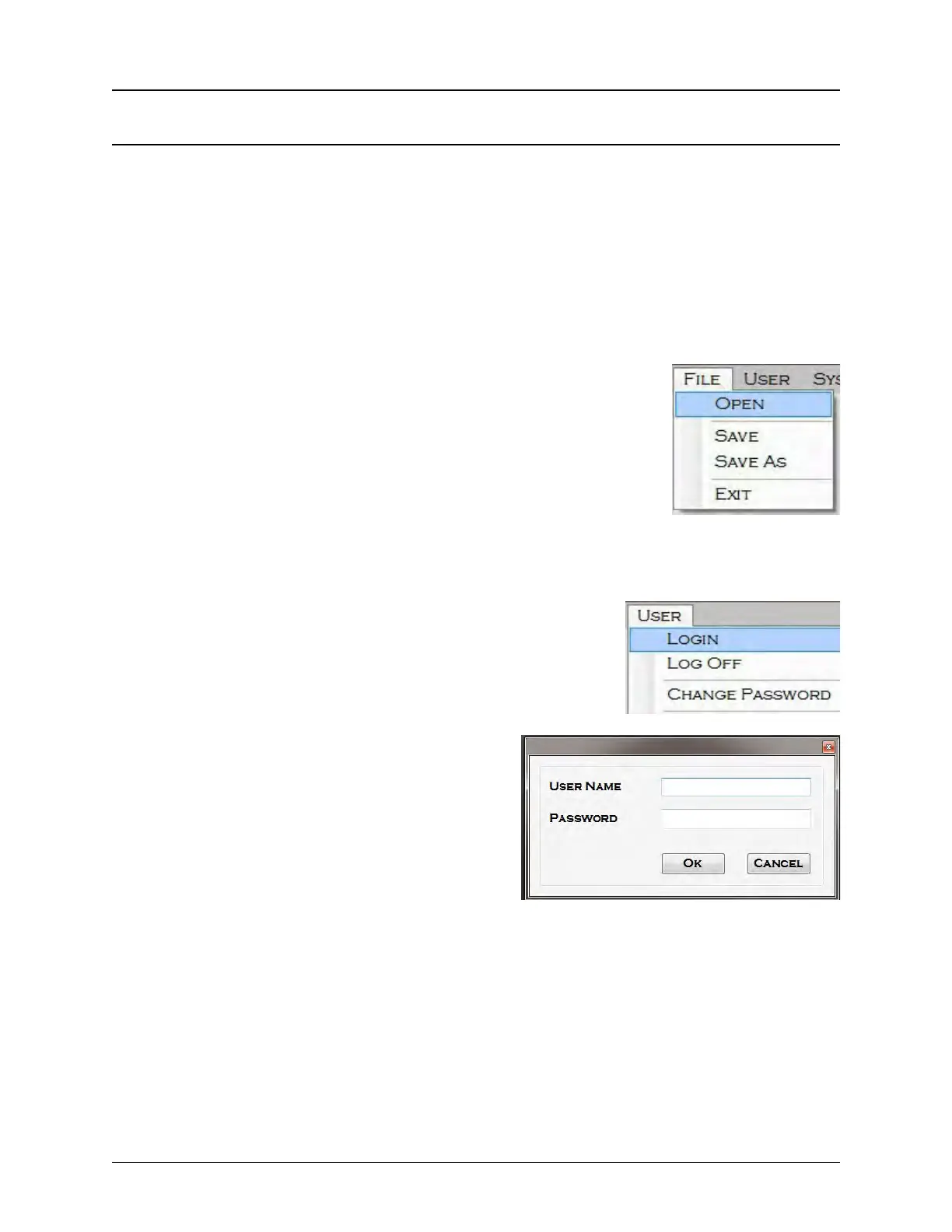
Four drop-down menus are located under the top command bar. The File Menu and User Menu
appear in every HMI screen. The System Menu and Vision Menu are available in every screen
except the Main Screen.
Note: The Vision Menu will not appear if a vision system is not installed or enabled. The
System Menu will not appear if none of the System Menu options are checked in the Sys-
tem Accessibility window’s Menus Tab for the current user. The Super User controls
these settings. See the User menu and Accessibility sections which follow for further
information.
File Menu
Open: Opens an existing job.
Save: Save changes to the current job settings.
Save As: Create a new job using the current settings.
Exit: Exit out of the TM-500 HMI.
User Menu
The User Menu allows the user to Login, Log Off and Change
Passwords for the Admin and Super User access levels.
Login: There are three access levels: Super User,
Admin and User.
• Super User has access to all settings
and menus. The Super User determines
what menus and settings the Admin and
User level have access to. This level
requires a login name and password. The
default login name is SuperUser and the
default password is PASSWORD.
• Admin access is set by the Super User. This level requires a login name and password.
The default login name is Admin and the default password is PASSWORD.
• User access is set by the Super User. Typically, User Mode is only given access to
motion controls, job quantity and start/stop job controls. This is the default mode for TM-
500 operation and does not require a login.
Log Off: Moves the HMI out of Super User Mode or Admin Mode and into User Mode.



 To Next Page