D292144.9.fm System Alarm Messages
Chapter 6: Troubleshooting 6-3
System Alarm Messages
During TM-500 operation, the operator will occasionally be prompted to fill the
Input Module with parts, empty the Reject Bin, load or unload the Output Module or
check an Inspection fail.
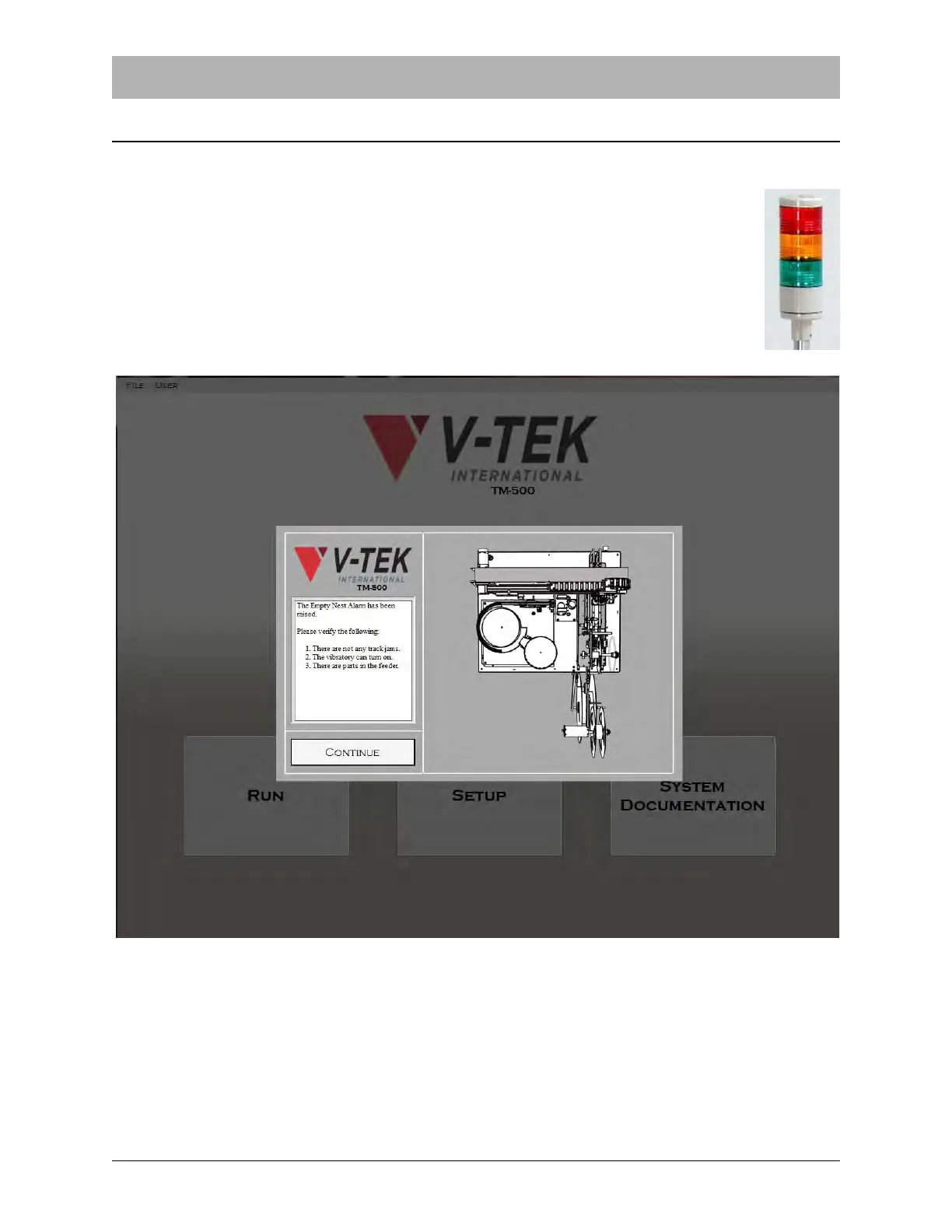
When the TM-500 requires attention it will automatically stop. A beep will sound
and the Tower Light will turn flashing red to draw the operator’s attention.
On the HMI, a System Alarm Message will appear.
System Alarms are triggered for several reasons. When the TM-500’s sensors detect an error sit-
uation such as Low Cover Tape or an Empty Nest, the System Alarm Message alerts the user to
the error. System Alarms will also appear if the TM-500 needs to be adjusted before operation
can begin. For example, if an E-Stop button is depressed preventing operation, the System
Alarm alerts the user so the situation can be resolved and operation can begin.



 To Next Page